
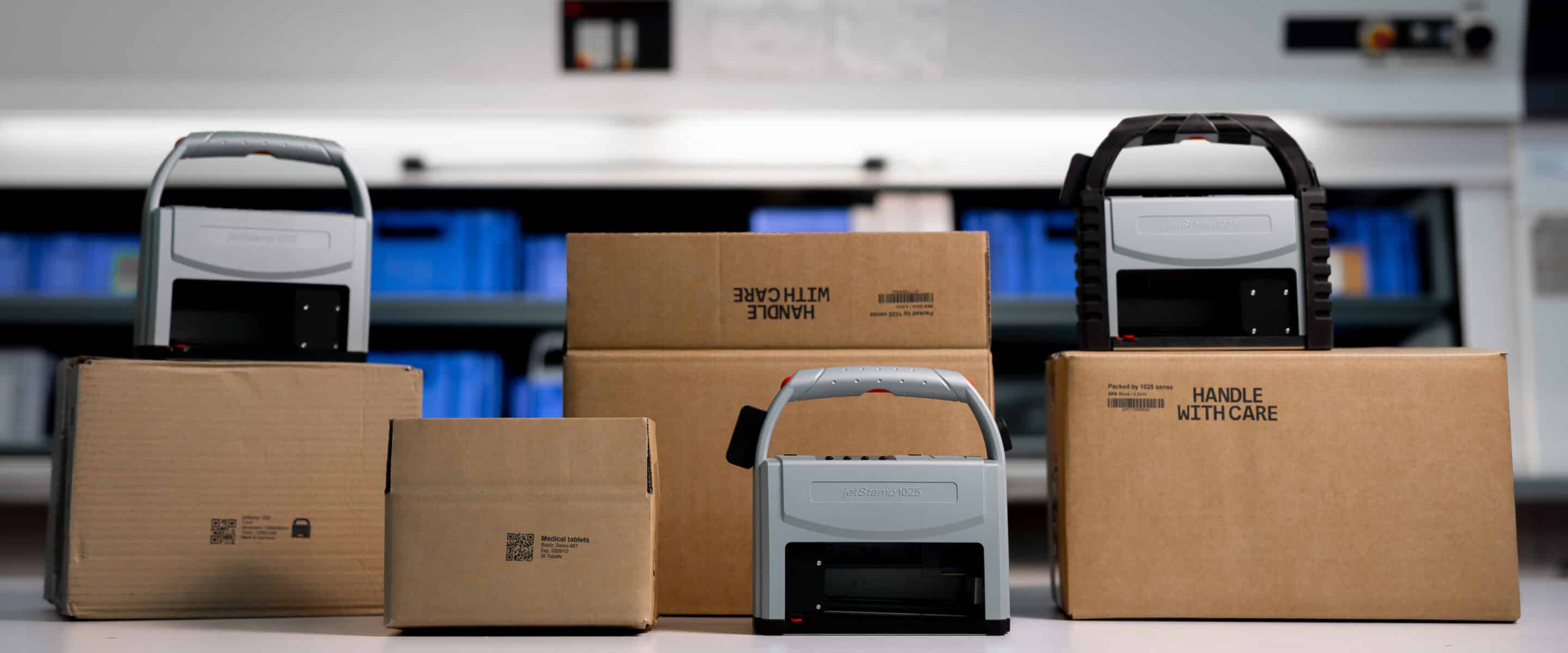
What is the difference - and which device is the right one?
Anyone involved in mobile direct marking will sooner or later come across two devices that look almost identical: the jetStamp® 1025 and the jetStamp® 1025 sense.
At first glance, there is hardly any difference between them - and this is precisely what often causes confusion in practice.
In this article we clarify, where the real difference lies, what both devices have in common and Which model makes sense for which applications.
What both devices have in common
First the most important thing:
The jetStamp® 1025 and the jetStamp® 1025 sense are based on the same device.
Both devices are:
- 100 % for mobile use
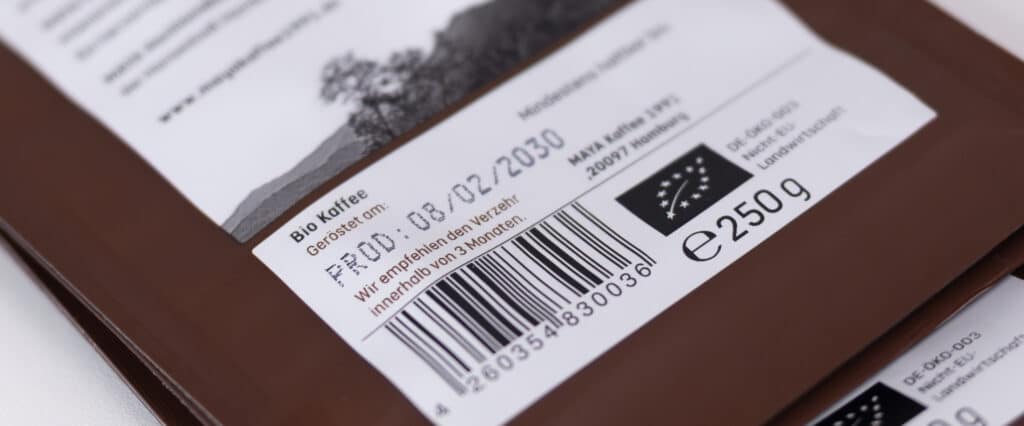
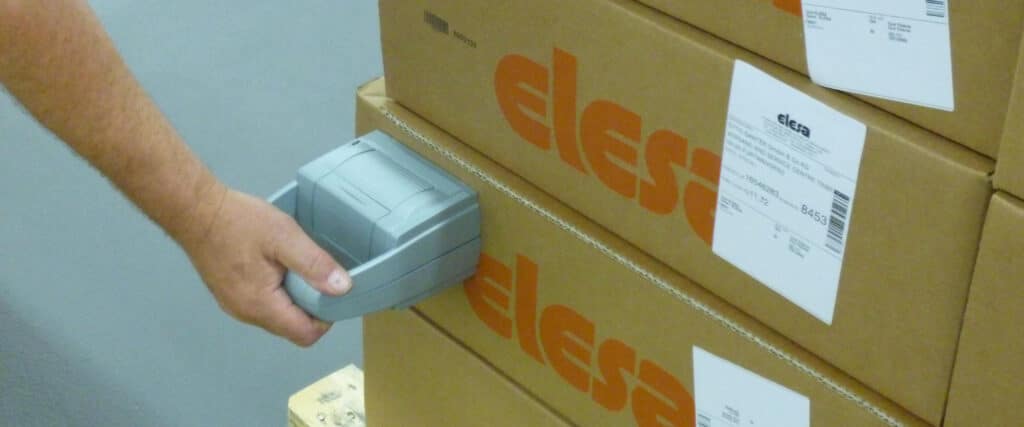
- Designed for direct printing without a label
- per Press button operable
- Can be used without fixed installation or PC
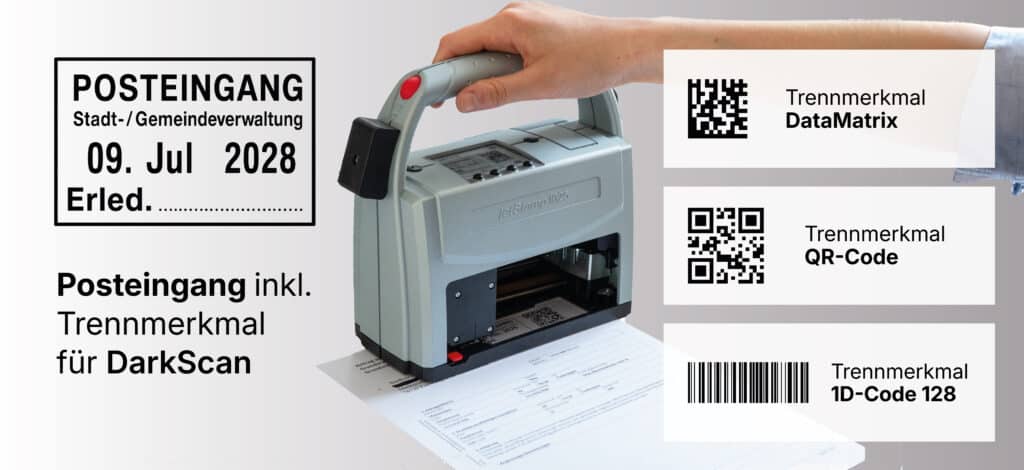
- Suitable for texts, barcodes, numbers, date and time
- with large imprint area up to 85 × 25 mm (optional 2″)
👉 The printing process itself is identical for both:
Printing is always deliberate and controlled at the touch of a button.
The crucial difference: Where does the data come from?
The difference between 1025 and 1025 sense is not in print, but in data acquisition before printing.
jetStamp® 1025 - classic mobile marking
With the standard model, all content is defined in advance:
- texts
- Barcodes
- consecutive numbers
- Date and time
The user selects a print image and triggers the print at the touch of a button.
The jetStamp® 1025 is therefore ideal for Recurring markings, changing locations and manual processes.
Typical applications:
- Shipping and logistics labeling
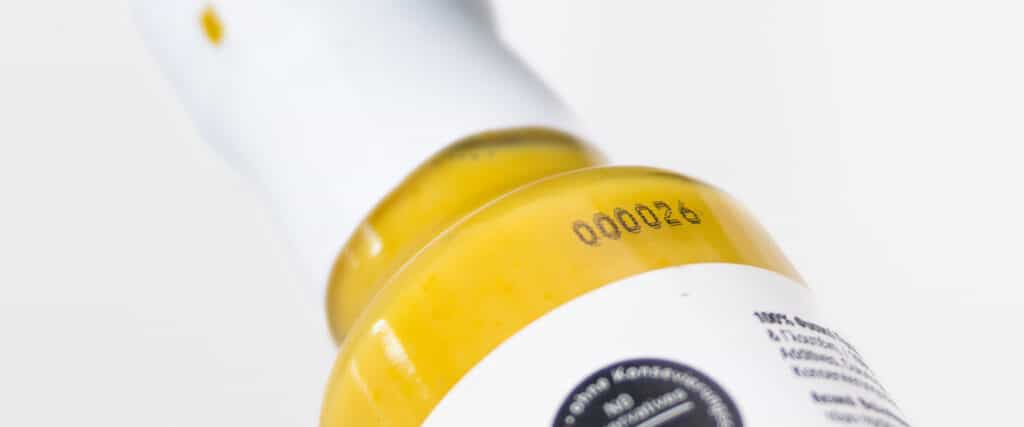
- Product and packaging printing
- Serial numbers, batches, dates
jetStamp® 1025 sense - Marking plus data acquisition
The jetStamp® 1025 sense goes one step further.
It extends the device with a Integrated sensor interface, about the external data can be recorded - e.g:
- Scanned barcodes
- Measured values
- External signals
This data is before printing recorded, transferred and then at the touch of a button issued.
Important here:
The sensor does not trigger the pressure - it supplies the data.
The operator retains control of the printing process at all times.
Why this is important
In many industrial processes, it is not enough to simply use a predefined print image.
Often concrete, real data be documented:
- a scanned code
- a measured value
- a test result
The jetStamp® 1025 sense makes exactly that possible directly at the place of origin, without:
- PC
- Software detours
- Manual transfer
- Subsequent documentation
This makes it particularly interesting for:
- Quality assurance
- Incoming goods and inspection processes
- Measurement and control tasks
- Applications requiring documentation
Why you can't „see“ the difference“
A common problem:
The difference between 1025 and 1025 sense is Visually barely recognizable.
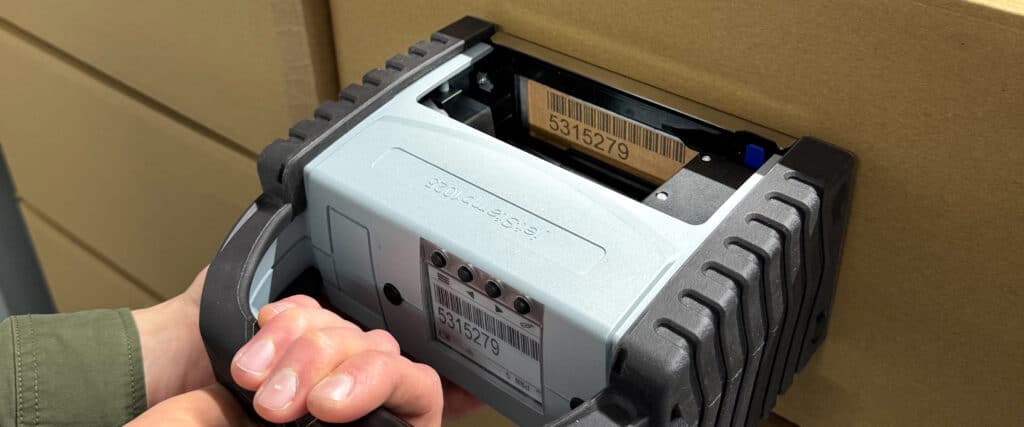
Apart from the Sensor connections on the right-hand side of the device both devices look almost the same.
The added value of sense is not reflected in the design, but in the in the process.
👉 That's why the jetStamp® 1025 sense cannot be explained by a product photo, but only by a photo:
- Application scenarios
- Data flow
- concrete use cases
Briefly summarized
| jetStamp® 1025 | jetStamp® 1025 sense |
|---|---|
| Manual data entry | External data acquisition |
| Predefined content | Sensor-based content |
| Print at the touch of a button | Print at the touch of a button |
| Labeling | Labeling + documentation |
| Stand-alone | Expandable with sensors |
Conclusion: Which device is the right one?
- jetStamp® 1025
→ When labels need to be created flexibly, mobile and manually. - jetStamp® 1025 sense
→ If additionally real data recorded and directly documented have to be made.
Both devices are mobile direct printing solutions -
The sense is not a substitute, but a Functional extension for more demanding processes.



 German
  English
  French
  Spanish