
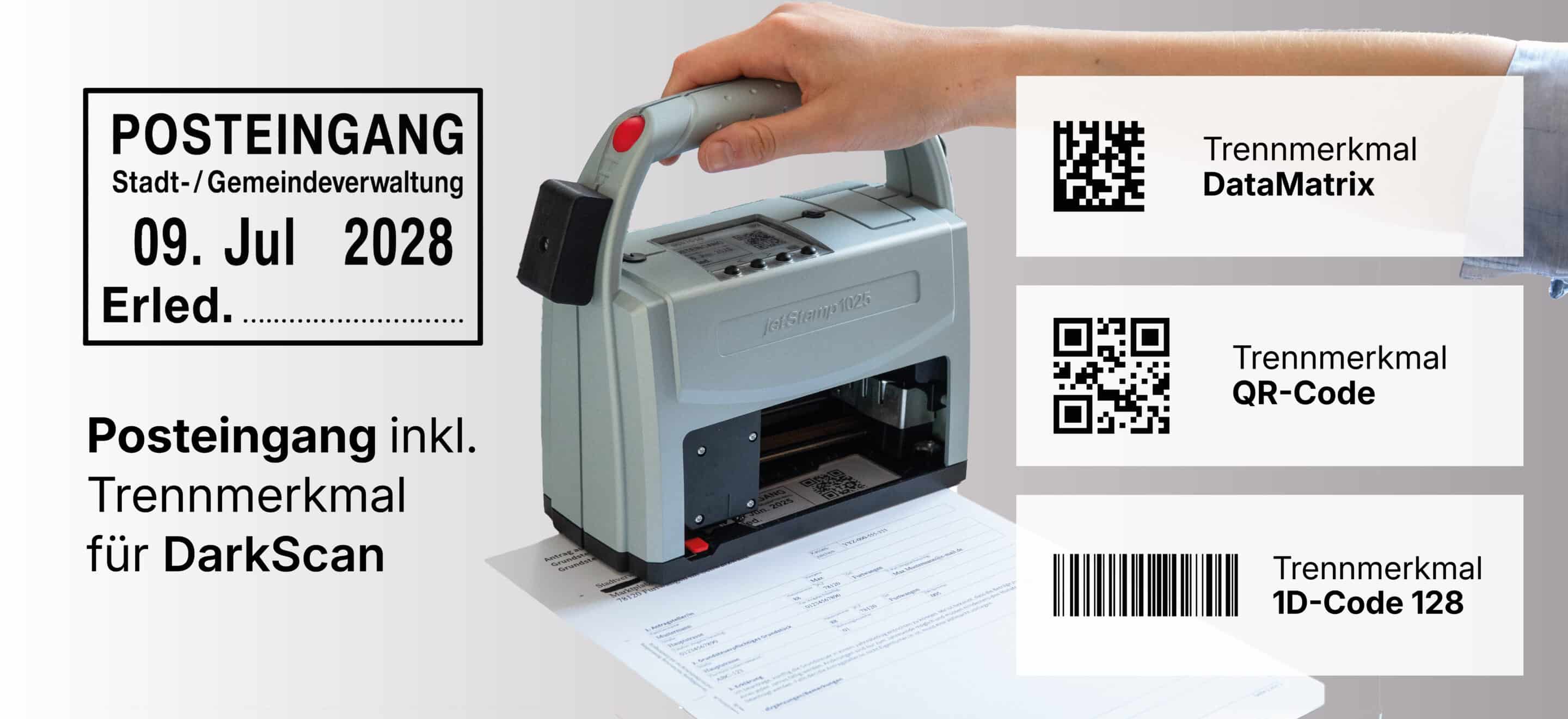
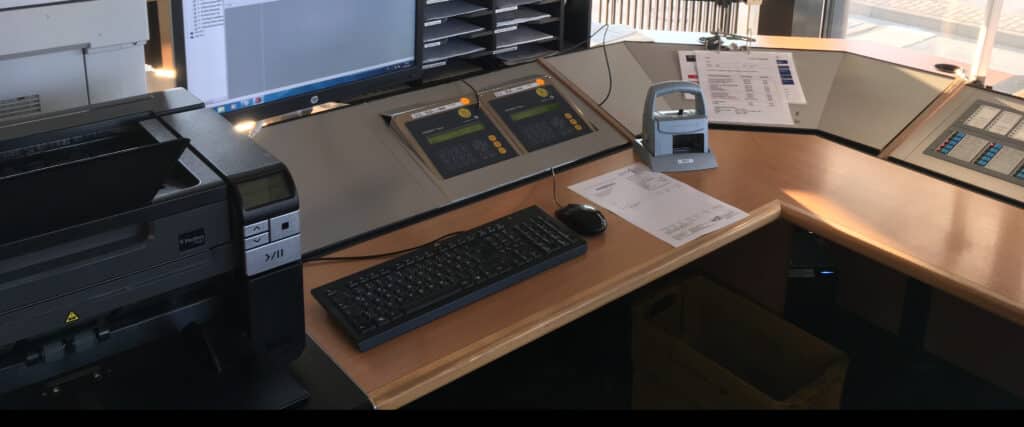
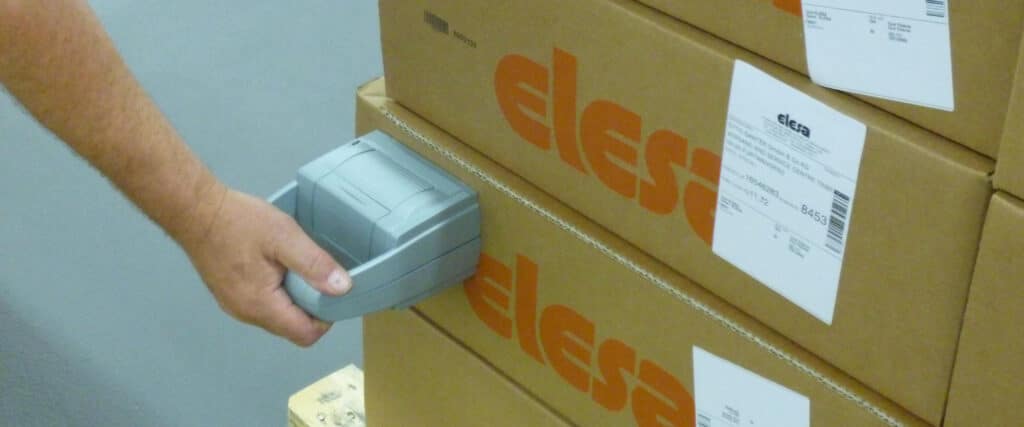
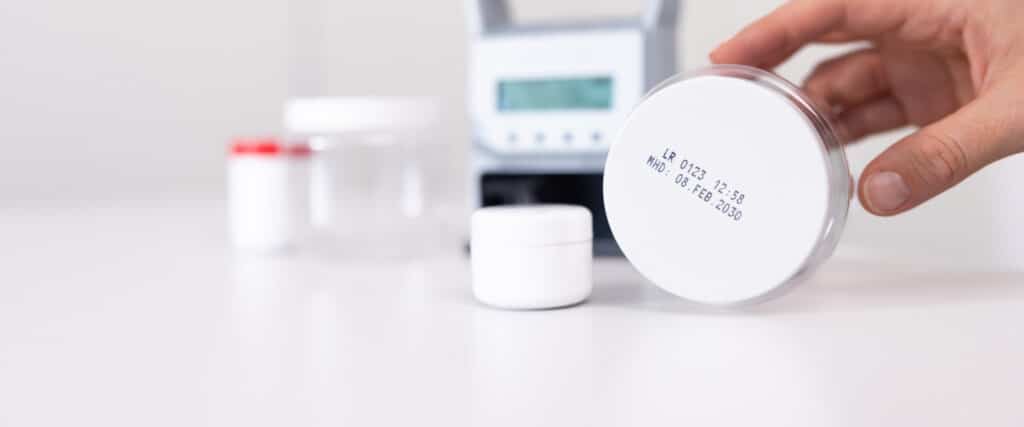
Paper-based processes in the incoming mail department can be labeled easily, cleanly, and reliably using REINER mobile direct-printing devices. The date, time, text, and barcode are printed directly onto the document—serving as both a traditional incoming mail stamp and an electronically readable identifier for digital processing.
Does this sound familiar to you?
In the incoming mail system and the internal document management system, information must be labeled quickly, clearly, and in a traceable manner. Whether it’s an incoming mail stamp or a classification code for digital archiving—the labeling must be flexible, accurate, and reliable.
Typical requirements:
- Inbox stamp with date and time
- Assignment to departments or processors
- Labeling with separator (1D or 2D barcode)
- Fast marking
- Document-proof labeling
- Compliance with auditing and legal requirements
Typical challenges:
- Manual stamping processes are inflexible in terms of content
- Pre-printed labels and divider pages create additional work
- Labels take up space in files and folders
- The use of labels, backing material, and additional paper increases material consumption
- You can forget about manually changing the date
- The use of multiple manual stamps makes it difficult to standardize processes
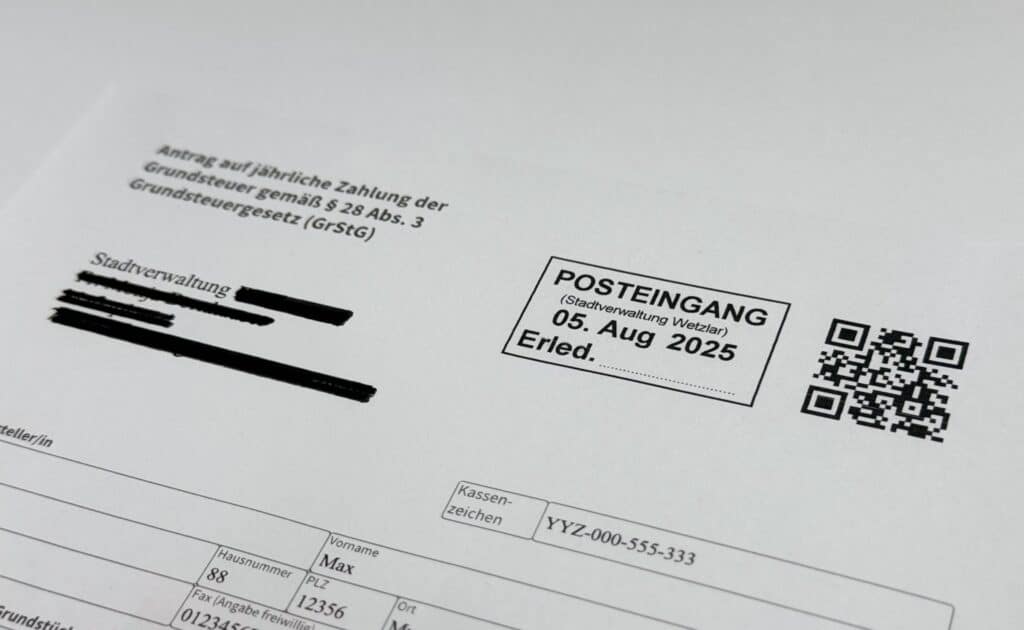
One copy. All the information.
With REINER, there’s no need for stickers, divider sheets, or multiple manual stamps. This saves time, reduces the use of supplies, and supports more efficient workflows in the mailroom, scanning station, and document management.
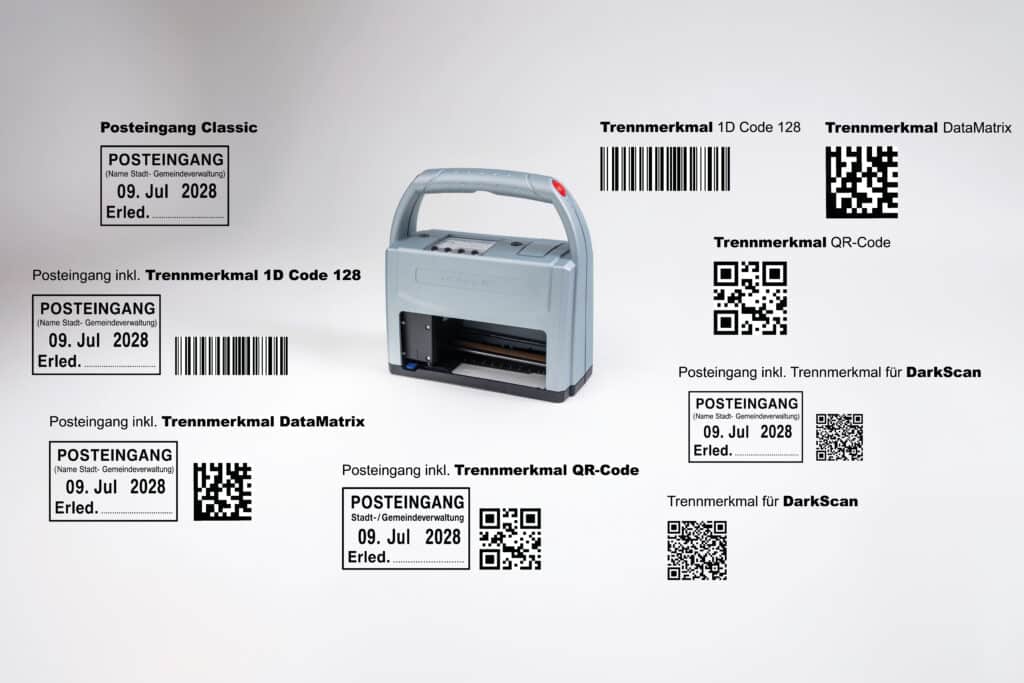
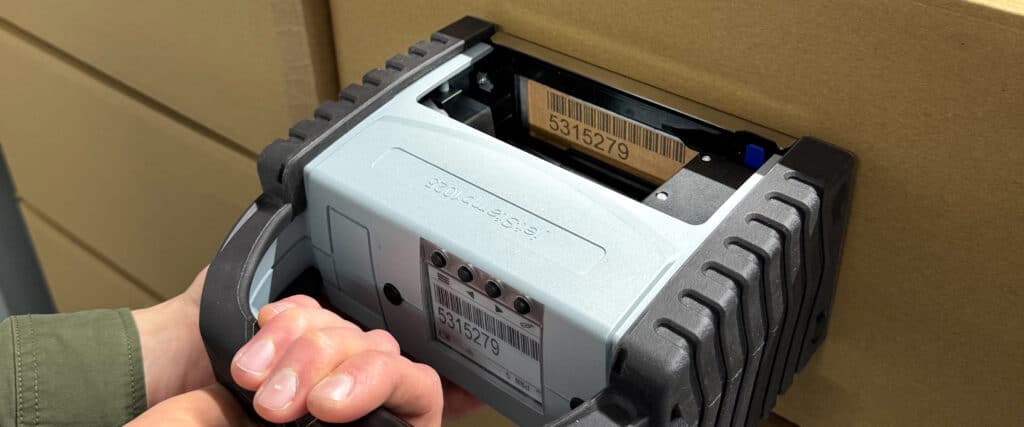
The date, time, text, or department information is printed directly on the document. In addition to the incoming mail notation, a barcode is printed that can be used for digital processing at the scanning station. This transforms the traditional incoming mail stamp into a digitally readable identifier for your further processing.
It's that simple
1. Select a print image
For example, „Inbox,“ „Scanning Station,“ or a specific department.
2. Print the document
The print is made directly onto paper—without a label or a separator sheet.
3. Further Processing
The barcode can be used for digital classification or separation during the scanning process.
Why direct printing instead of labels or hand stamps?
With mobile direct printing, you can mark incoming mail documents - without a manual stamp carousel, stamp pads, labels or separator pages. The electronic control system increases process reliability and ensures that no date changes are forgotten.
| Classic solution | REINER direct printing |
|---|---|
| separate hand stamp required | A device for date, time, text, and barcodes |
| Labels or divider pages required | Receipt stamp directly on the document |
| Additional use of materials | Barcode as a Delimiter for Scanning Processes |
| fixed stamp clichés | Flexibly customizable print content |
| Limited flexibility when content changes | Stored print images for various departments or applications |
| more space required in the folder or archive | Leaf thickness is not affected |
Technical Features – Why It's Worth Making the Switch
- Clear, high-contrast prints on paper
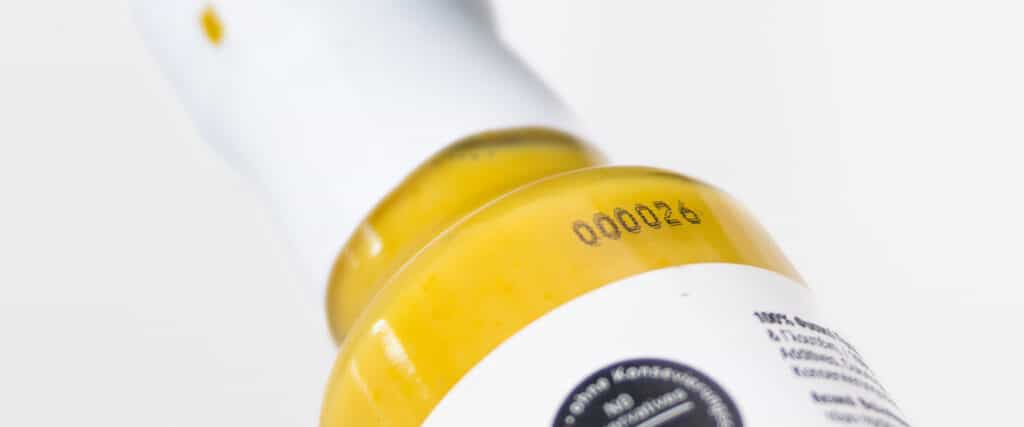
- variable data such as date, time, sequential number, and barcode as a separator
- Standalone system, with optional integration into existing systems
- Certified document-proof ink
- Support for requirements in accordance with BSI TR-Resiscan 03138
- Darkscan for Automatic Forwarding
- High ink cartridge range
- Mobile app used directly at the workplace or at the scanning station
Download the PDF for free
Get the information on this page in a clear, easy-to-read PDF—perfect for saving, printing, or sharing.


 German
  English
  French
  Spanish