
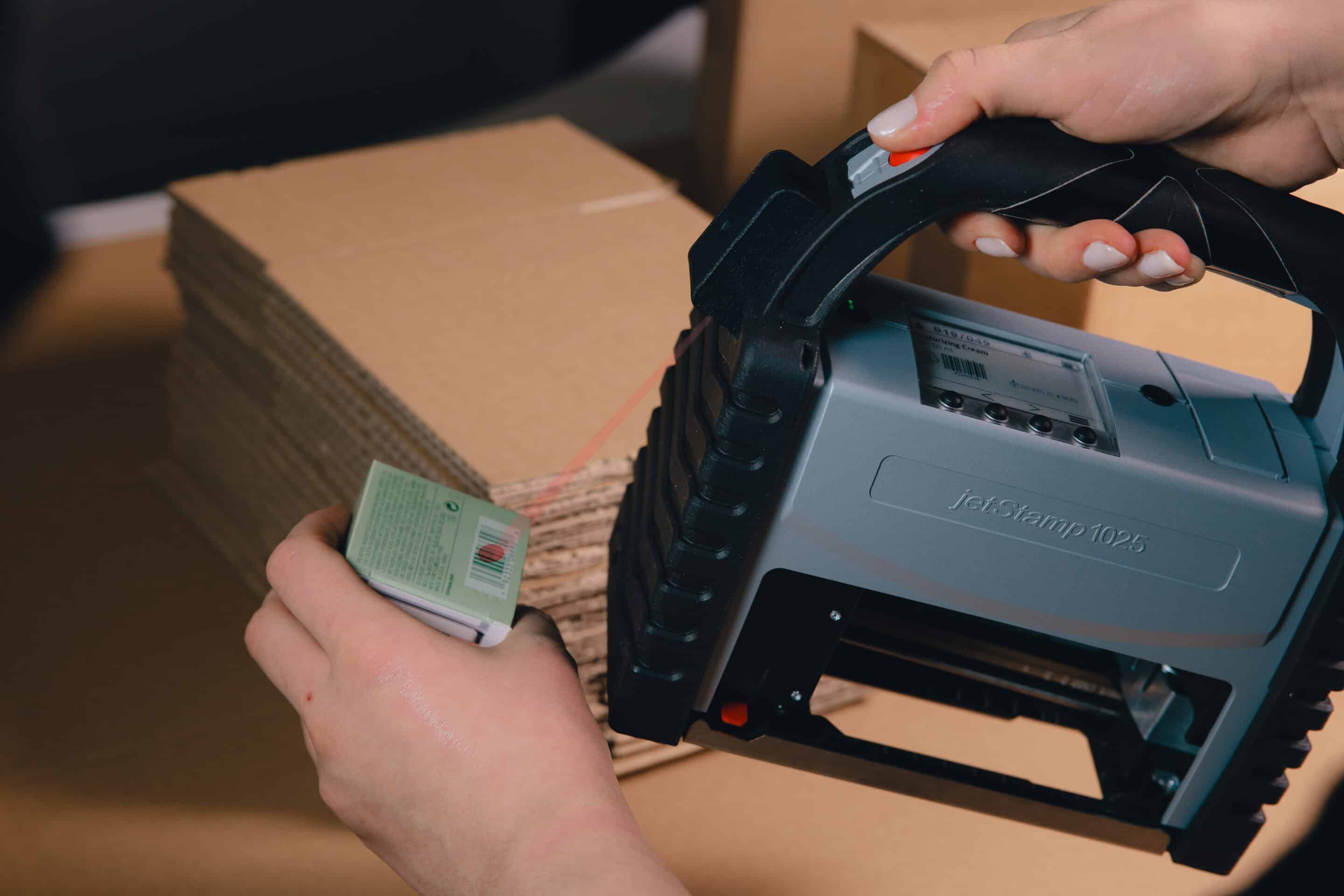
jetStamp® 1025 sense with Barcode Scanner
Scan, process, and print barcodes directly
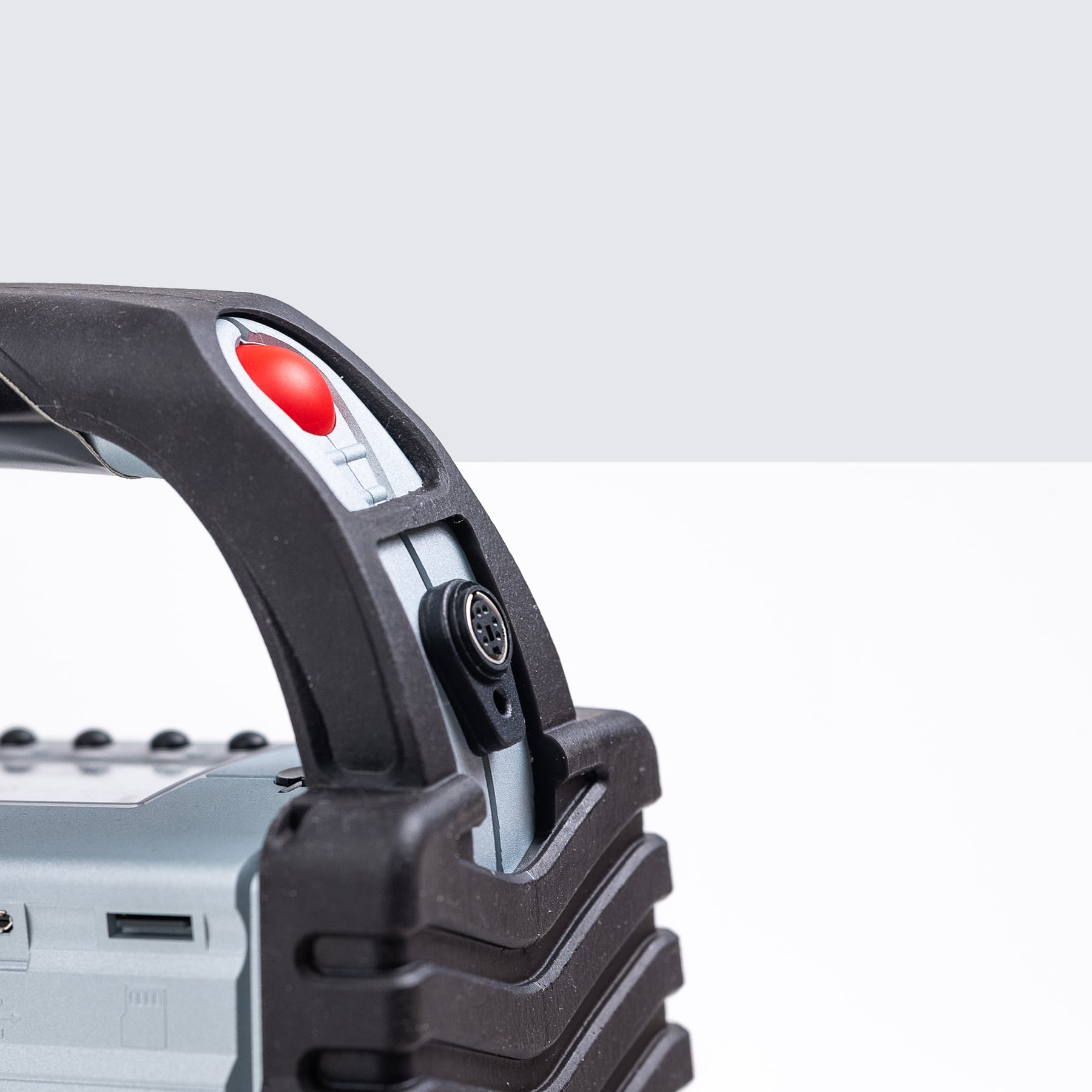
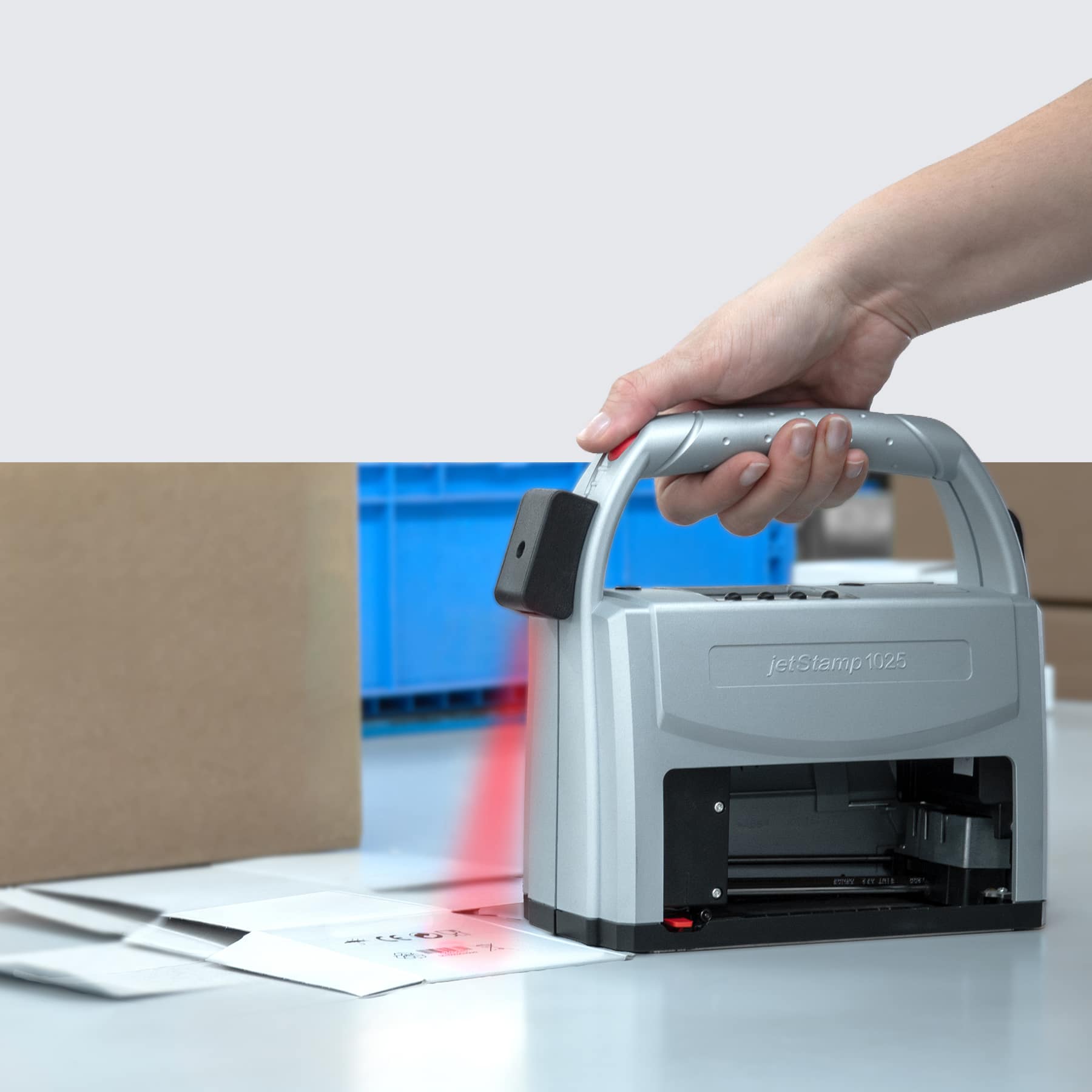
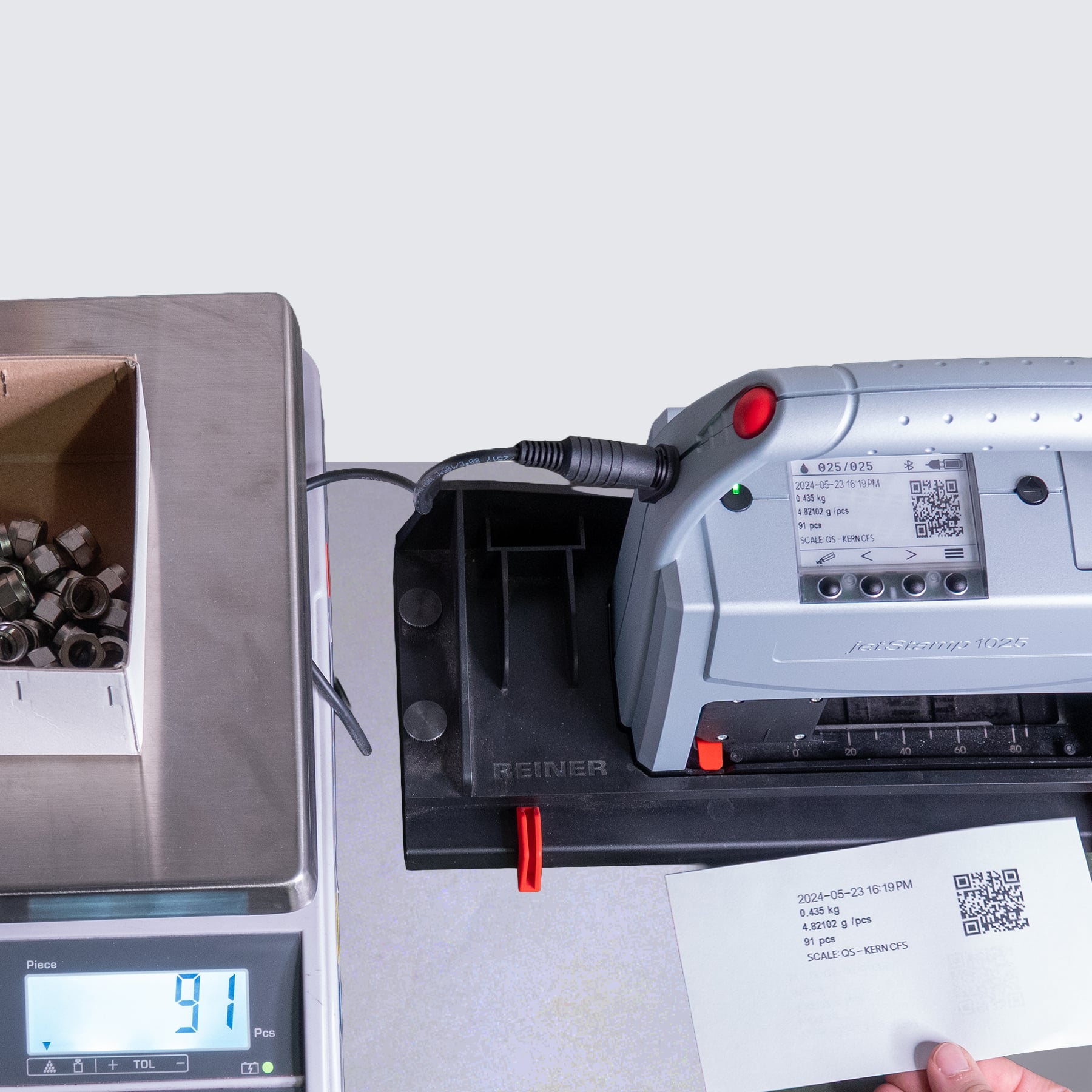
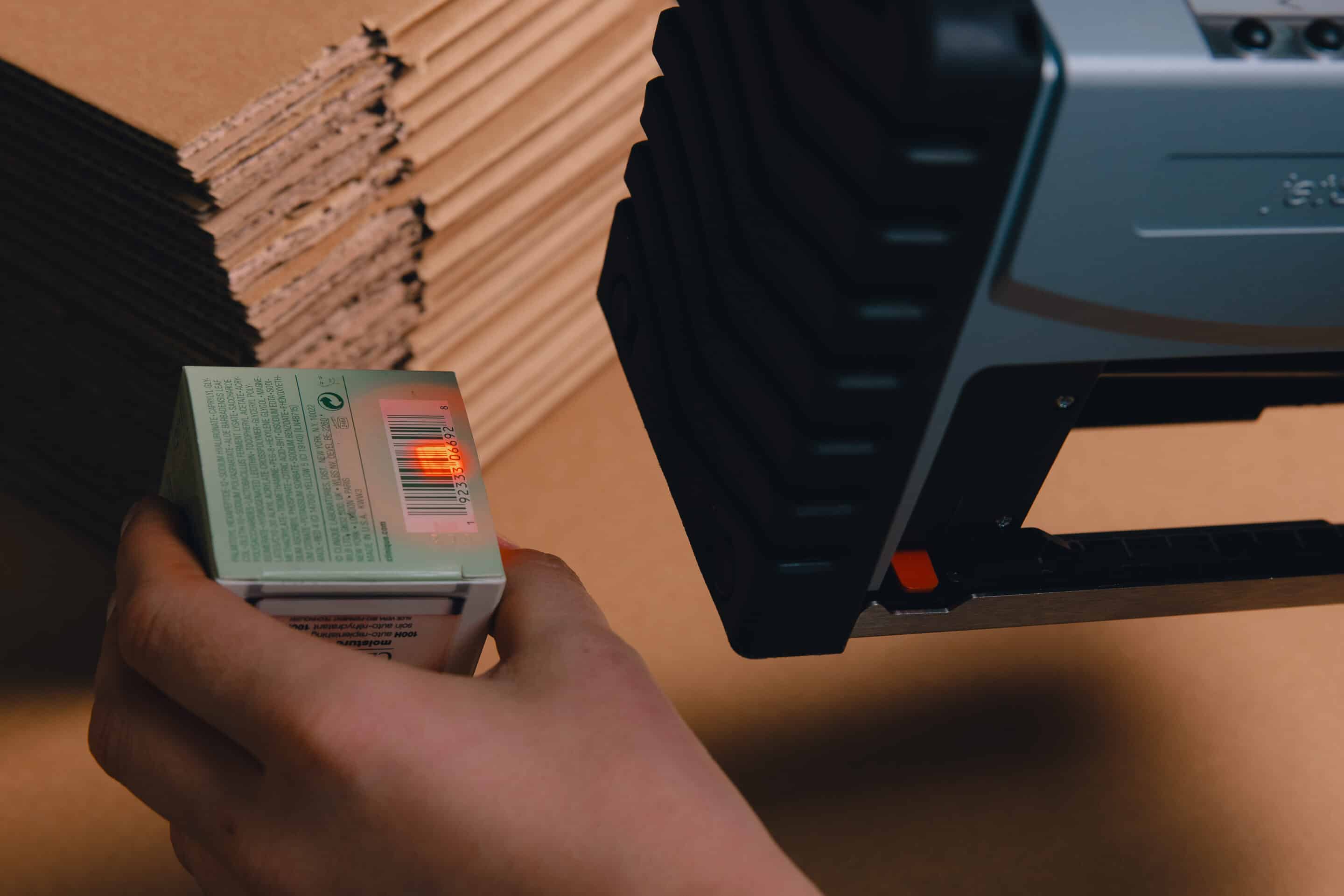
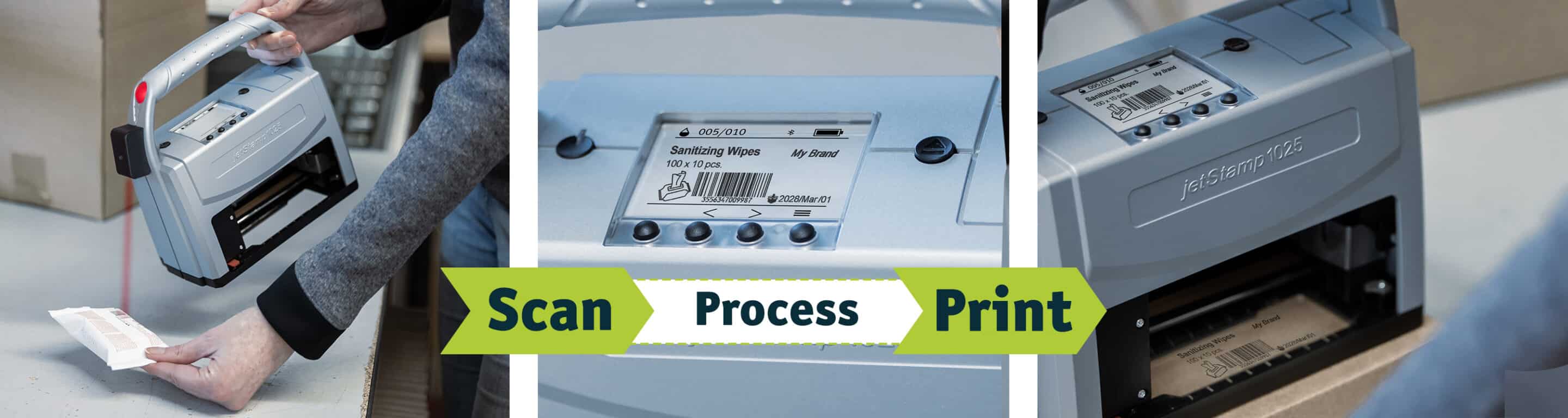
The jetStamp® 1025 sense with a barcode scanner combines mobile marking with the direct processing of scanned data. 1D and 2D barcodes are scanned, and the information they contain is used directly for the next print job – without having to re-enter the data manually.
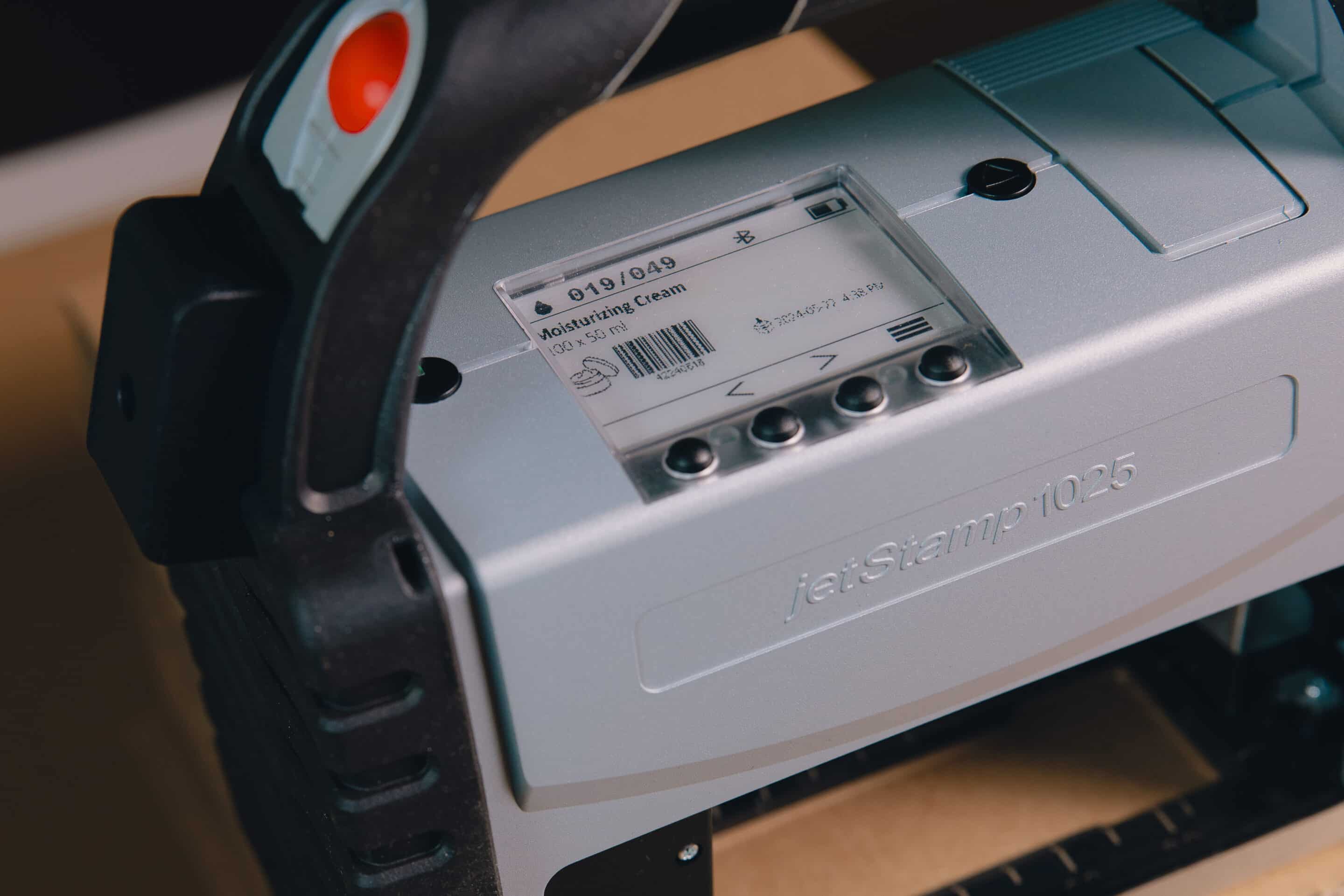
Depending on the application, scanned data can be import, convert, combine, or output as plain text. A barcode can also be used to select the appropriate print image. This enables fast, secure, and traceable scan-and-print processes in production, logistics, and quality assurance.
Technical highlights
special feature
Scan-Based Labeling & Data Processing
Barcode Scanning
1D & 2D codes with an optional barcode scanner
Data Processing
Import, Convert, Combine, and Export Data
Print Layout Selection
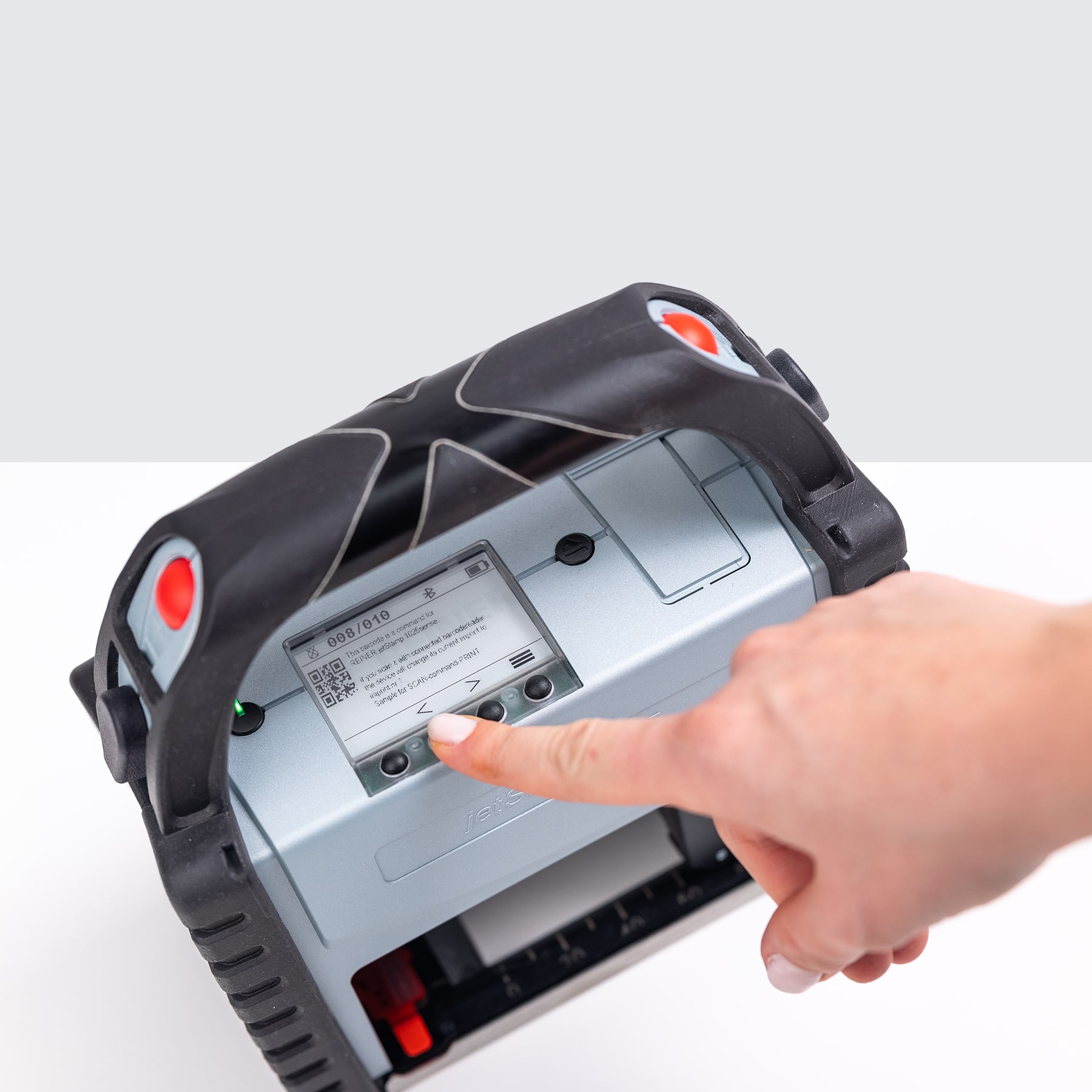
Select saved print images using a barcode or the buttons
Additional connection options
V24 / RS232 for Importing External Data
Impression size
Up to 85 × 26 mm; up to 85 × 52 mm with accessories
Test marks & standards

CE certification
UKCA labeling
FCC conformity
GS1 competence
EPAL-compliant
GS-tested safety




Scan barcodes
Scan 1D and 2D codes directly with the connected scanner.
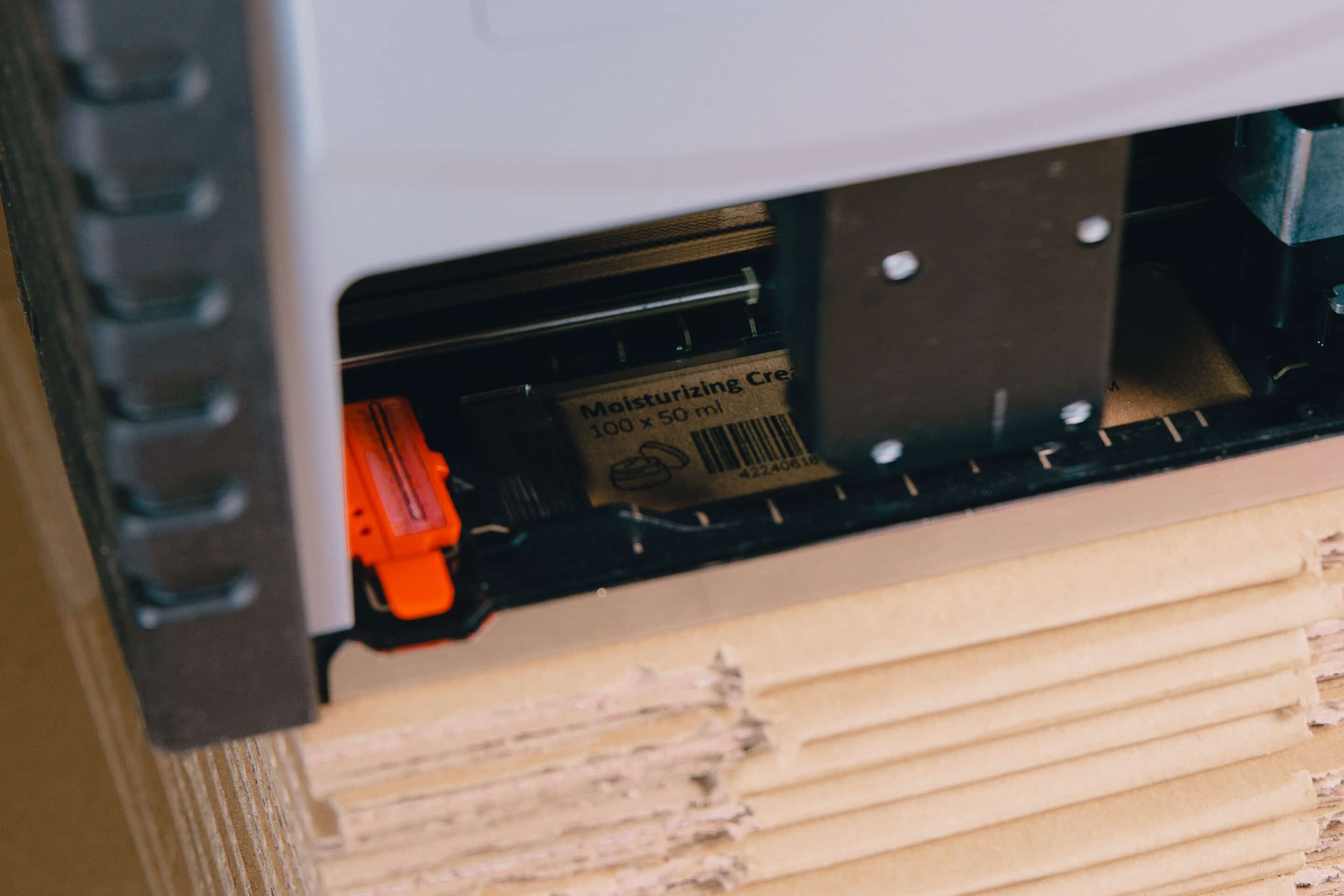
Import Data Directly
Use scanned information for the printout without having to re-enter it manually.
Processing Data
Convert, combine, or output scan data as plain text.
Select a print image from a scan
Automatically retrieve the correct print image using a barcode.
Large impression surface
Up to 85 × 26 mm, expandable to 85 × 52 mm.
Your advantages in everyday production
Key Features
It's that simple
jetStamp® 1025 sense with Barcode Scanner in use
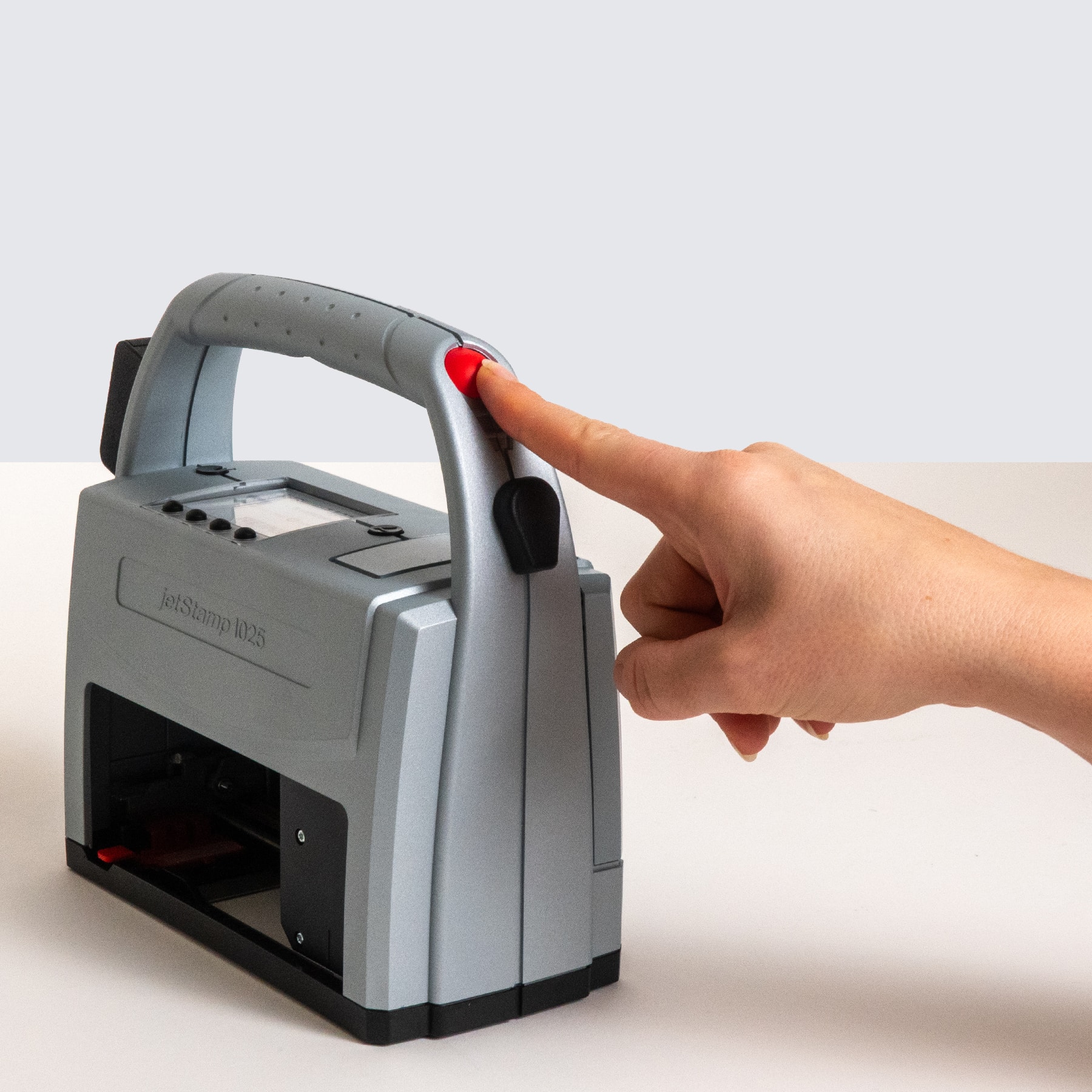
From digital print image to clean imprint in just a few simple steps: the application is intuitive, quick to set up and ready for immediate use - ideal for flexible marking on a wide variety of surfaces.
The jetStamp® 1025 sense with Barcode Scanner offers a range of unique features that we will be happy to advise you on personally. Find out more about the comprehensive Reiner service package - you are never alone with us.
1
EPAL certified: meets international requirements
2
GS1- & EPAL-ready for global goods traffic
3
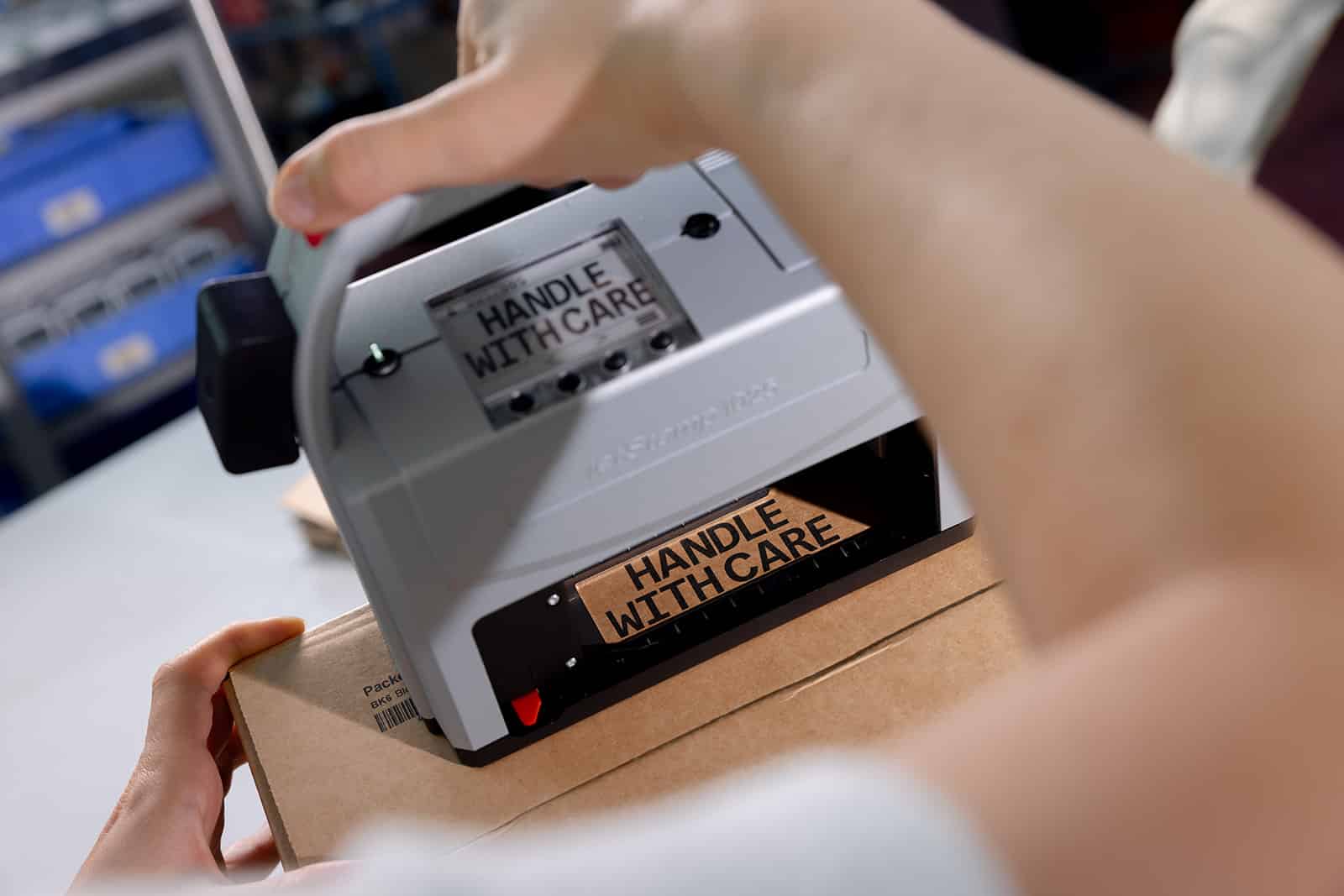
Direct printing without labels or backing material
4
Smudge-proof & robust - even during storage & transportation
Application examples
jetStamp® 1025 sense with Barcode Scanner in use
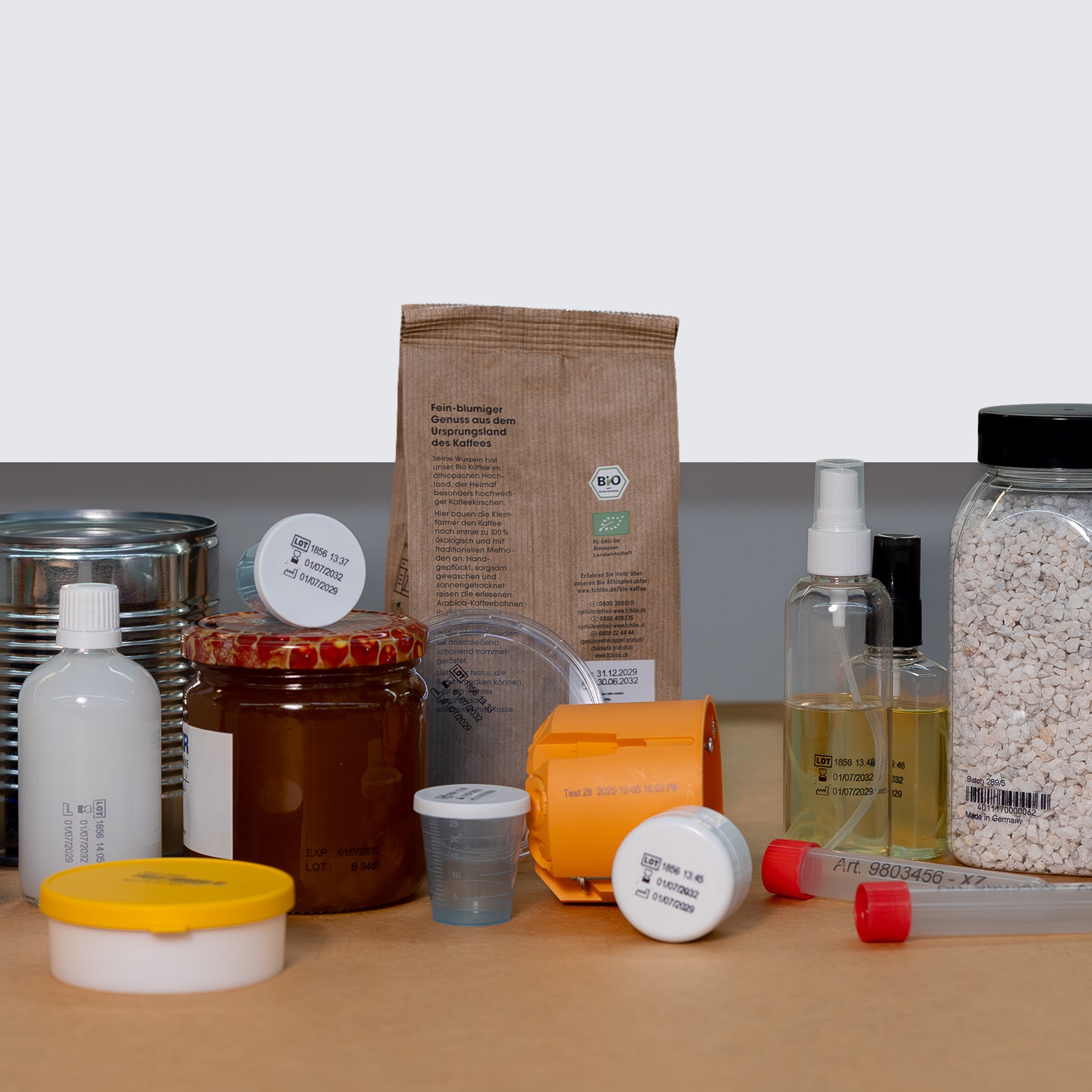
The application examples show how versatile labeling can be implemented in everyday working life. Different content can be flexibly applied to different materials - clearly legible, neatly positioned and suitable for the respective application.
The jetStamp® 1025 sense with Barcode Scanner offers a range of unique features that we will be happy to advise you on personally. Find out more about the comprehensive Reiner service package - you are never alone with us.
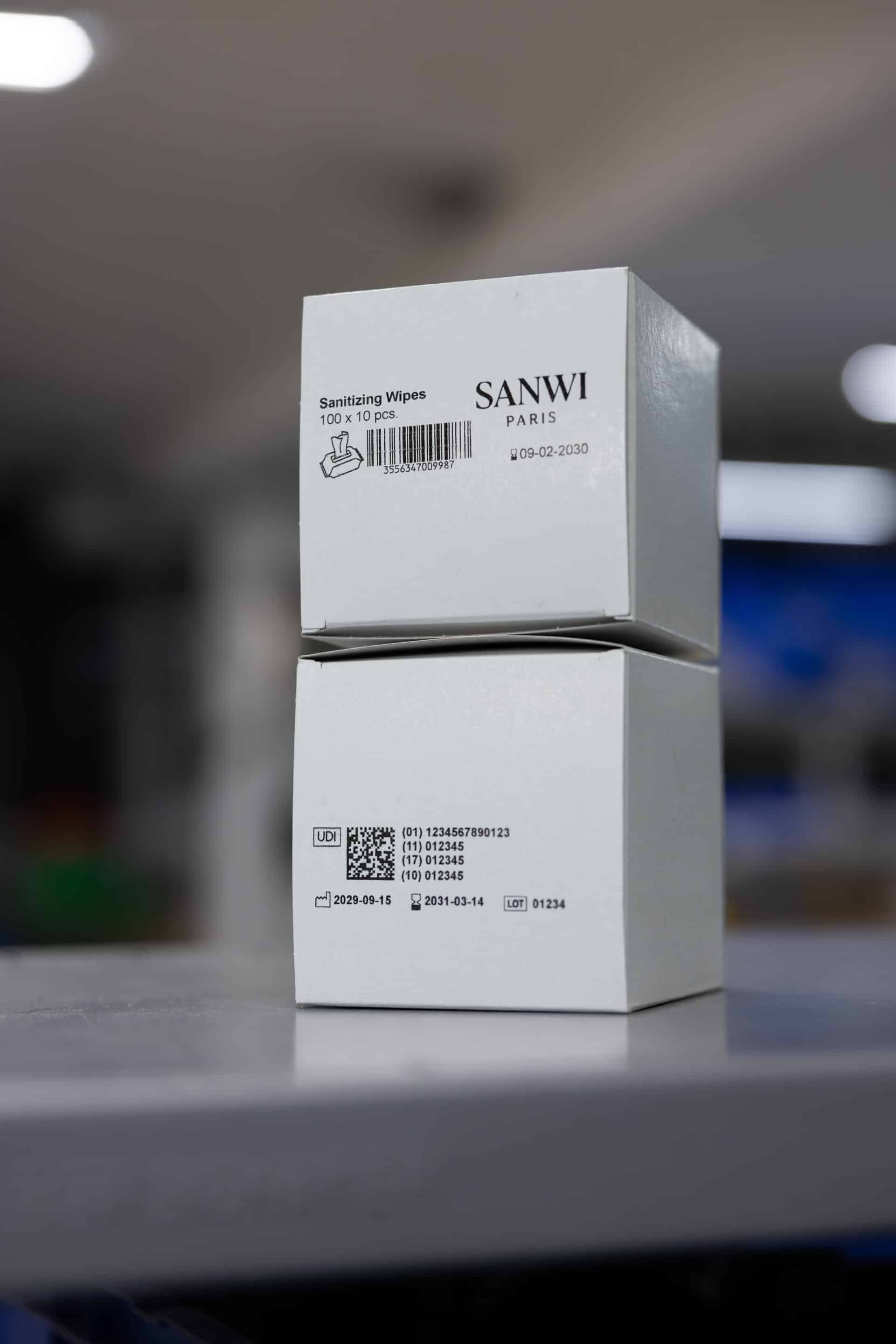
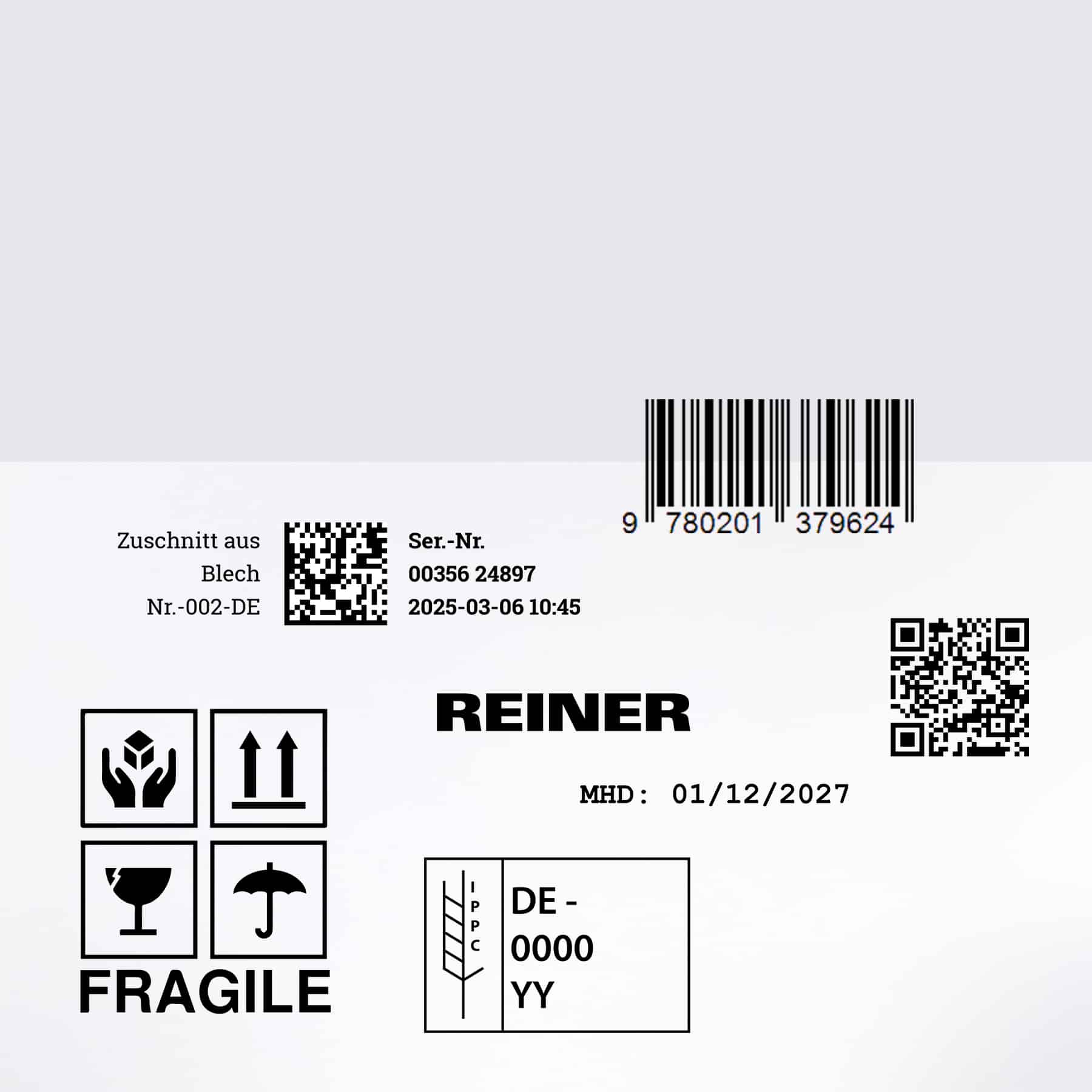
Graphic/logo
Logos, symbols or simple graphics are printed directly onto the product - without a label and without additional process steps. Ideal for brand labeling, notices or visual orientation.
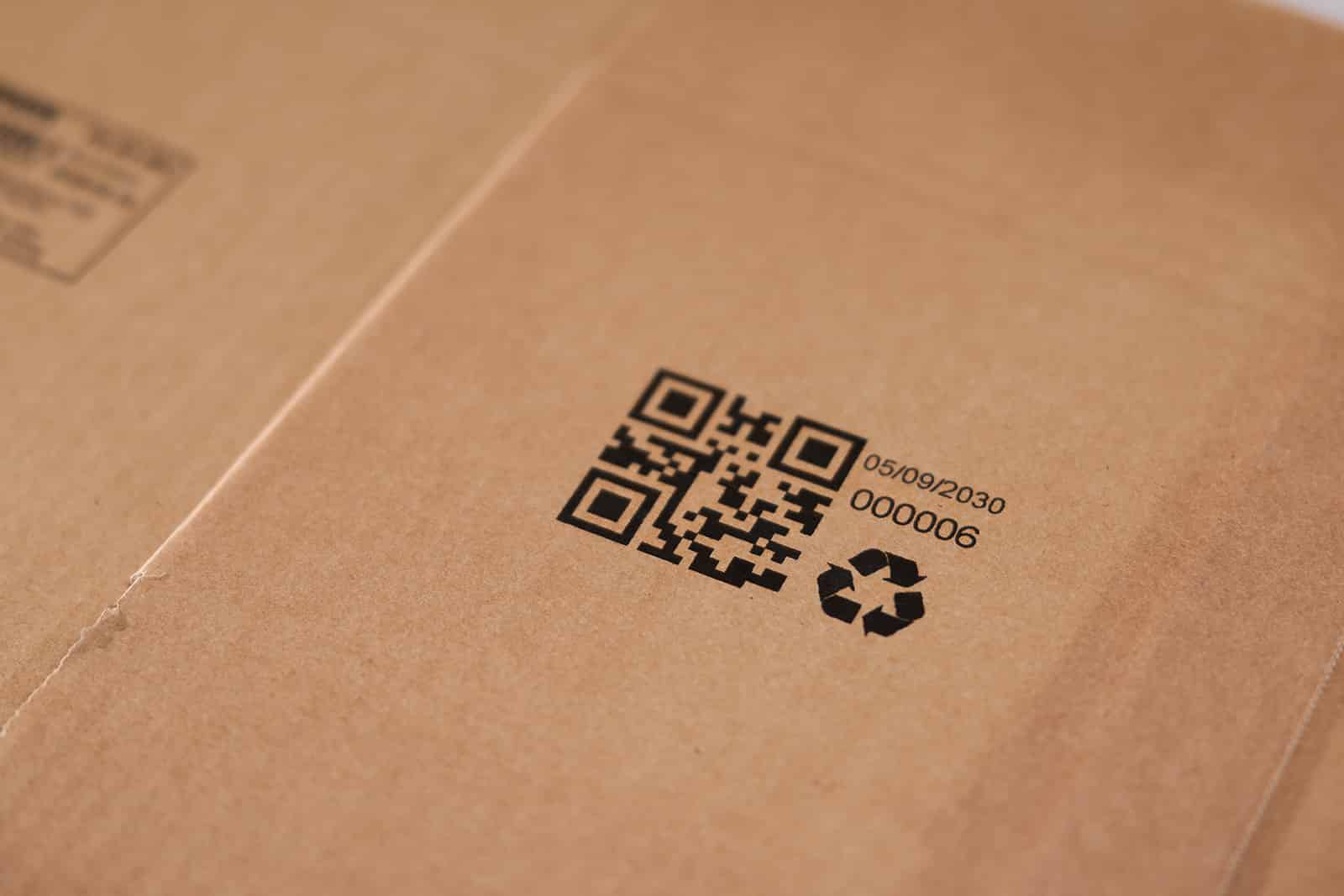
1D & 2D codes
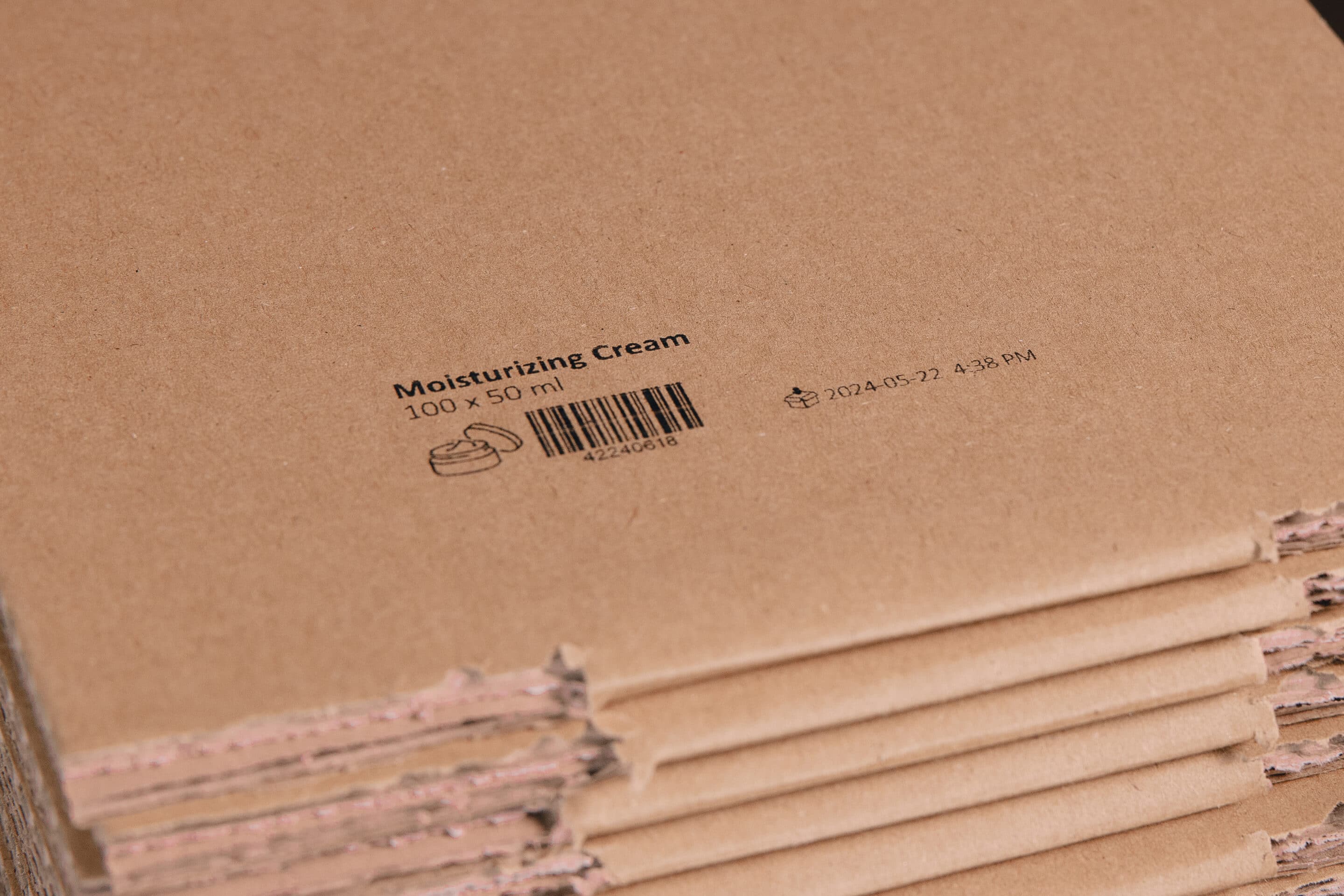
1D and 2D codes such as barcodes, QR codes or DataMatrix are printed directly onto the product - precise, high-contrast and reliably legible. Ideal for identification, traceability and digital processes.
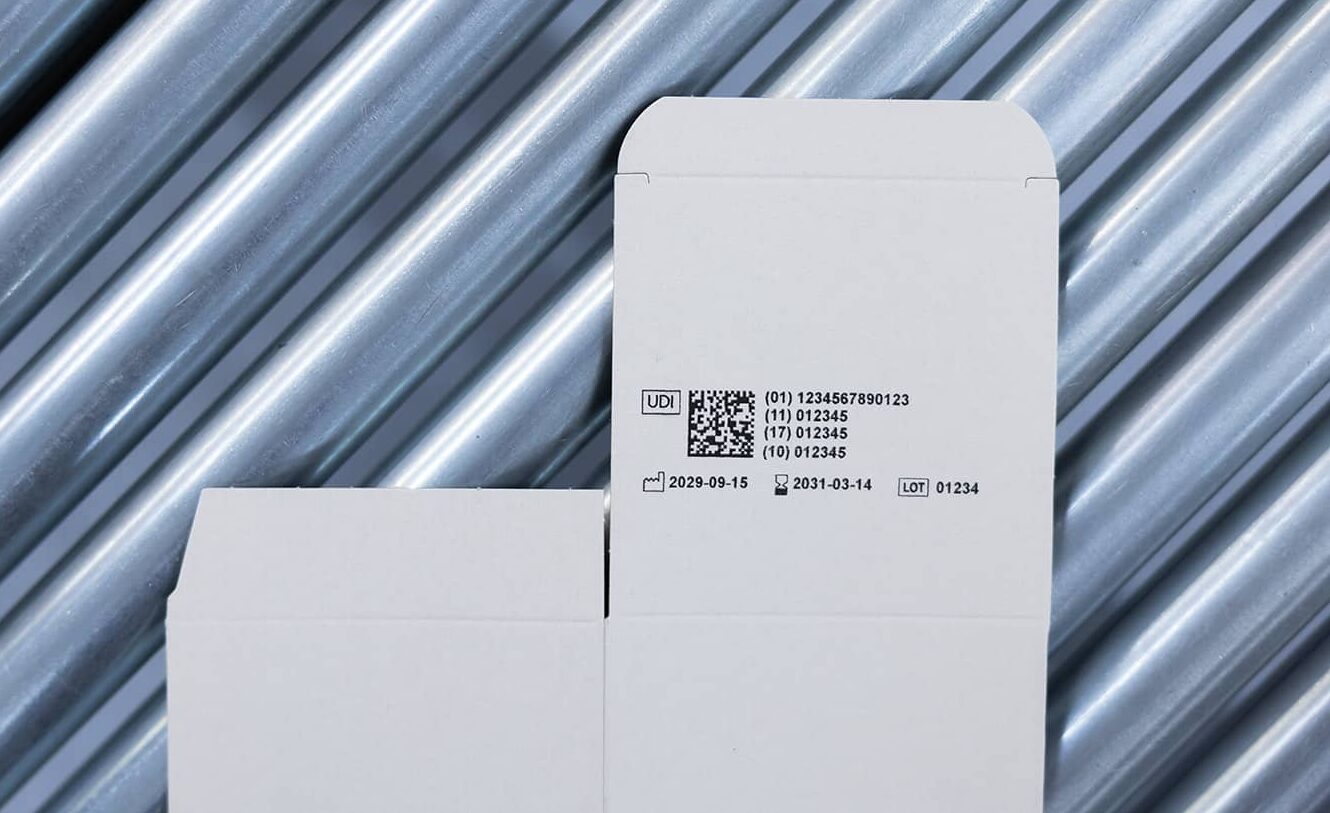
numbers
Consecutive or fixed numbers are printed directly onto the product - clean, easy to read and without a label. Ideal for serial numbers, IDs, batches or internal labeling.
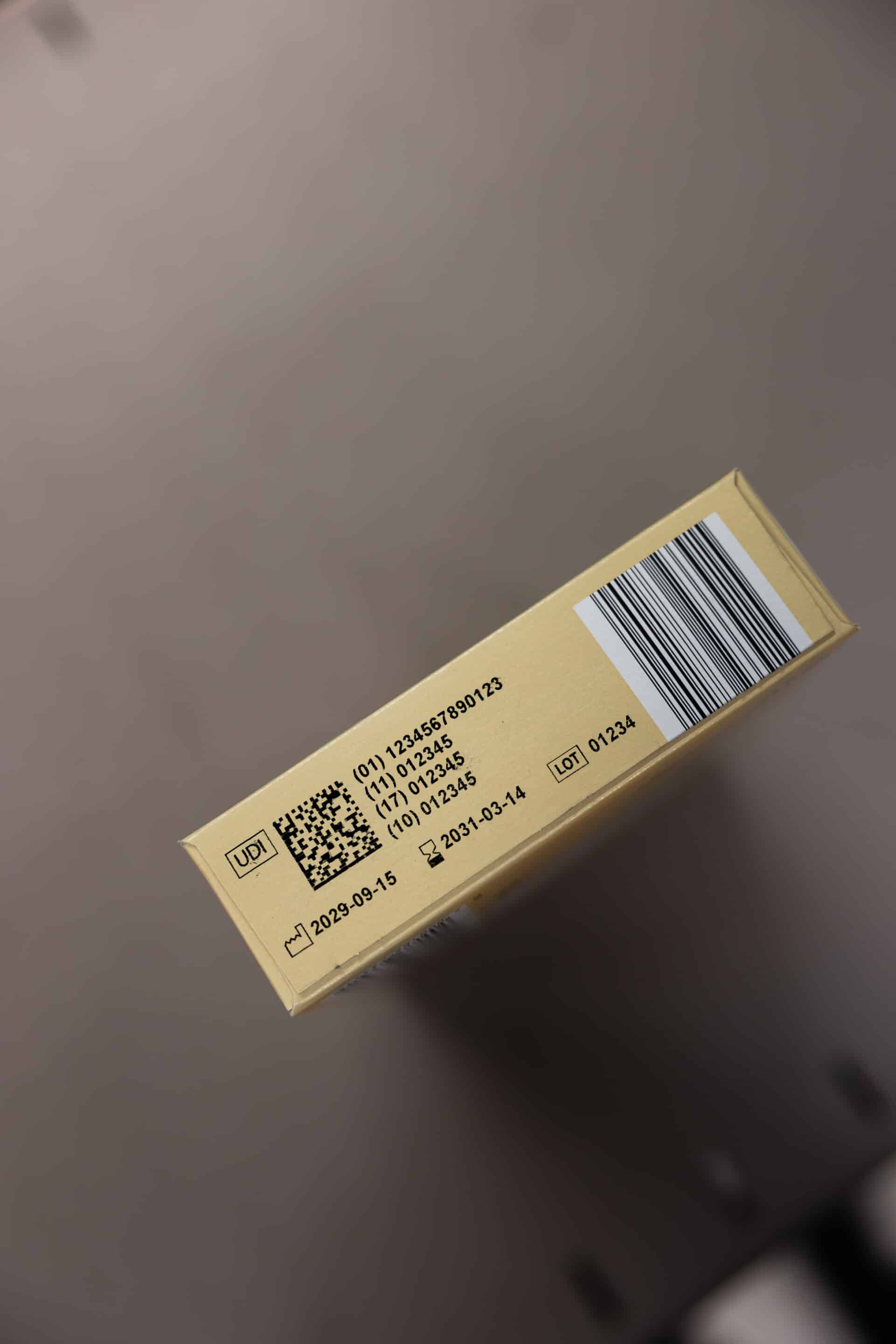
Date & time
Production, inspection or time stamps are printed directly onto the product - manually or automatically updated, without a label and without an additional work step. Ideal for traceability and documentation.
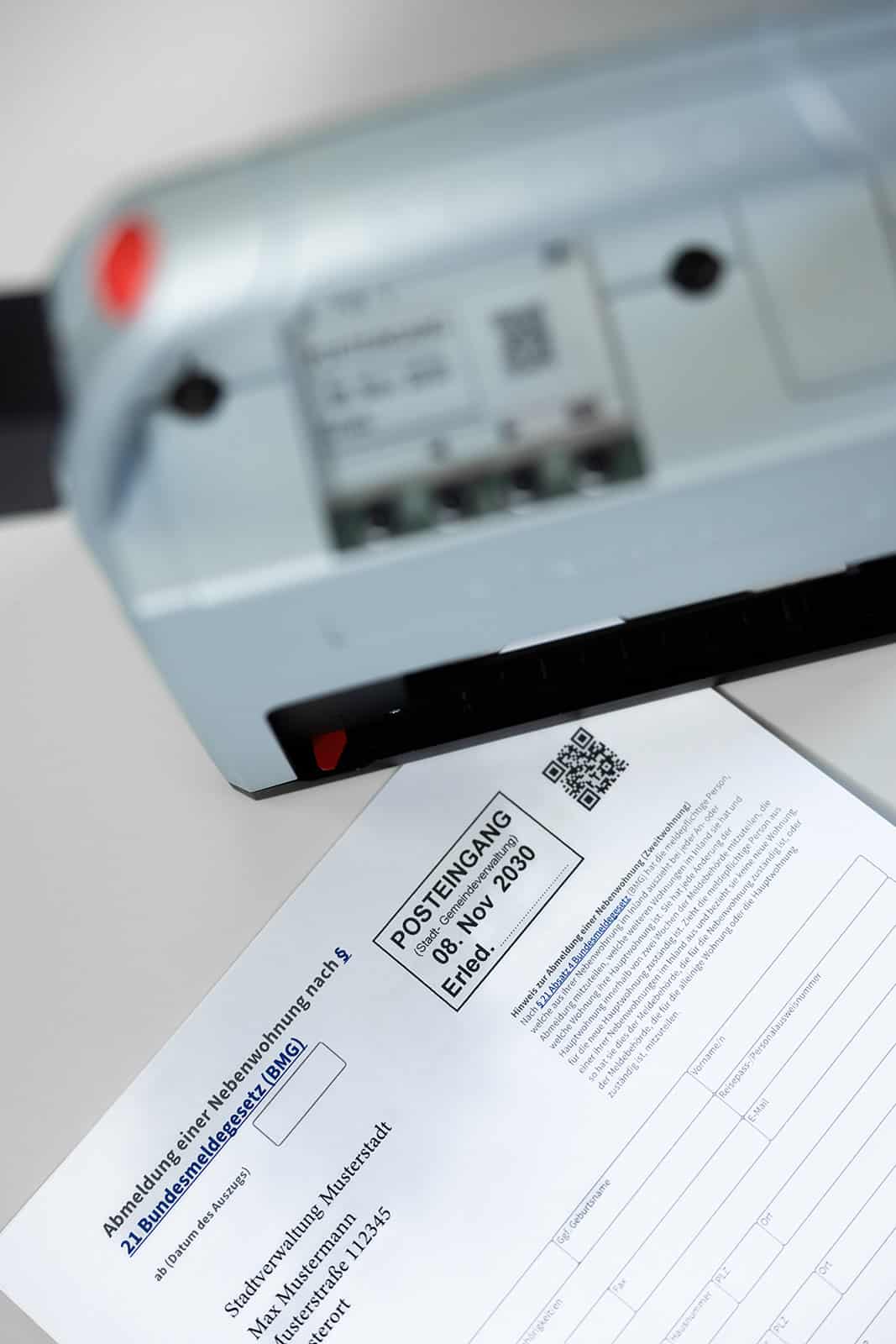
texts
Fixed or variable texts are printed directly onto the product - e.g. item descriptions, notes or additional information. Flexibly adaptable and ready for immediate use, even with changing content.
Suitable for many materials
jetStamp® 1025 sense with Barcode Scanner in use
The jetStamp® 1025 sense with Barcode Scanner offers a range of unique features that we will be happy to advise you on personally. Find out more about the comprehensive Reiner service package - you are never alone with us.
Technical specifications
jetStamp® 1025 sense with Barcode Scanner in use
| imprint | Measurement results (sense objects), numbers, date, time, text, 1D & 2D code consecutive, graphic |
|---|---|
| External Data | Barcode data and data via V24 / RS232 |
| Print Data Preparation / Data Sources | PCset graphic, MOBILEset graphic, Word, Excel, label software, ERP systems, e.g., SAP, Oracle, Microsoft Dynamics, Lexware |
| display | Yes |
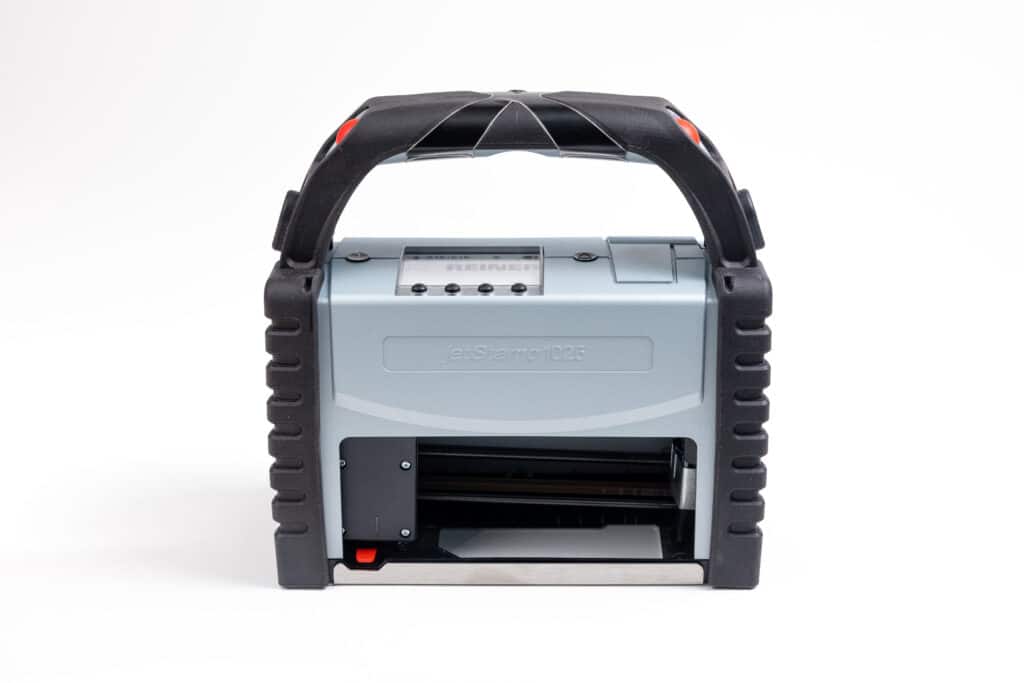
| Dimensions (L x W x H) | 195 x 100 x 200 mm |
| Weight | approx. 900 g |
| data transmission | USB, Bluetooth, WiFi/WLAN capable, V24-RS232 |
| Storable print images | 255 storable print images |
| printing technology | inkjet |
| Max. impression size (W x H) | 85 x 26 mm (≈ 1 inch) |
| Max. printing speed | < 1 s/impression |
| print resolution | 300 dots per inch |
| Battery capacity | up to 1,000 impressions |
| Ink Colors | Black and Yellow |
Case Studies
From the field
Simple, fast and ready for immediate use: With just a few simple steps, you can place individual labels exactly where they are needed - flexibly, cleanly and without time-consuming preparation.
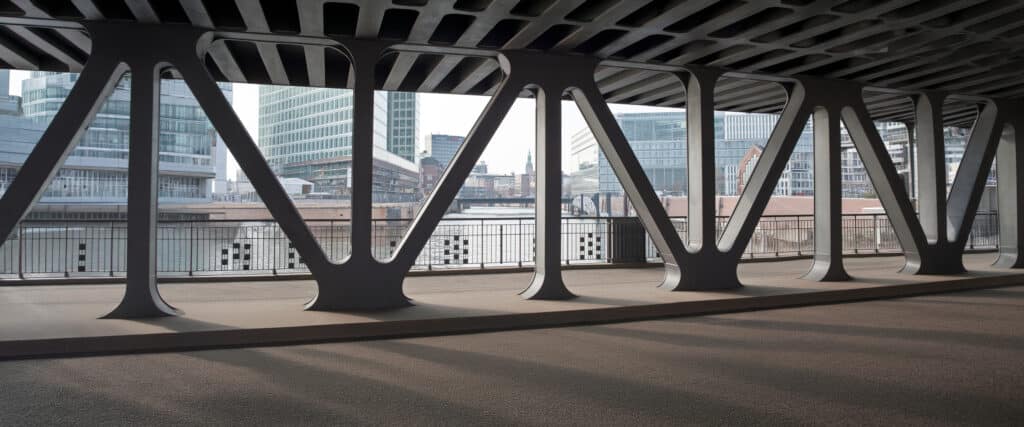
Printing on Steel Beams for Traceability
This use case is an example of how mobile identification without labels can advance digitalization in manufacturing...
Learn more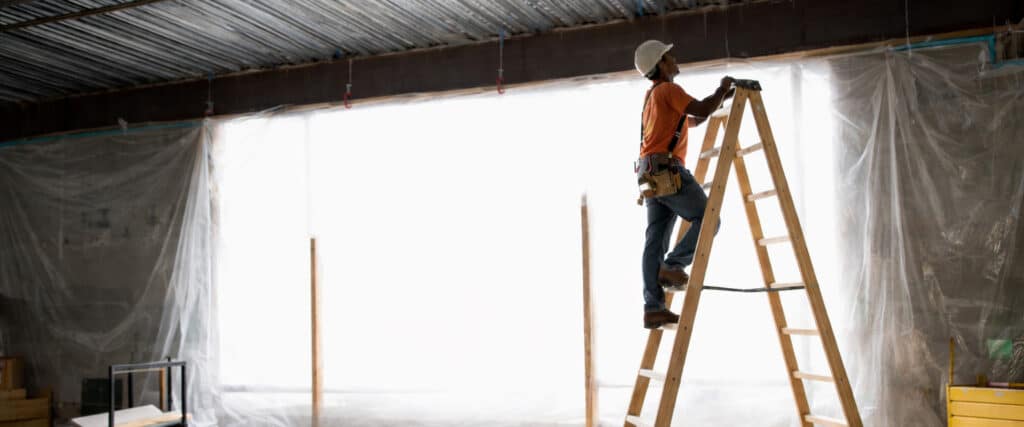
Standard-compliant product labeling on wooden ladders
How the company Dämmrich uses the REINER jetStamp® 1025 sense to mark wooden ladders quickly, safely and in compliance with...
Learn more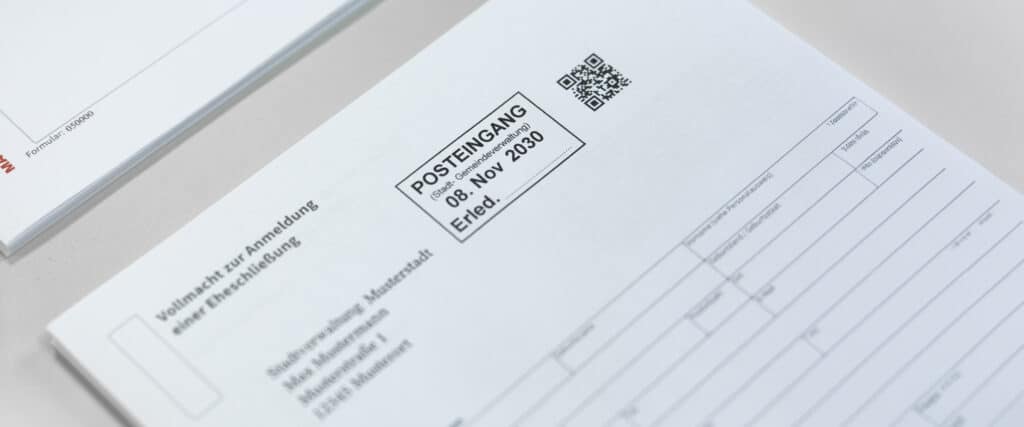
Secure digitization of documents at public authorities and municipalities
Customer The city of Lüneburg processes a large number of incoming documents by traditional mail every day. The aim...
Learn more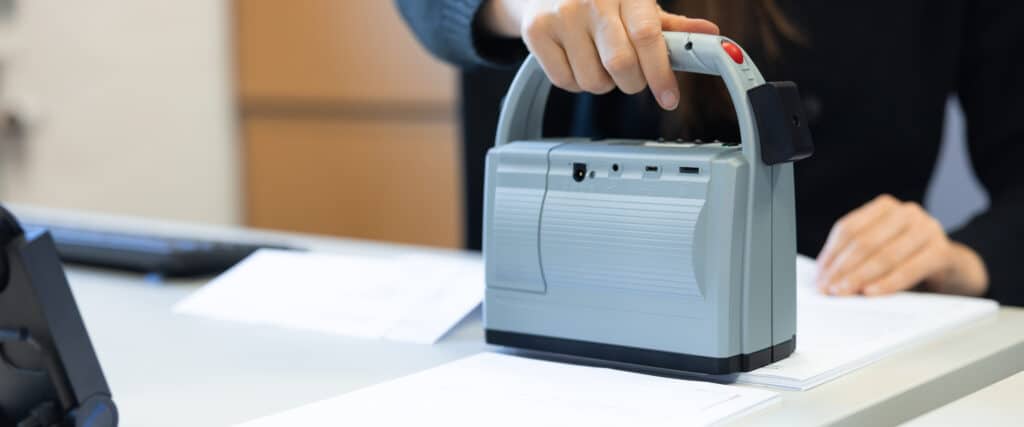
Direct Printing from the SAP System
Client Advanced Applications GmbHSAP consulting company based in Rottweil, active in numerous industries such as high-tech, medical technology, automotive,...
Learn more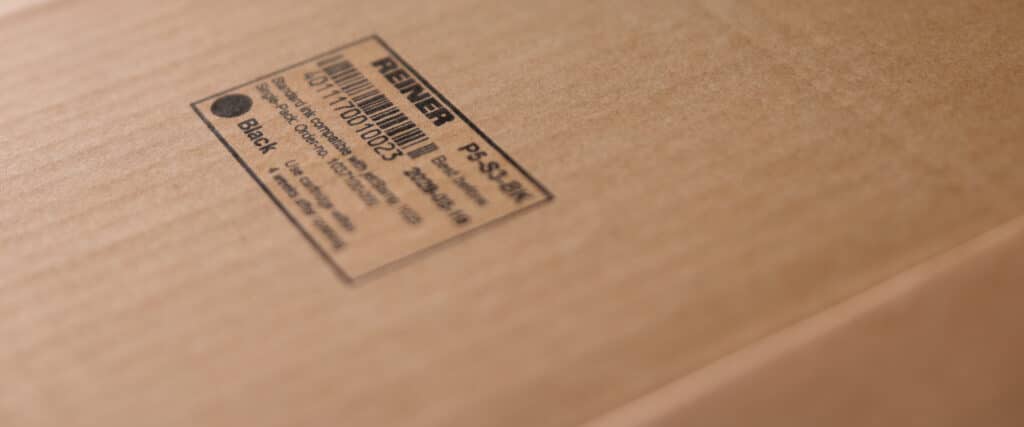
Labeling cardboard packaging for logistics
Customer Efficient shipping and batch labeling at an industrial manufacturerA medium-sized manufacturer of technical components from Hesse, Germany, supplies...
Learn more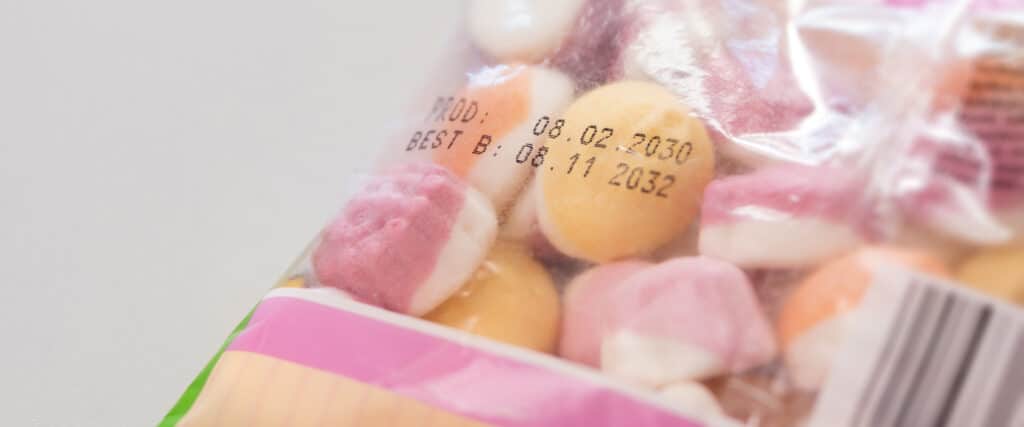
Print gummy bear bags directly
Client: A medium-sized confectionery manufacturer based in North Rhine-Westphalia produces gummy bears and marshmallow products for retail stores as well as for promotional...
Learn more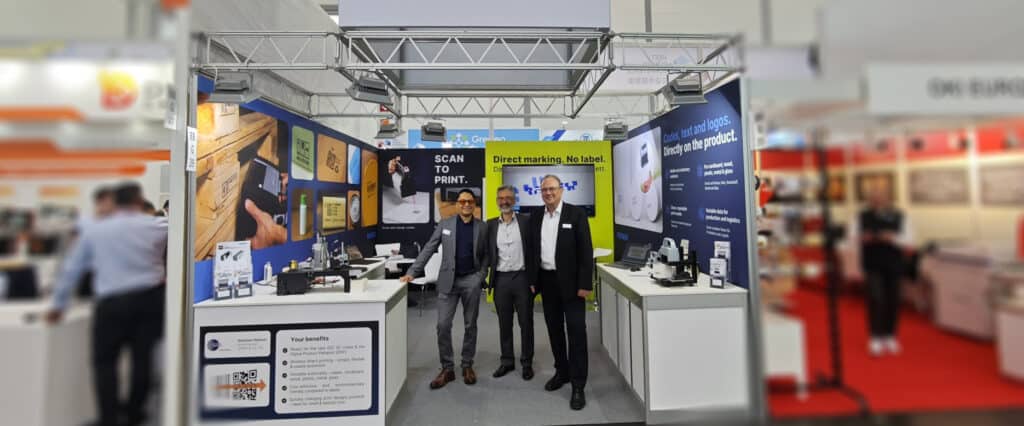
REINER at interpack: Live demos, international discussions and new impulses for labeling
The interpack is one of the most important meeting places for the packaging industry - and was once again a...
Learn more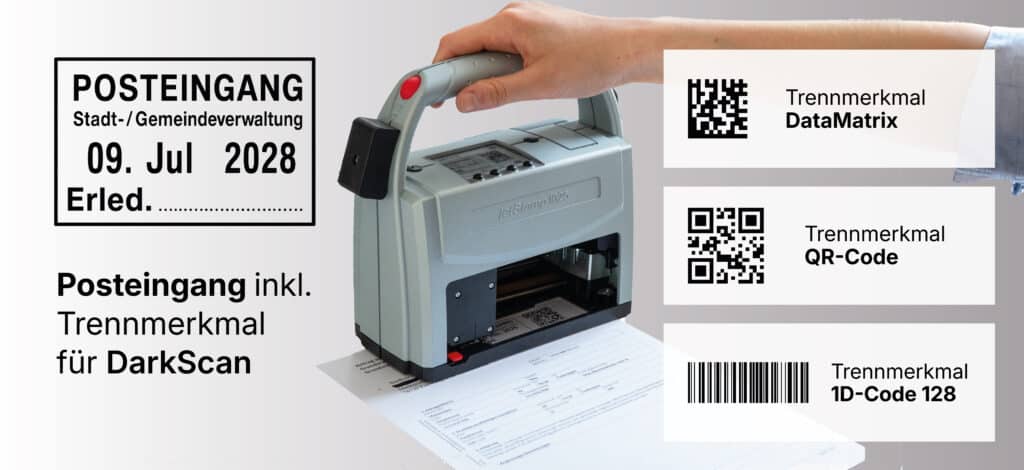
Incoming mail stamp with a barcode as a distinguishing feature
Paper-based processes in the inbox can be labeled easily, cleanly, and reliably using REINER mobile direct-printing devices. Date,...
Learn more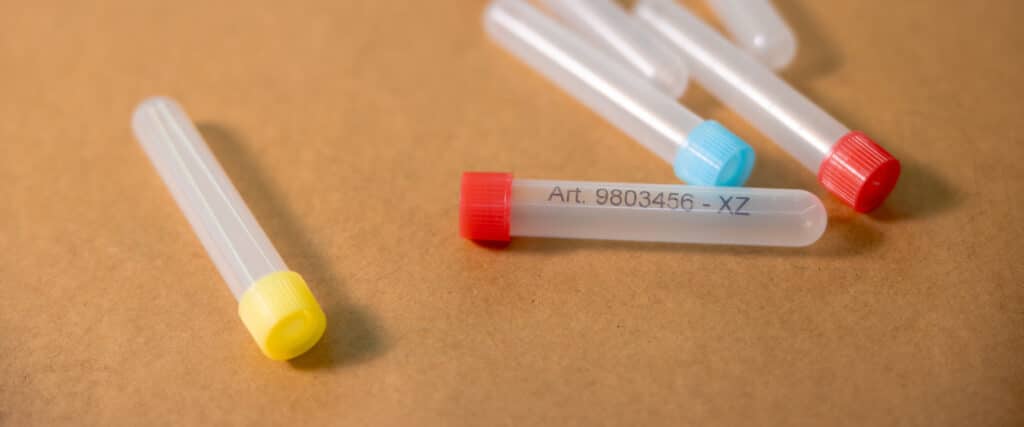
Label laboratory samples directly from SAP
How BMW testing laboratories capture laboratory labels from SAP via barcode and use the jetStamp® 1025 sense to directly...
Learn more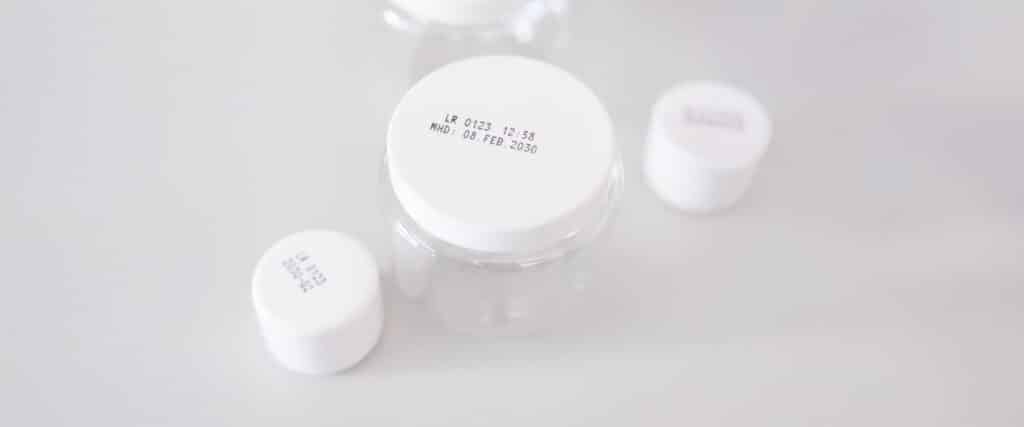
Flexible Labeling of Cosmetic Products
Client: A medium-sized cosmetics manufacturer based in southern Germany produces skin care products in small and medium-sized batches. The product line includes creams,...
Learn more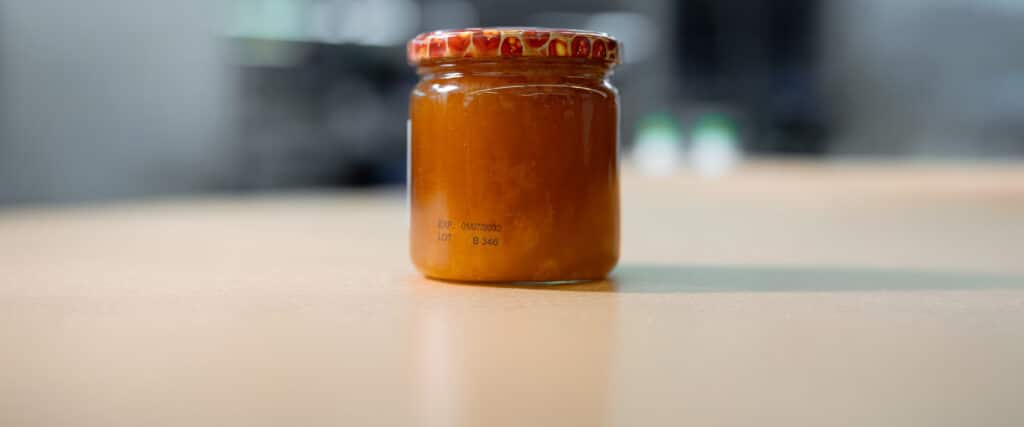
Printing on Honey Jars
Client: A family-run beekeeping business in Baden-Württemberg produces various types of honey from seasonal harvests—including blossom honey, forest honey...
Learn more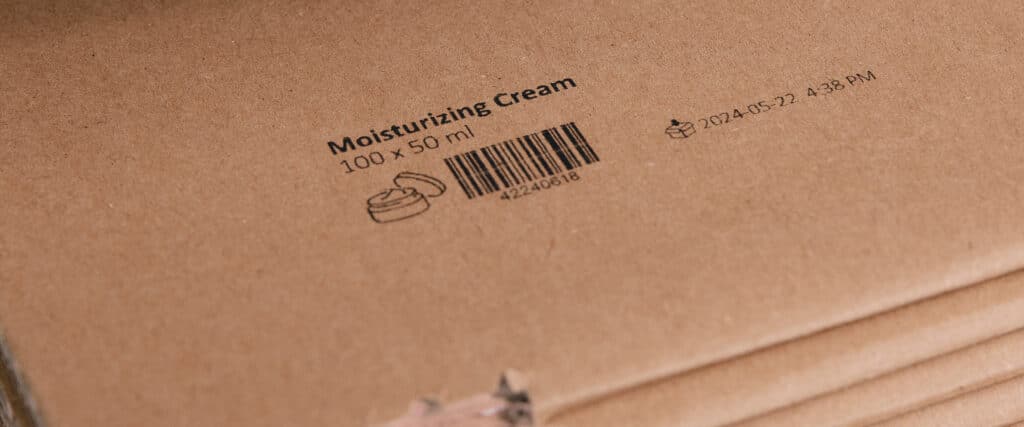
Printing on Shipping Boxes: Flexible Labeling in Intralogistics
Client: A regional logistics service provider based in the Frankfurt metropolitan area operates several warehouse locations for industrial and commercial companies. Every day...
Learn more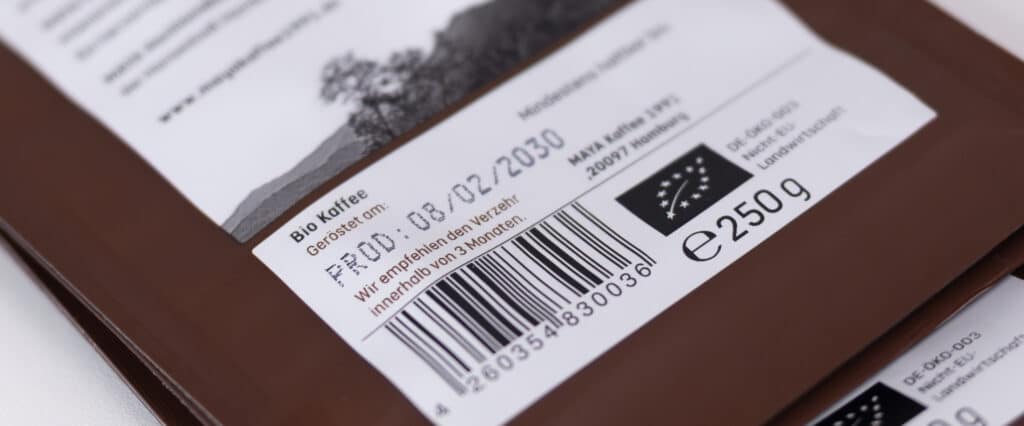
Flexibly Labeling Best-By Dates and Batches for Small Batches
Whether it's deli items, baked goods, confectionery, beverages, or artisanal specialties: Small food businesses often produce a variety of items in...
Learn moreAccessories and extensions
Tailored to Your Application
Discover the right accessories and practical add-ons to perfectly complement your device and customize it to your specific needs.
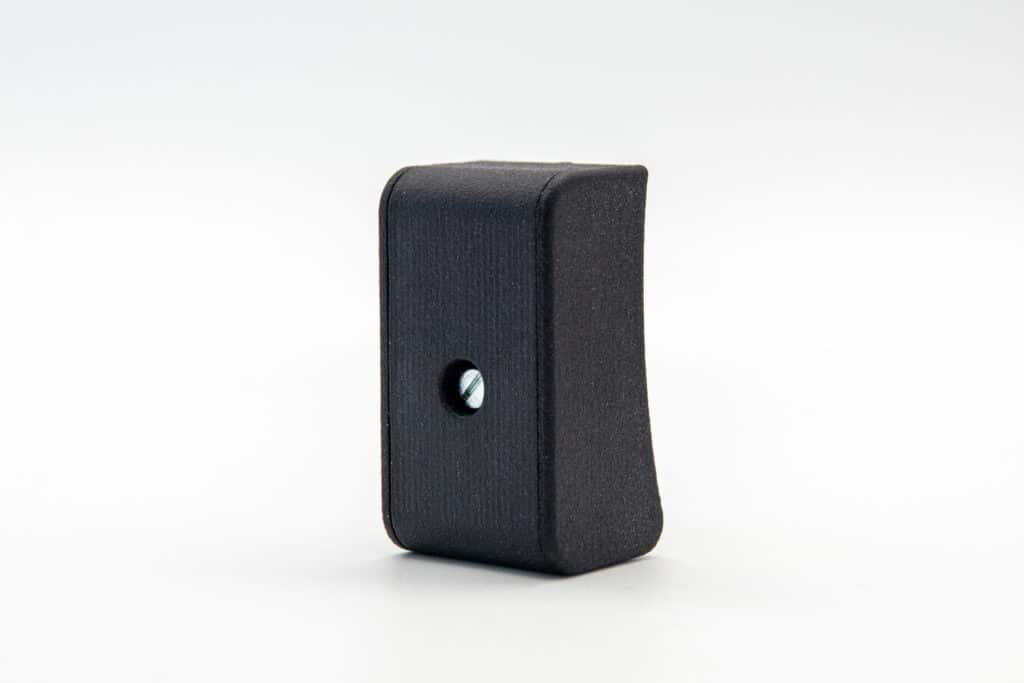
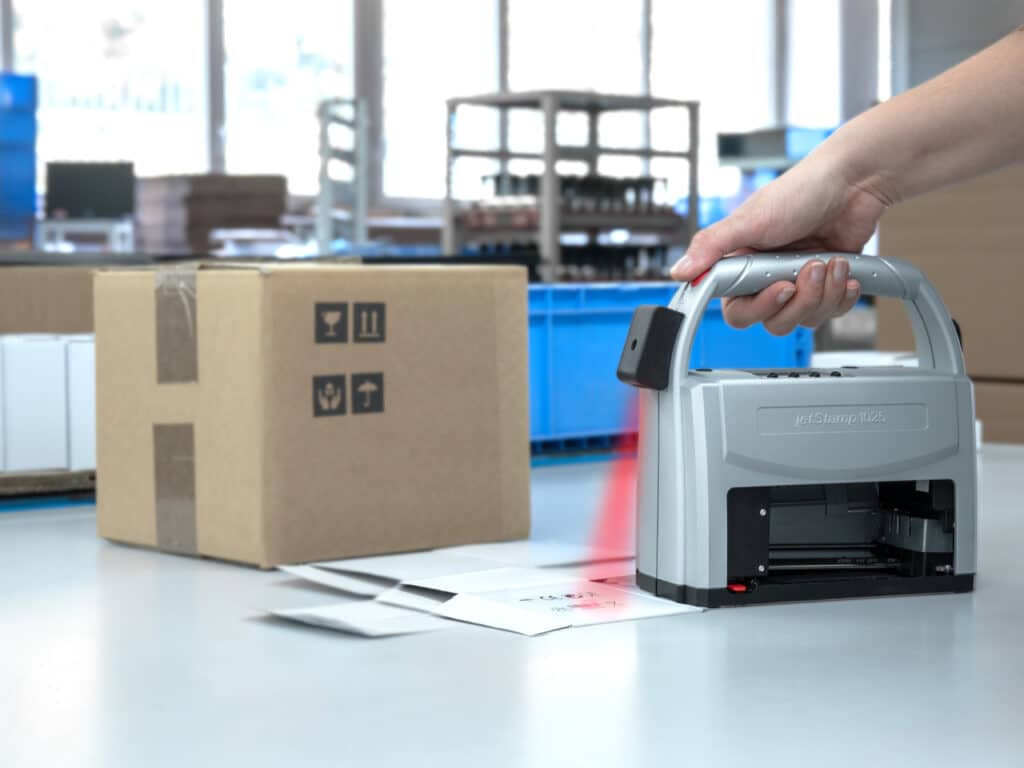
Scan function
Barcode scanner 1D/2D
The barcode scanner supports a variety of common 1D and 2D barcodes for data transfer, further processing and output in the labeling process.
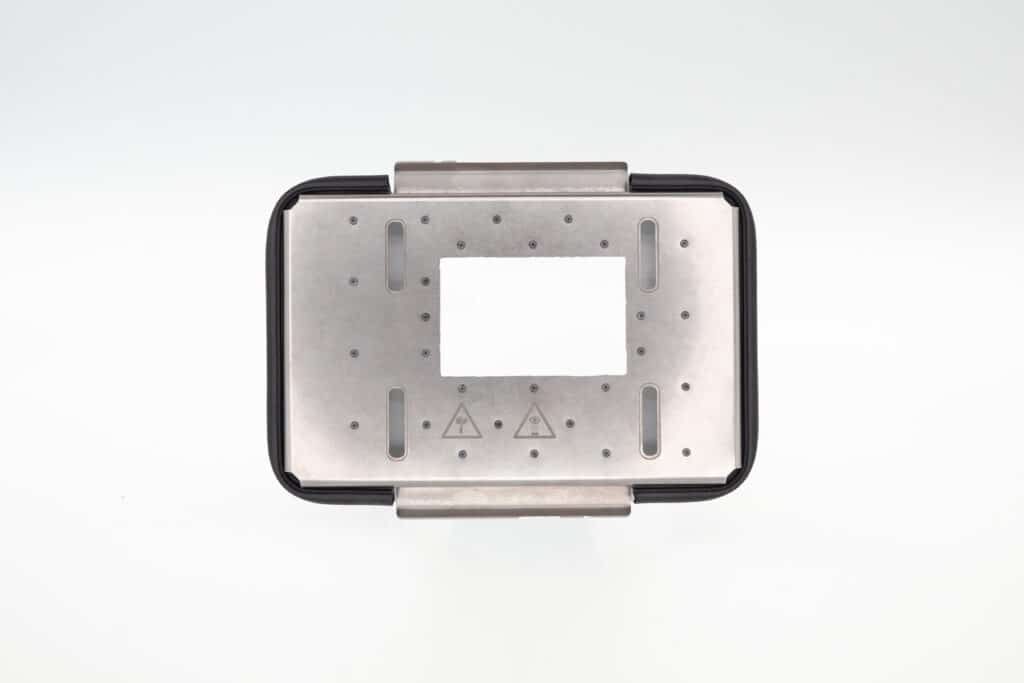
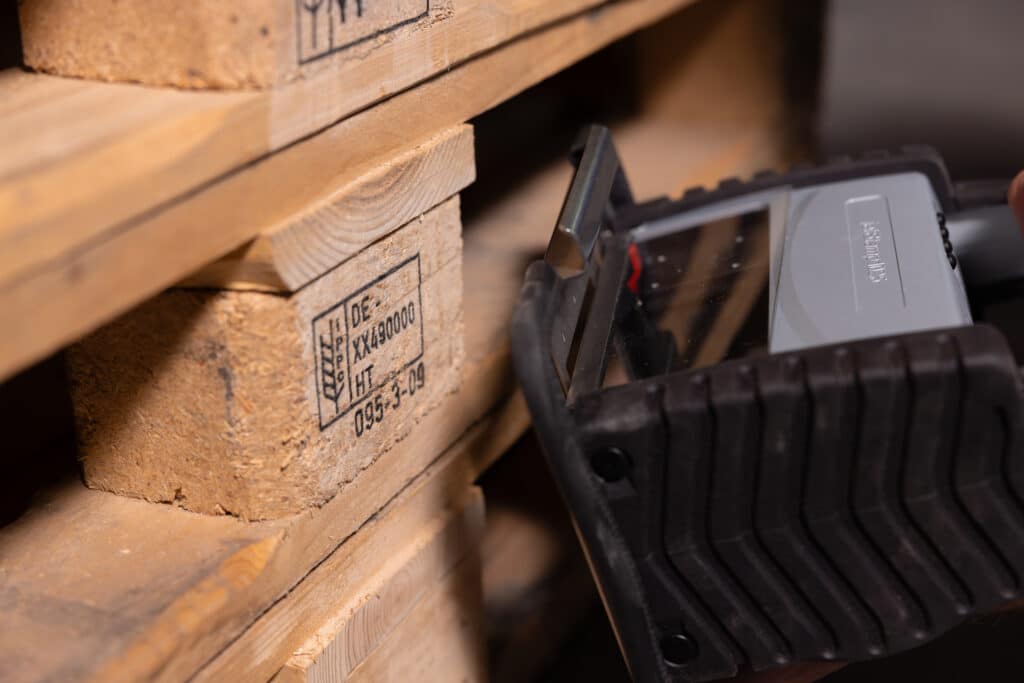
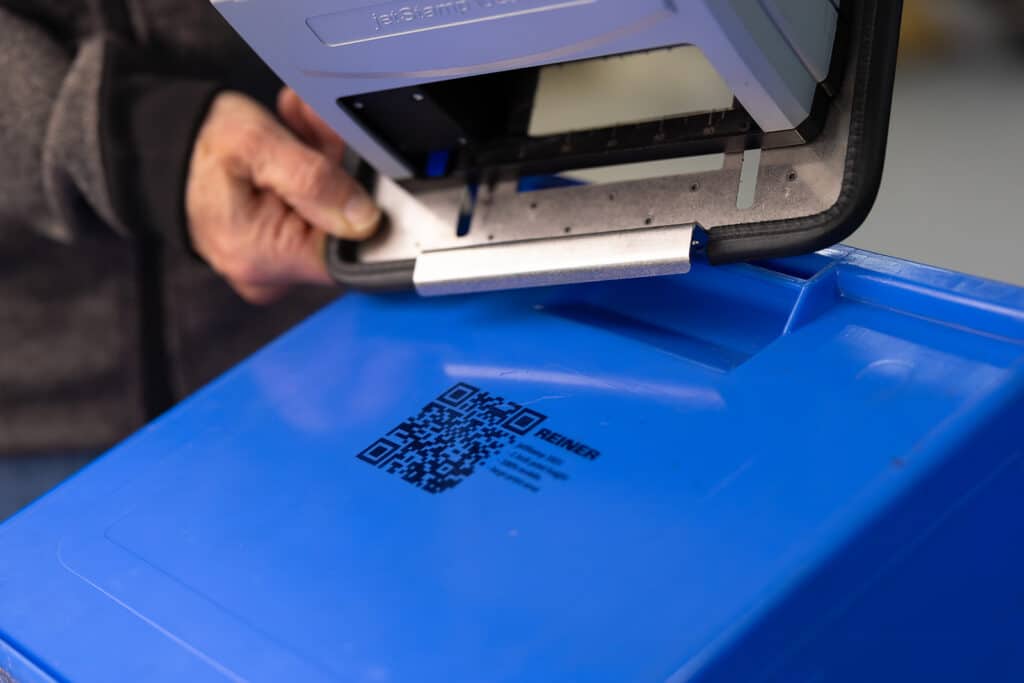
2 inch prints on wood
2-Inch print extension SPIKES
Extends the print area from 1 inch to 2 inches - for wood and pallets.
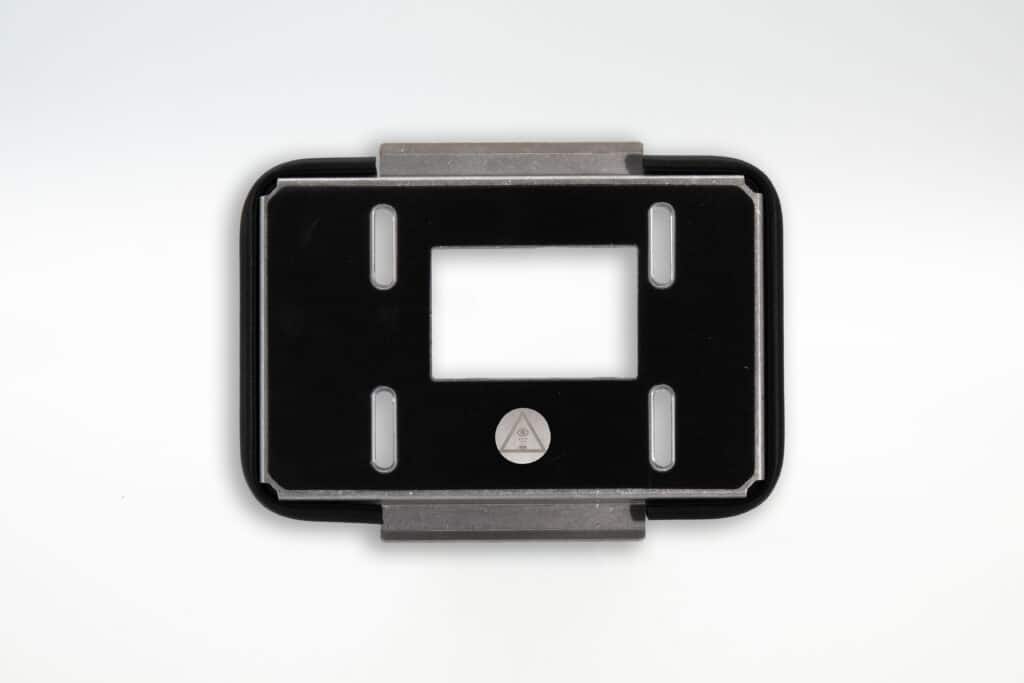
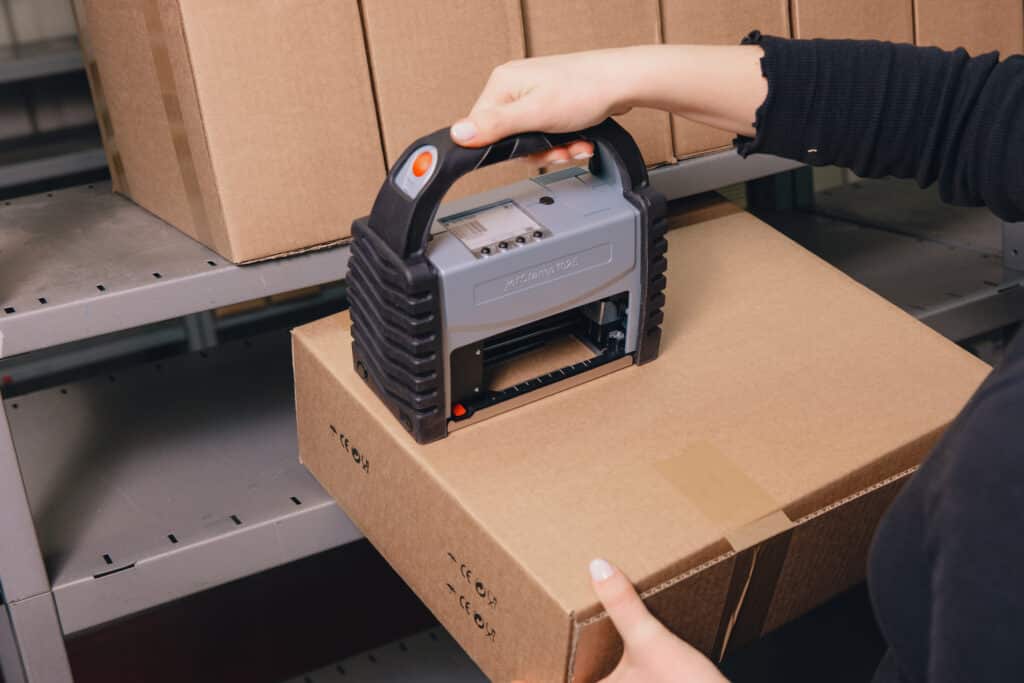
Extended to 2 inches on cardboard & paperboard
2-Inch print extension GRIP
Extends the print area from 1 inch to 2 inches - for cardboard and packaging.
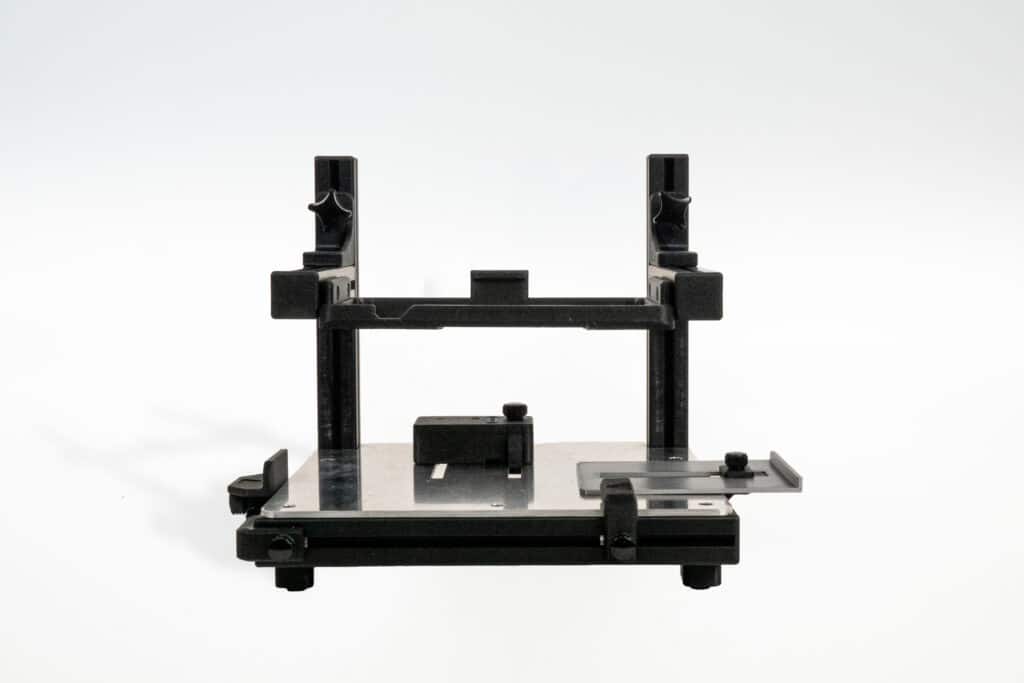

Repeatable positioning
Packaging Print Station PS100
Manual single feeder for repeatable, reliable packaging labeling.
NEW
Protection against falls
Protective Silicone Cover
Protects the device from dust, dirt and shocks in daily use.
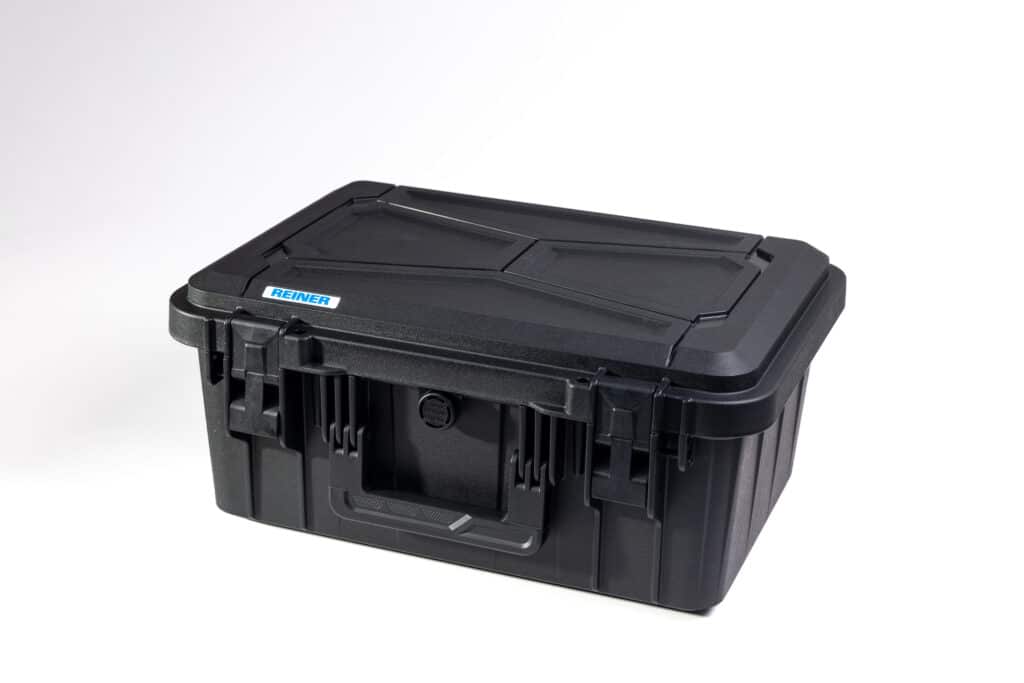
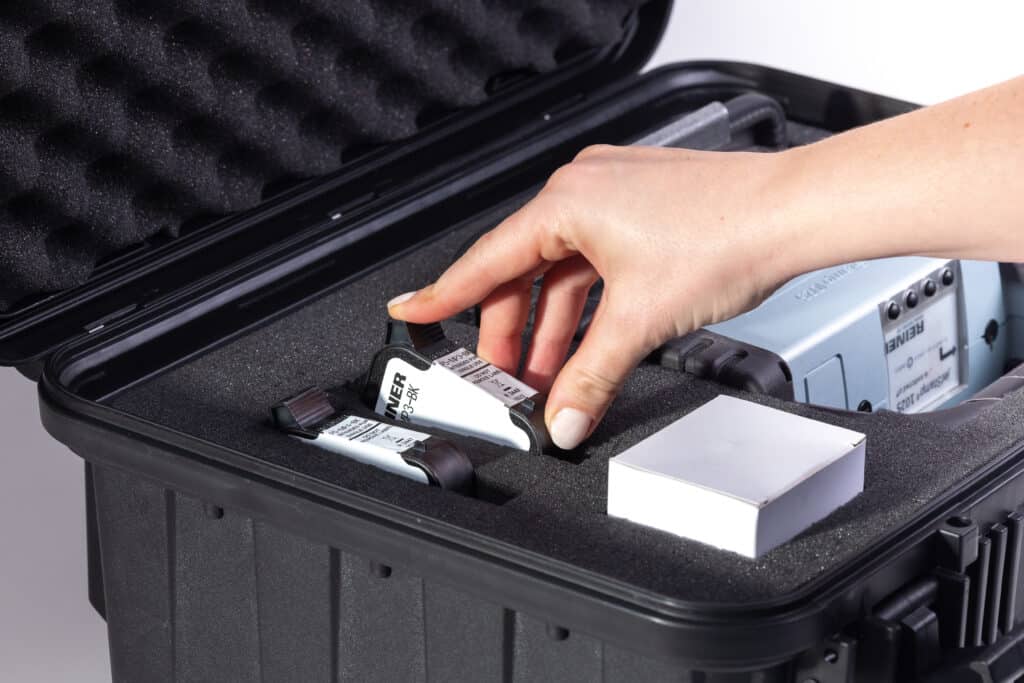
Safe transportation
jetSafe PRO Case
Robust transport case with customizable interior - space for device and accessories.
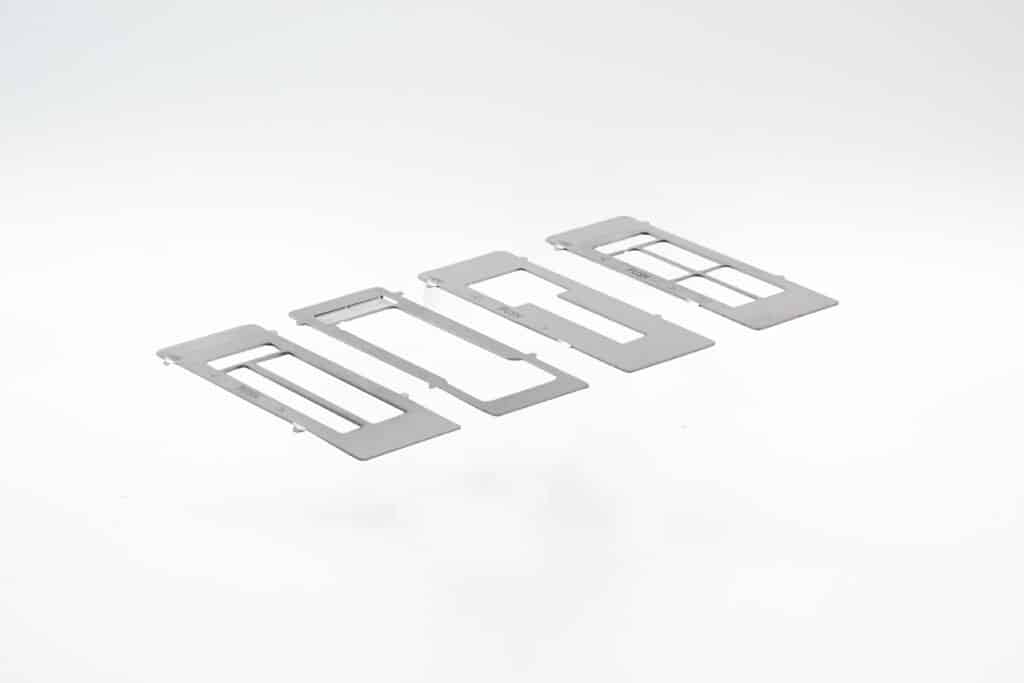
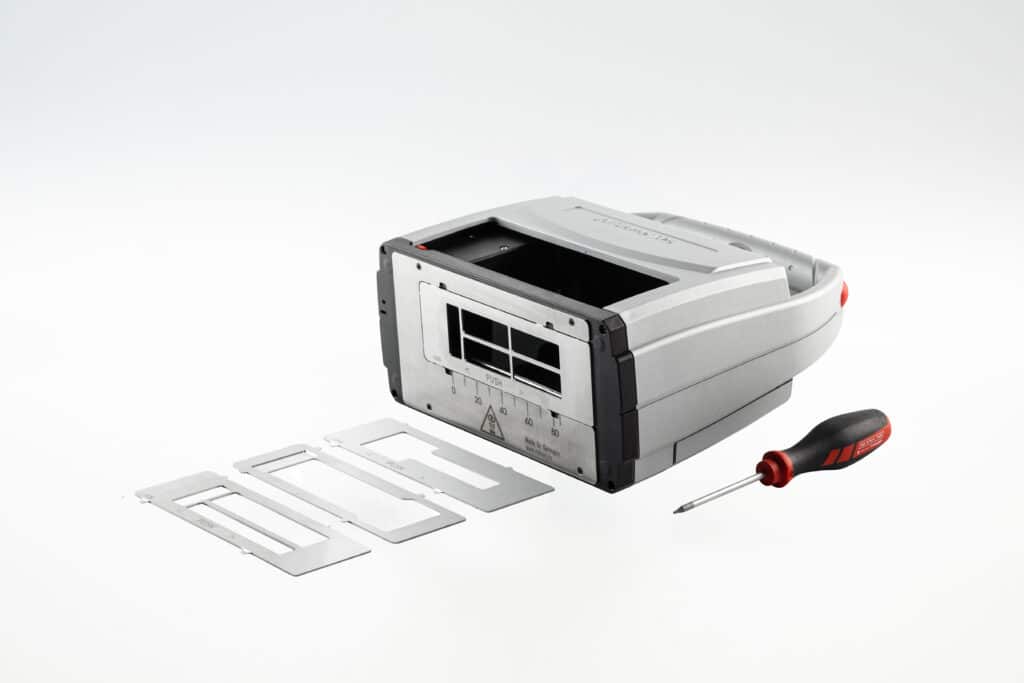
Fixed impression area for small surfaces
Positioning Template Set
Securely fixes the imprint area on small, flexible and round objects - for reproducible markings with the jetStamp® 1025.
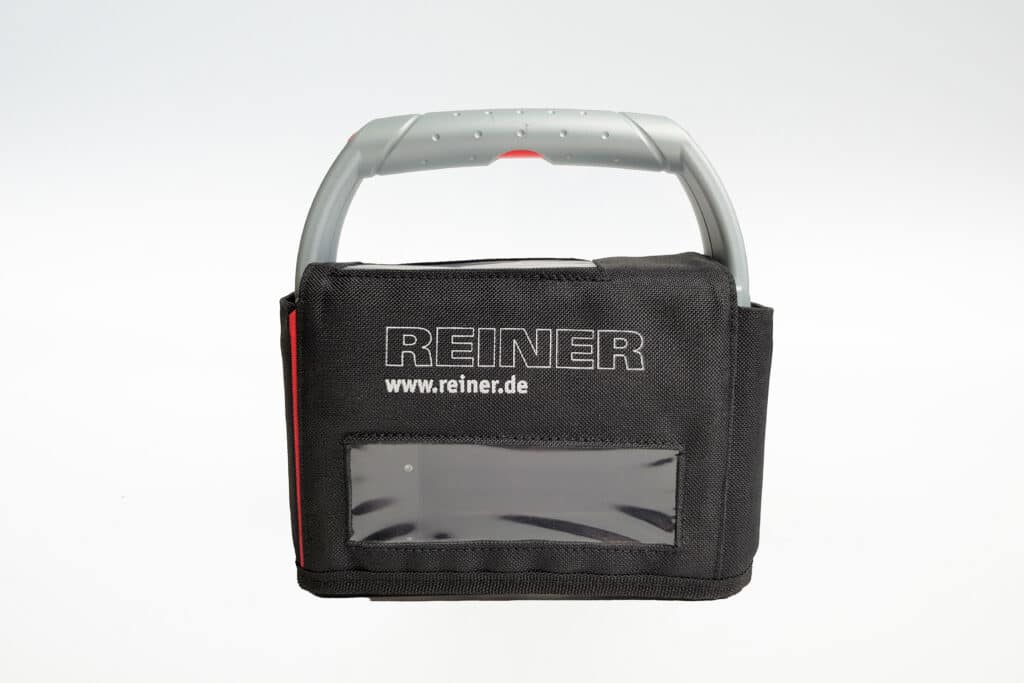
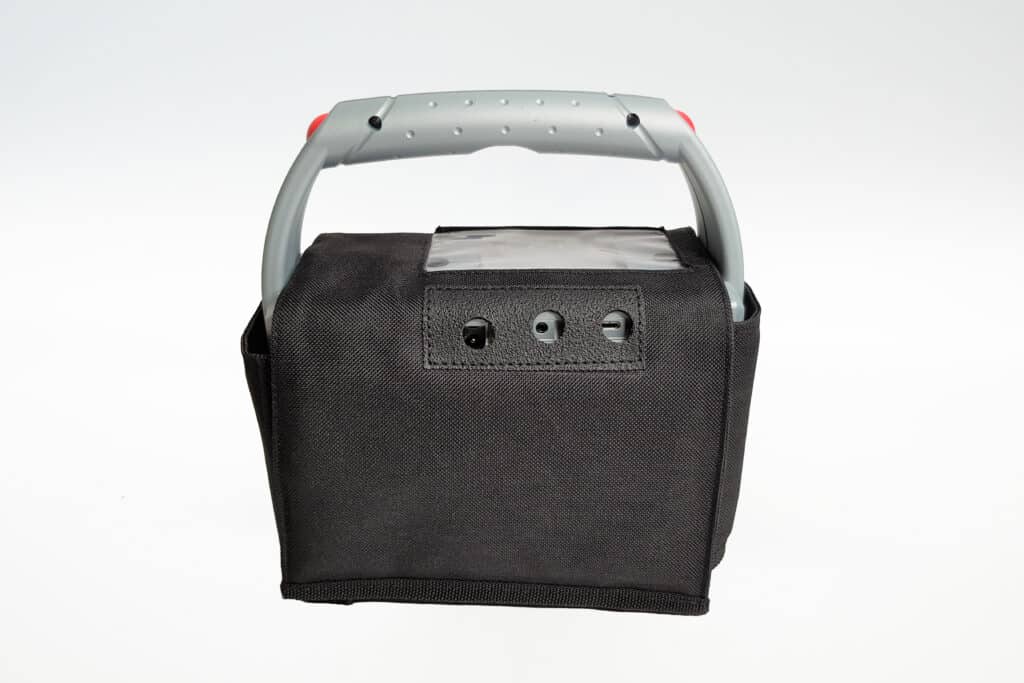
Protection from dust & dirt
Protective Textile Cover
The textile protective cover for the jetStamp® 1025 was specially developed for dusty, dirt-prone and industrial work areas.
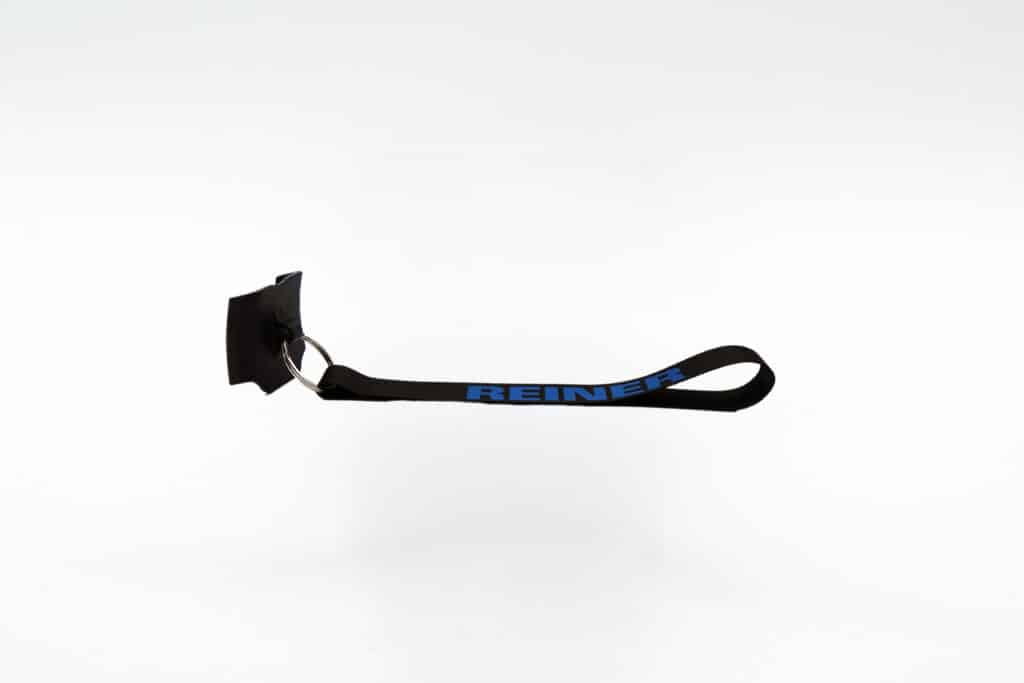
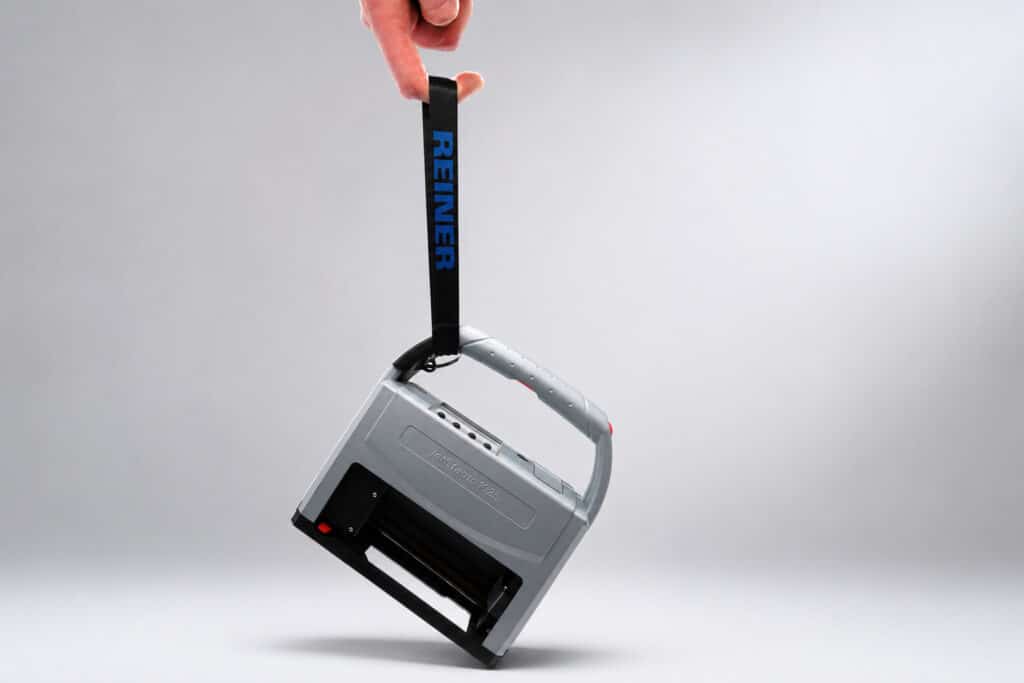
Protection against falls
Carrying Strap
Our retaining strap offers reliable protection against fall damage.
Automatic document labeling
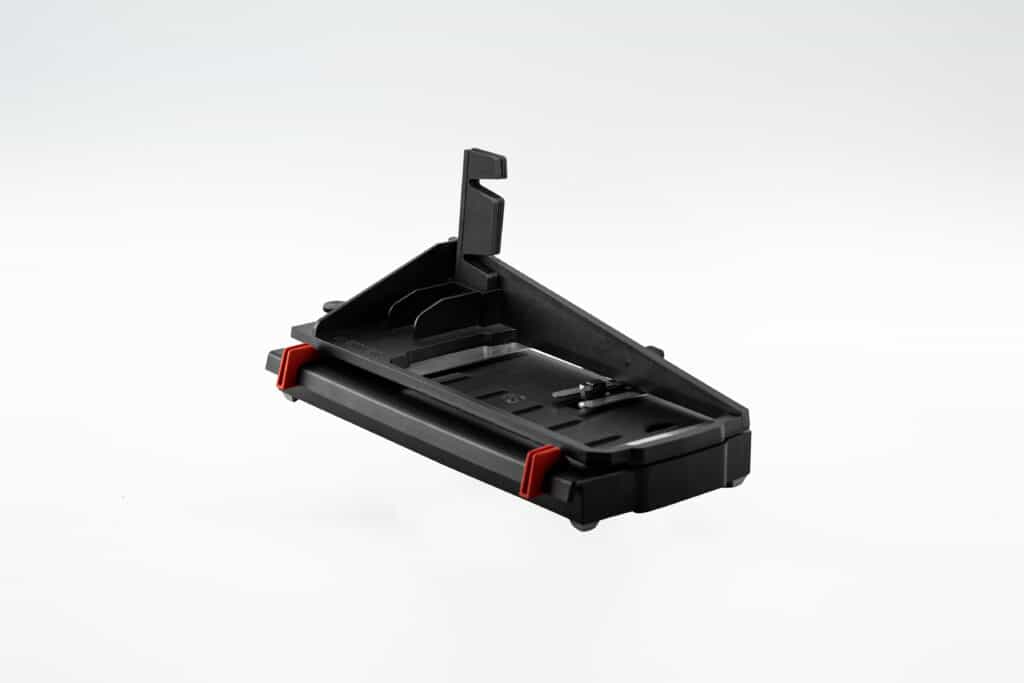
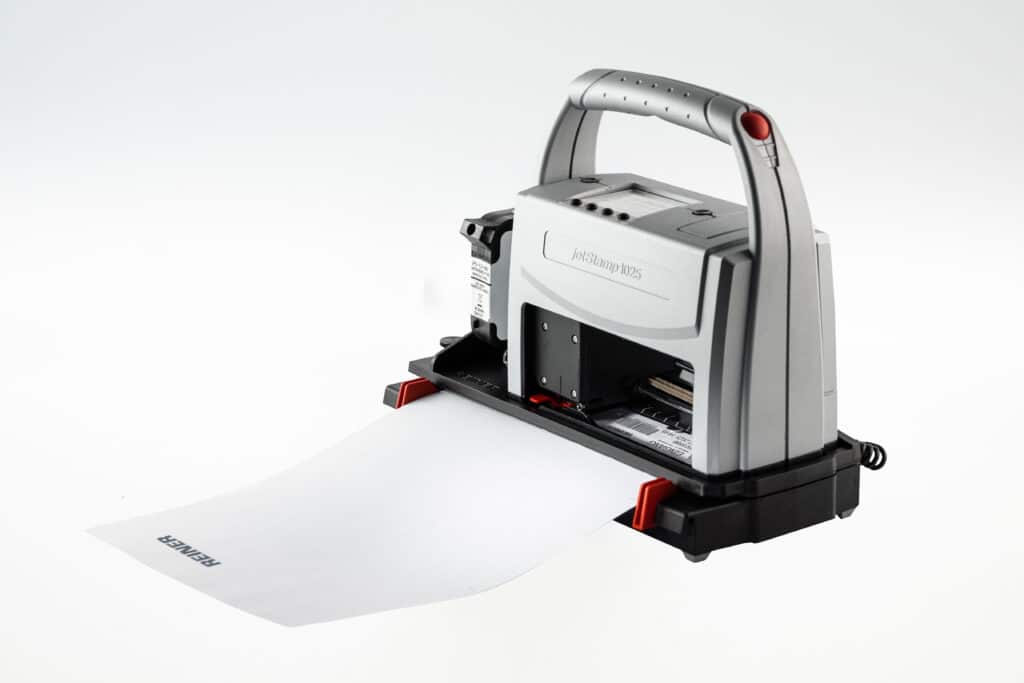
Paper Print Station PS12
Automatic printing station for paper, cardboard and cardboard up to A4 - uniform labeling directly at the workstation.
Precise positioning
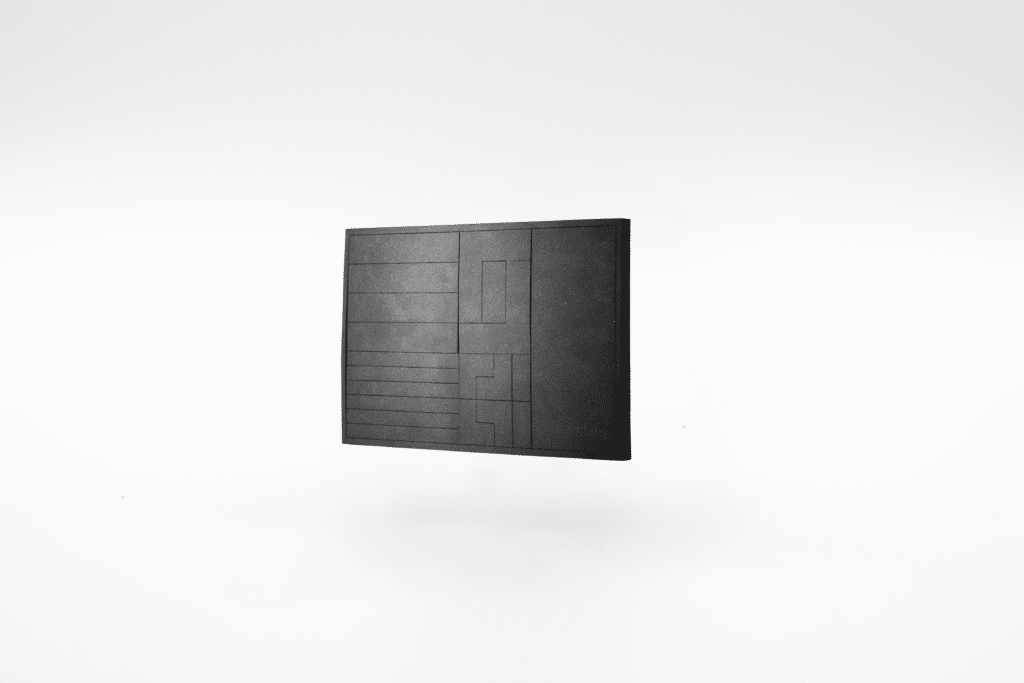
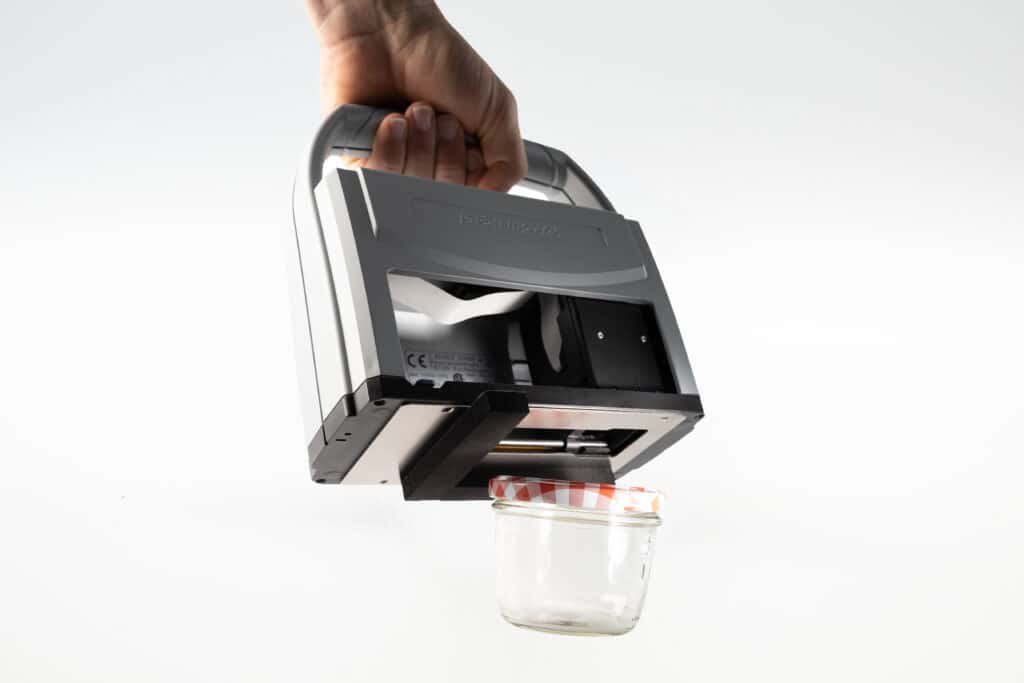
Positioning mat
For a consistent impression on small or curved objects
EPAL - Wood
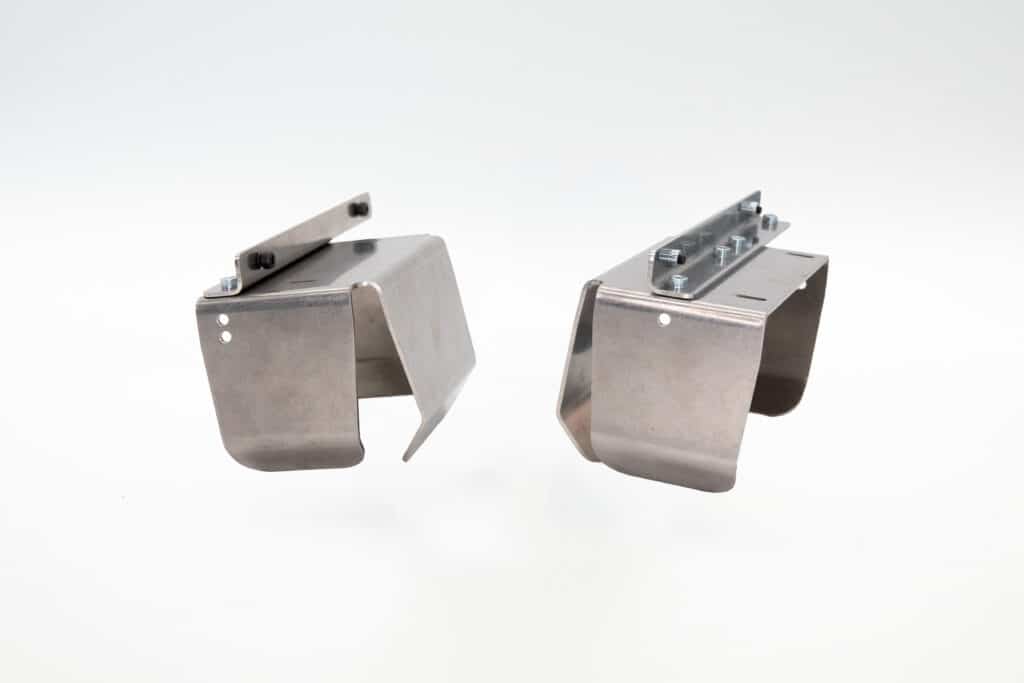
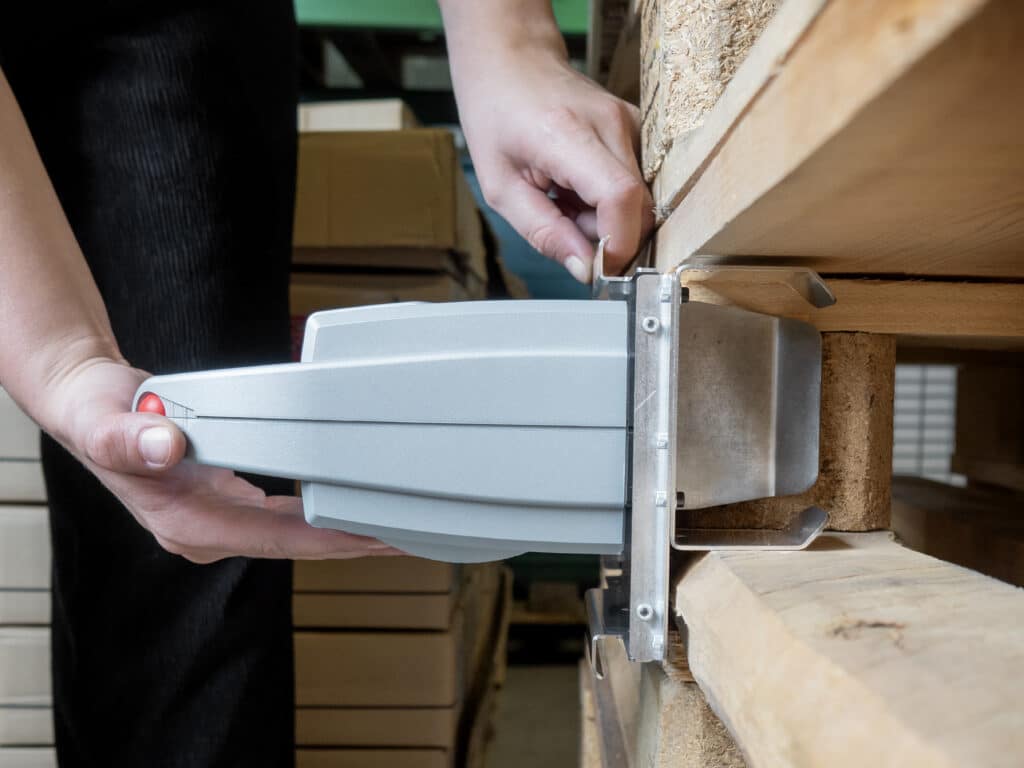
Centering Aid for EPAL Pallet Block
Enables precise, centered 2-inch impressions on standardized EPAL pallet blocks - securely guided, without slipping.
External pressure release
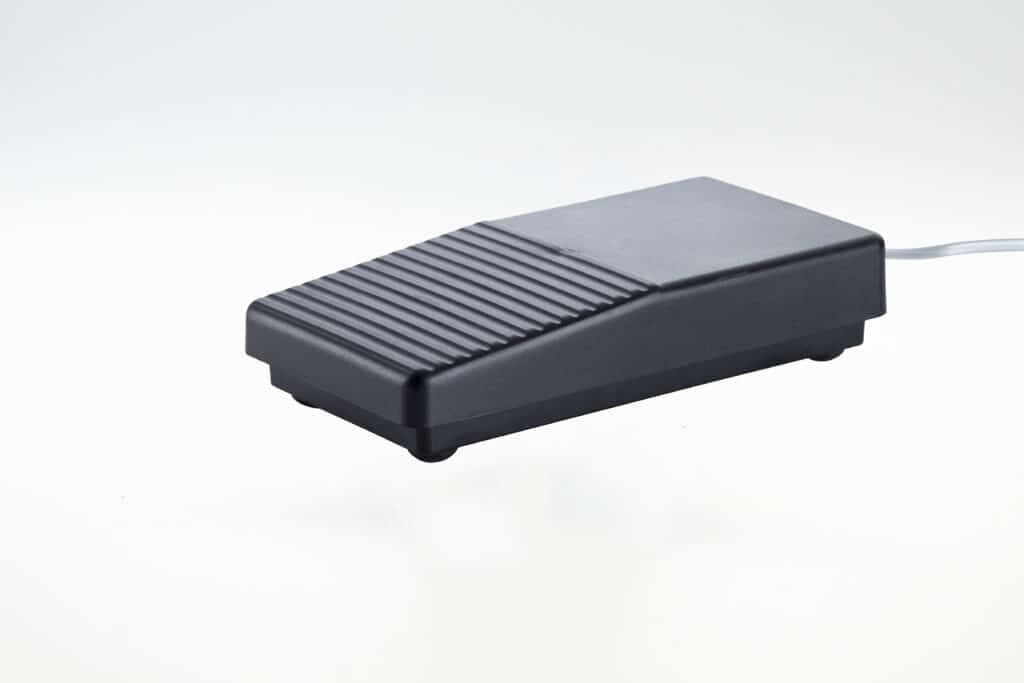
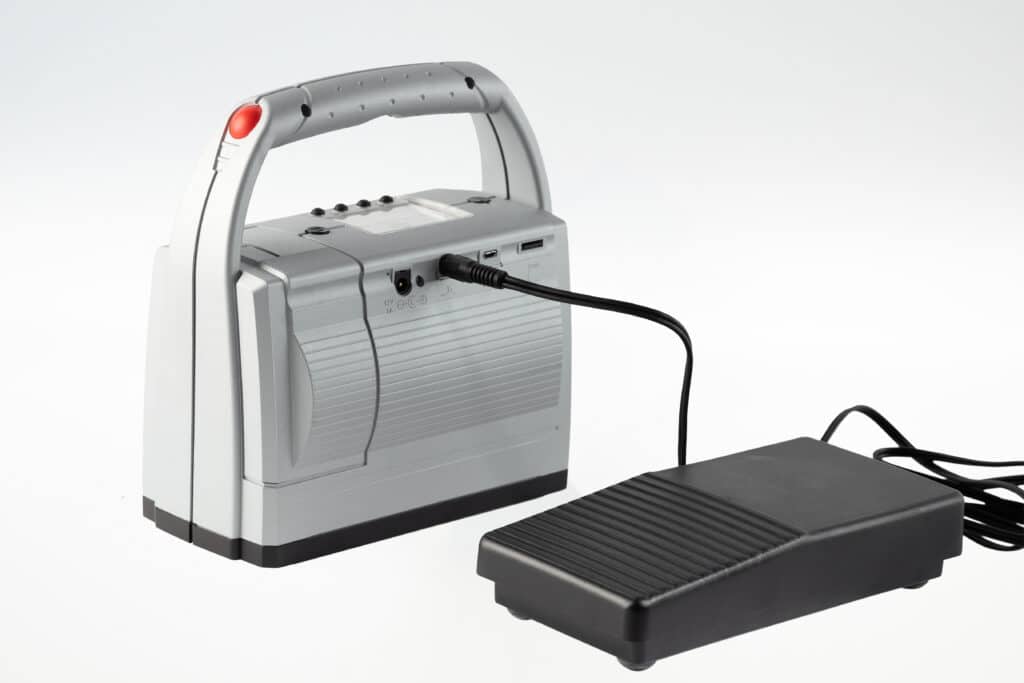
Foot switch
Enables external pressure release by foot or hand for ergonomic, hands-free working.
Safe transportation
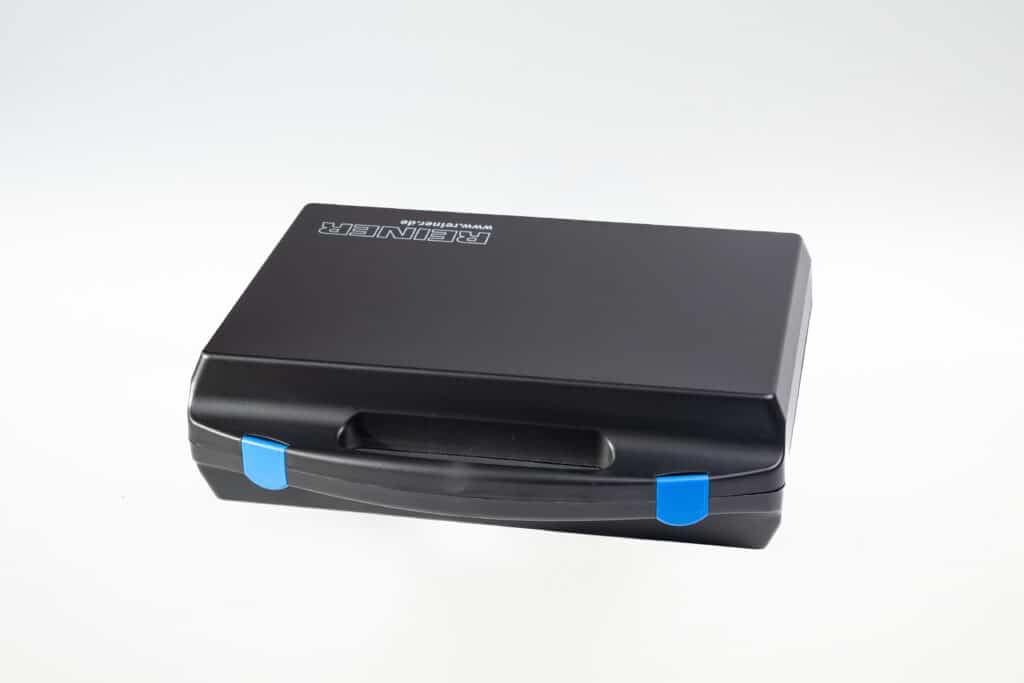
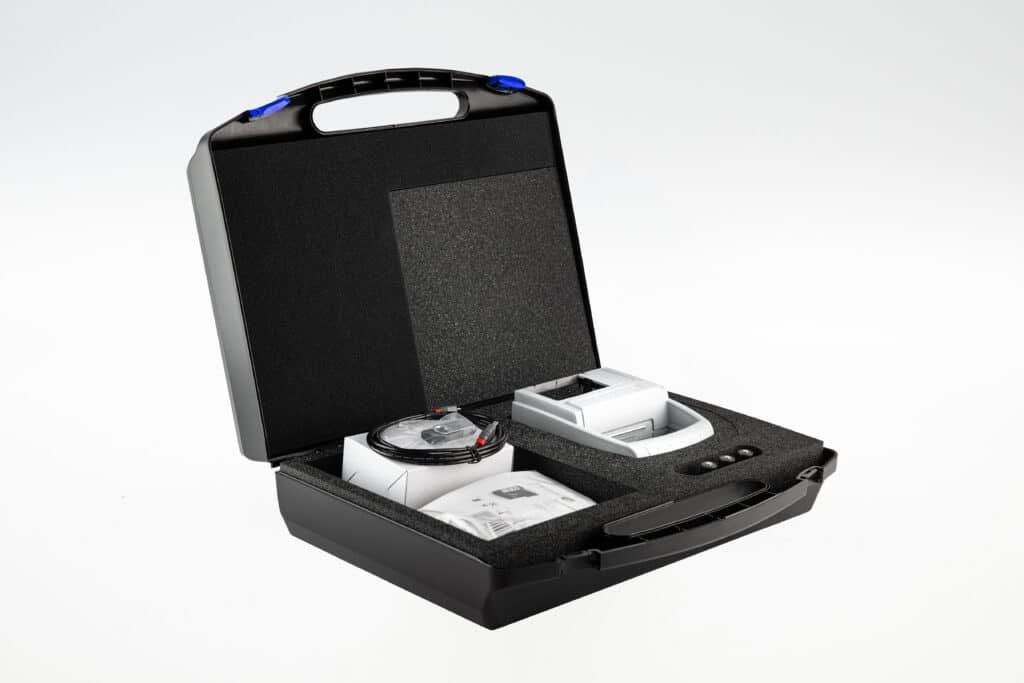
jetSafe BASIC Case
Safe transportation and orderly storage of your jetStamp® device.
Precisely positionable
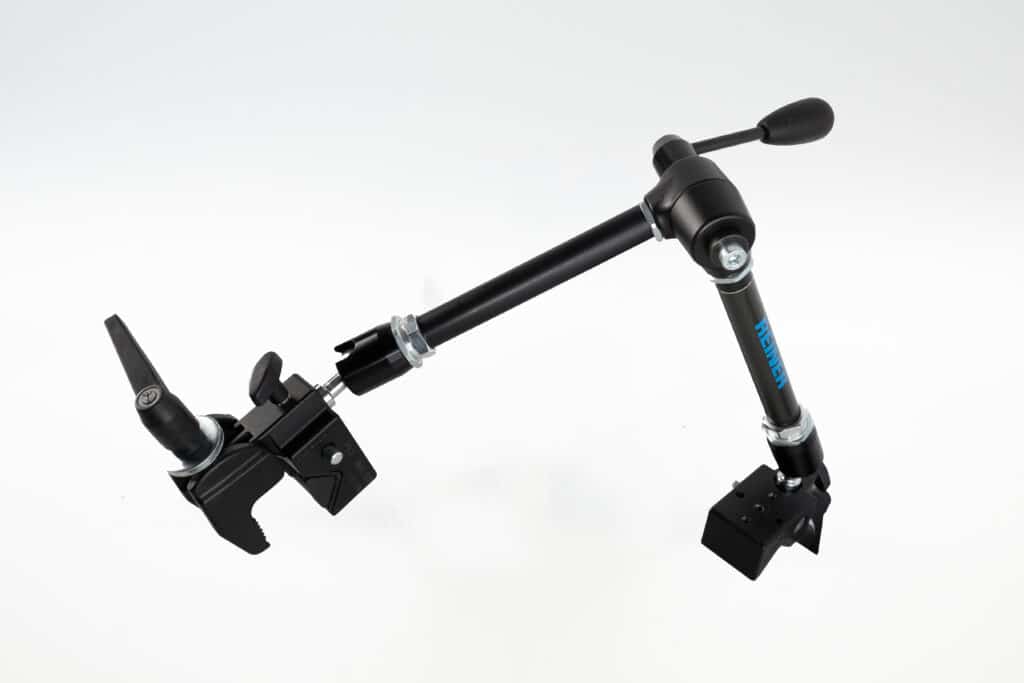
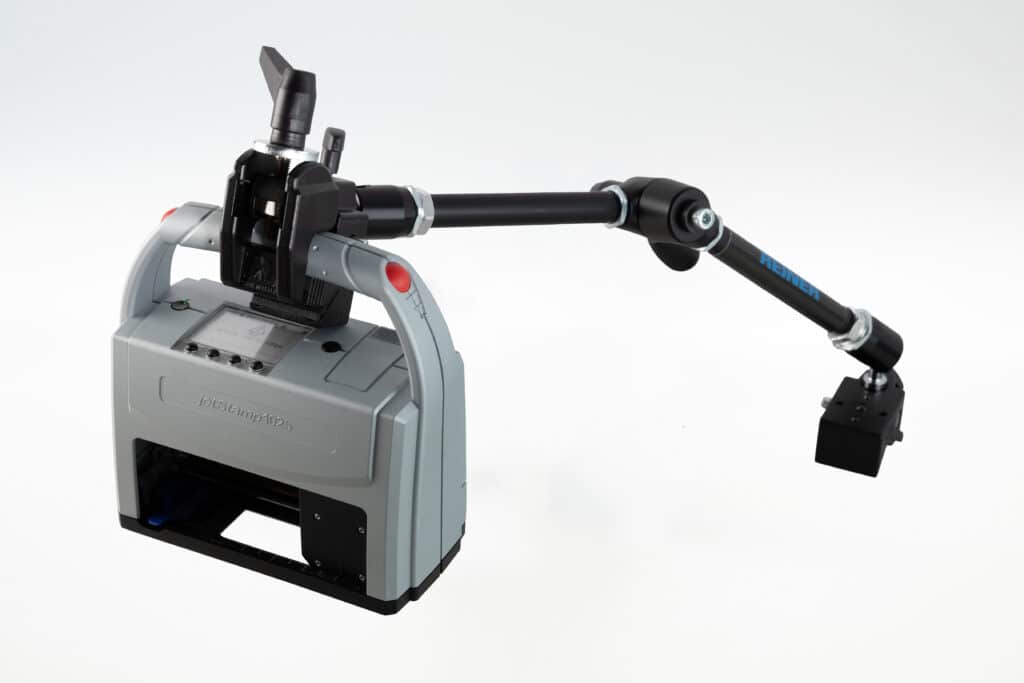
Holding arm
Adjustable holding arm for precise, reproducible printing positions.
Optimized print quality
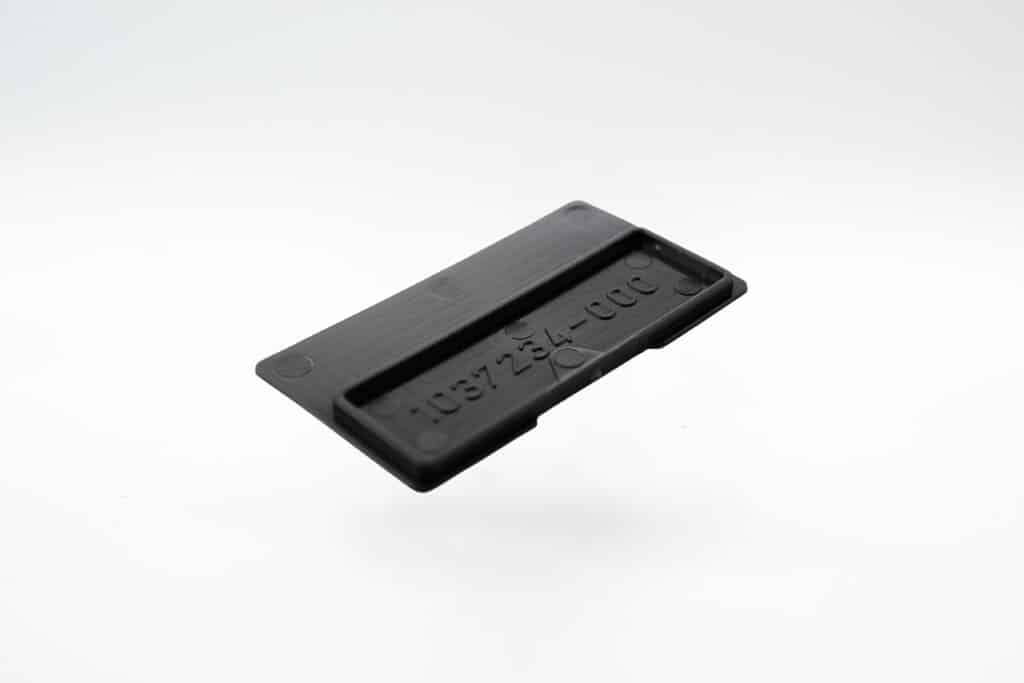
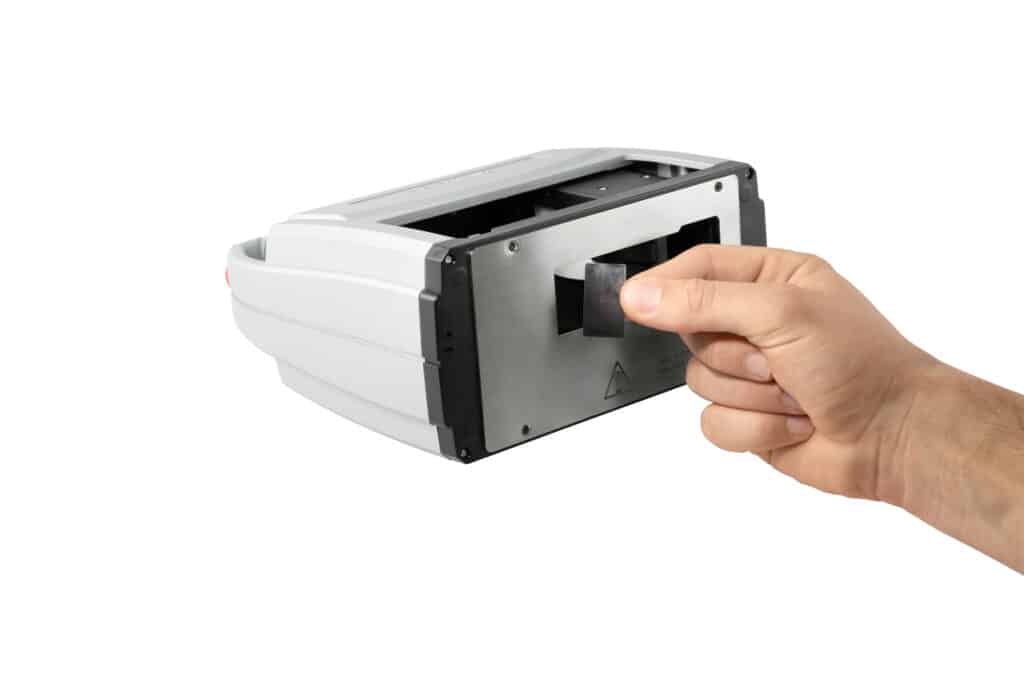
Ink collection tray set
The cleaning accessory collects the smallest amounts of excess ink so that the printed image always meets the highest requirements for sensitive markings.
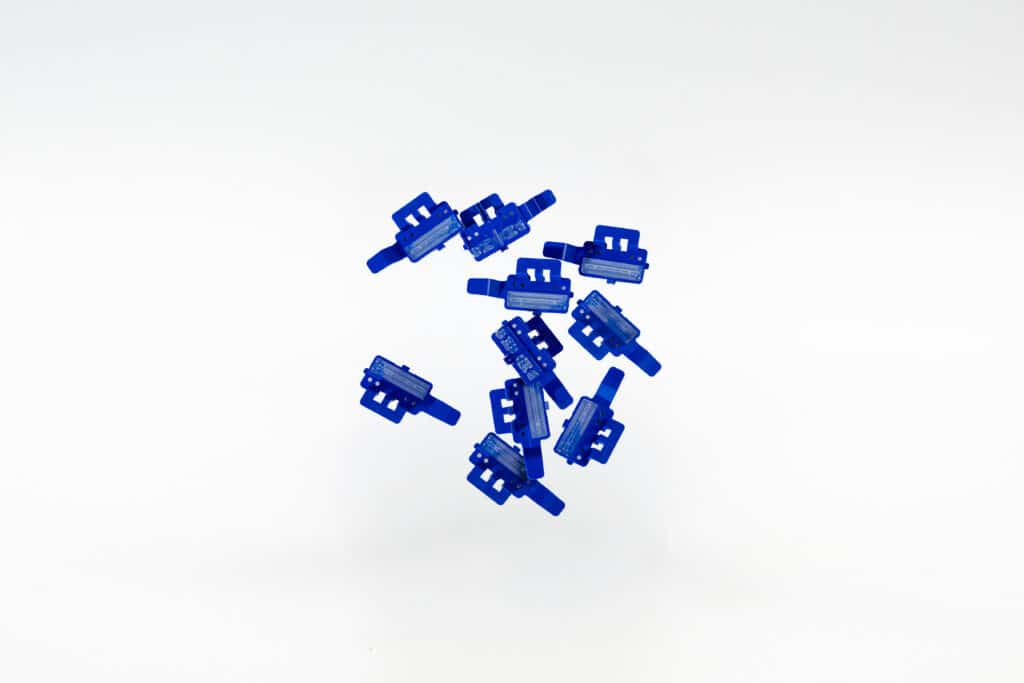
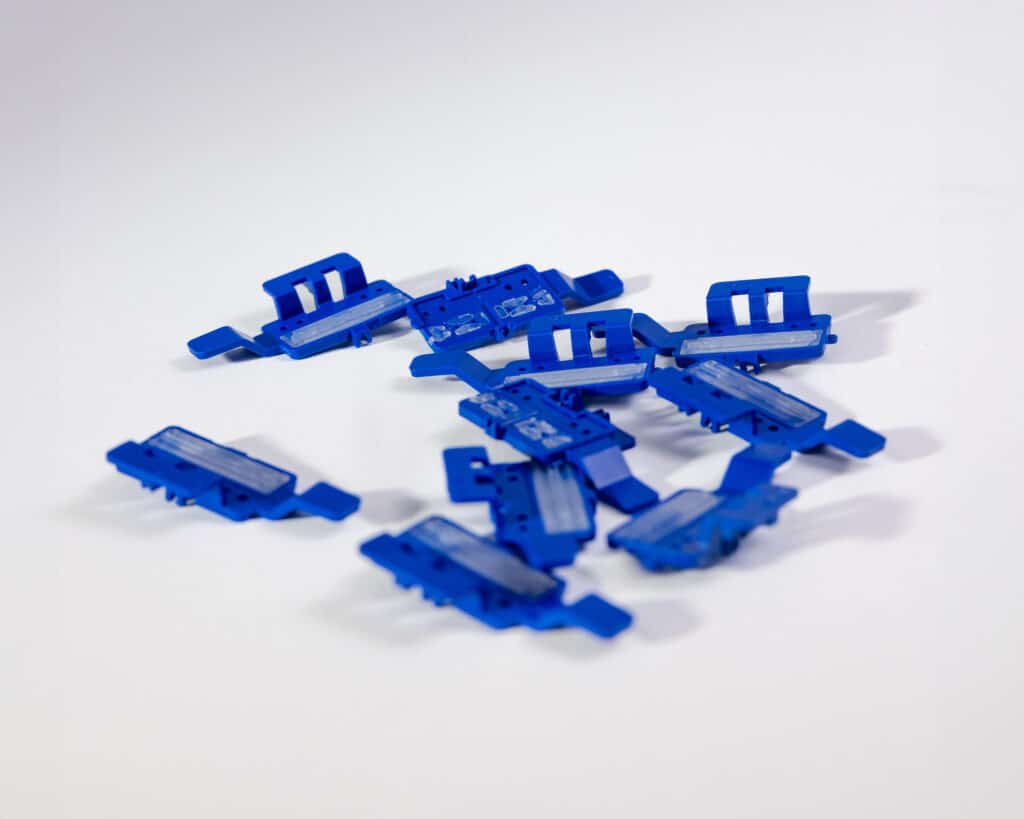
Replacement seals
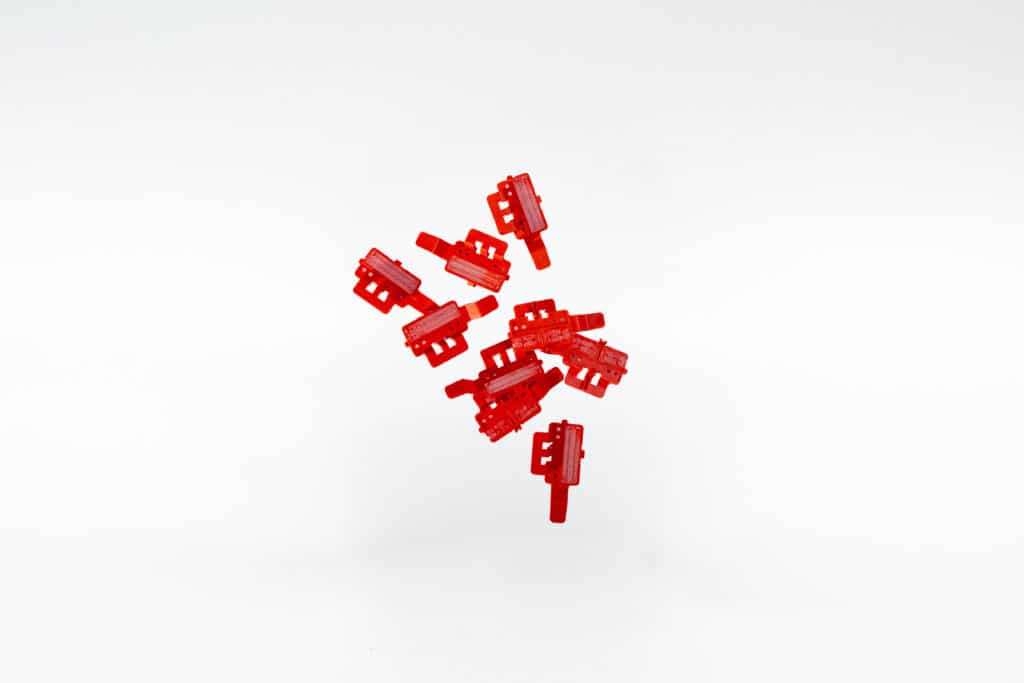
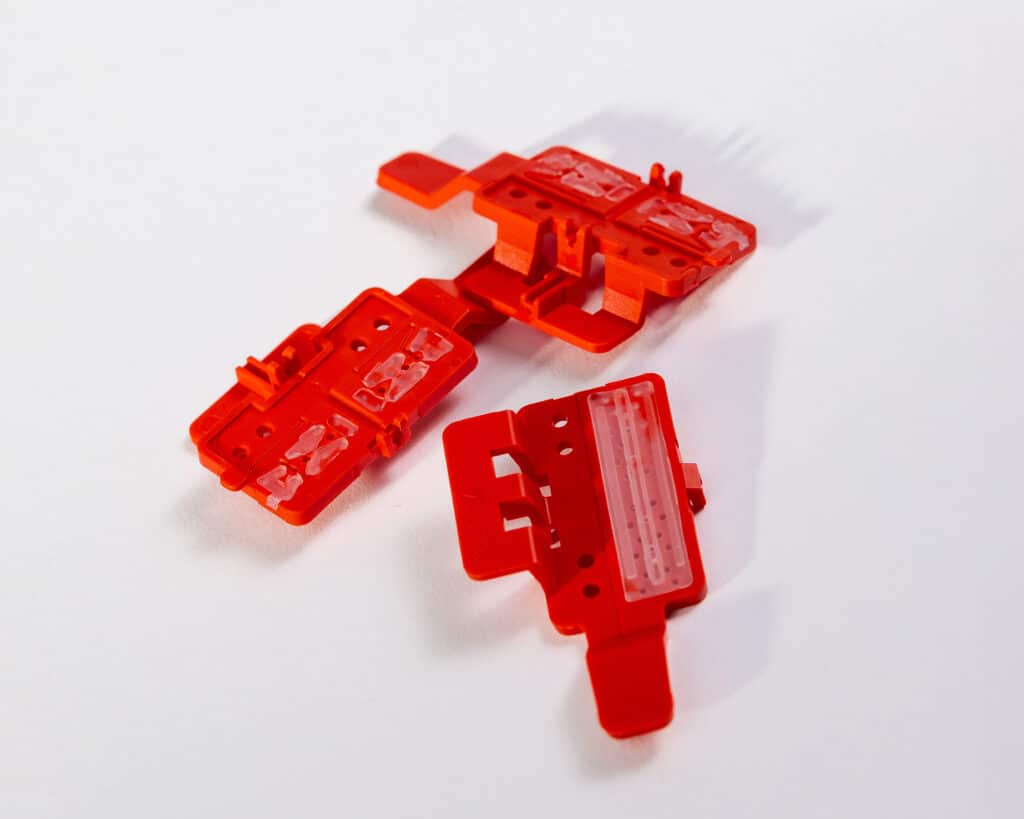
Replacement Seal Set P5-S3
Maximum print quality and protection for your P5-S3-BK print cartridge
Replacement seals
Replacement Seal Set P5-MP3/P5-MP4
Maximum print quality and protection for P5-MP3-BK & P5-MP4-BK print cartridges
Service and downloads
Everything you need
Frequently asked questions
FAQ
How can scanned barcode data be processed?
The REINER barcode scanner can be connected to the sensor interface of the jetStamp® 1025 sense. This allows you to Scan 1D and 2D codes and use their data for the labeling process.
Depending on the application, scanned information can, for example:
- taken over directly,
- converted into other content,
- merged with additional scan data,
- displayed as plain text, or
- can be used to select a suitable print image.
This allows you to link scanning and printing processes directly.
What types of barcodes can the jetStamp® 1025 sense scan?
With the connected REINER barcode scanner, you can 1D and 2D codes be captured. The information read can then be processed by the jetStamp® 1025 sense for the marking process.
Depending on the application, the data can, for example, be imported, converted, combined, or used to select a print image.
Can scanned barcode data be printed directly?
Yes. With a connected barcode scanner, scanned data can be used directly for subsequent printing.
For example, a scanned barcode can reproduced or converted into other content . This eliminates the need to re-enter the data manually and allows the labeling process to be streamlined.
Can the correct print image be selected automatically using a barcode?
Yes. A scanned barcode can be used with the jetStamp® 1025 sense to Selecting the Right Print Design be used.
This allows different labels to be processed within a single process without having to manually select the required print image each time. This is the case, for example, when changing products, variants, or orders helpful.
Can the jetStamp® 1025 sense also be connected to other devices or sensors?
Yes. The jetStamp® 1025 sense features an I²C/UART interface that is already used to connect the REINER barcode scanner and V24/RS232 devices. The interface also serves as the technical foundation for other compatible sensors and actuators. We would be happy to determine whether a specific connection is possible based on your application.
What can the jetStamp® 1025 sense do with a barcode scanner?
The jetStamp® 1025 sense with barcode scanner captures 1D and 2D codes and transfers the scanned data directly into the marking process. Depending on the application, the data can be imported, converted, combined, output as plain text, or used to select a stored print image. The desired marking is then printed directly onto the surface.
Can data from multiple barcodes be combined?
Yes. The jetStamp® 1025 sense can merge scanned information based on the configured printing process. This allows data from multiple scans to be combined into a single print image and then output together.
How can scanned barcode data be processed?
The REINER barcode scanner can be connected to the sensor interface of the jetStamp® 1025 sense. This allows you to Scan 1D and 2D codes and use their data for the labeling process.
Depending on the application, scanned information can, for example:
- taken over directly,
- converted into other content,
- merged with additional scan data,
- displayed as plain text, or
- can be used to select a suitable print image.
This allows you to link scanning and printing processes directly.
What types of barcodes can the jetStamp® 1025 sense scan?
With the connected REINER barcode scanner, you can 1D and 2D codes be captured. The information read can then be processed by the jetStamp® 1025 sense for the marking process.
Depending on the application, the data can, for example, be imported, converted, combined, or used to select a print image.
Can scanned barcode data be printed directly?
Yes. With a connected barcode scanner, scanned data can be used directly for subsequent printing.
For example, a scanned barcode can reproduced or converted into other content . This eliminates the need to re-enter the data manually and allows the labeling process to be streamlined.
Can the correct print image be selected automatically using a barcode?
Yes. A scanned barcode can be used with the jetStamp® 1025 sense to Selecting the Right Print Design be used.
This allows different labels to be processed within a single process without having to manually select the required print image each time. This is the case, for example, when changing products, variants, or orders helpful.
Can the jetStamp® 1025 sense also be connected to other devices or sensors?
Yes. The jetStamp® 1025 sense features an I²C/UART interface that is already used to connect the REINER barcode scanner and V24/RS232 devices. The interface also serves as the technical foundation for other compatible sensors and actuators. We would be happy to determine whether a specific connection is possible based on your application.
What can the jetStamp® 1025 sense do with a barcode scanner?
The jetStamp® 1025 sense with barcode scanner captures 1D and 2D codes and transfers the scanned data directly into the marking process. Depending on the application, the data can be imported, converted, combined, output as plain text, or used to select a stored print image. The desired marking is then printed directly onto the surface.
Can data from multiple barcodes be combined?
Yes. The jetStamp® 1025 sense can merge scanned information based on the configured printing process. This allows data from multiple scans to be combined into a single print image and then output together.
 German
  English
  French
  Spanish