
Software integration—simple, flexible, compatible
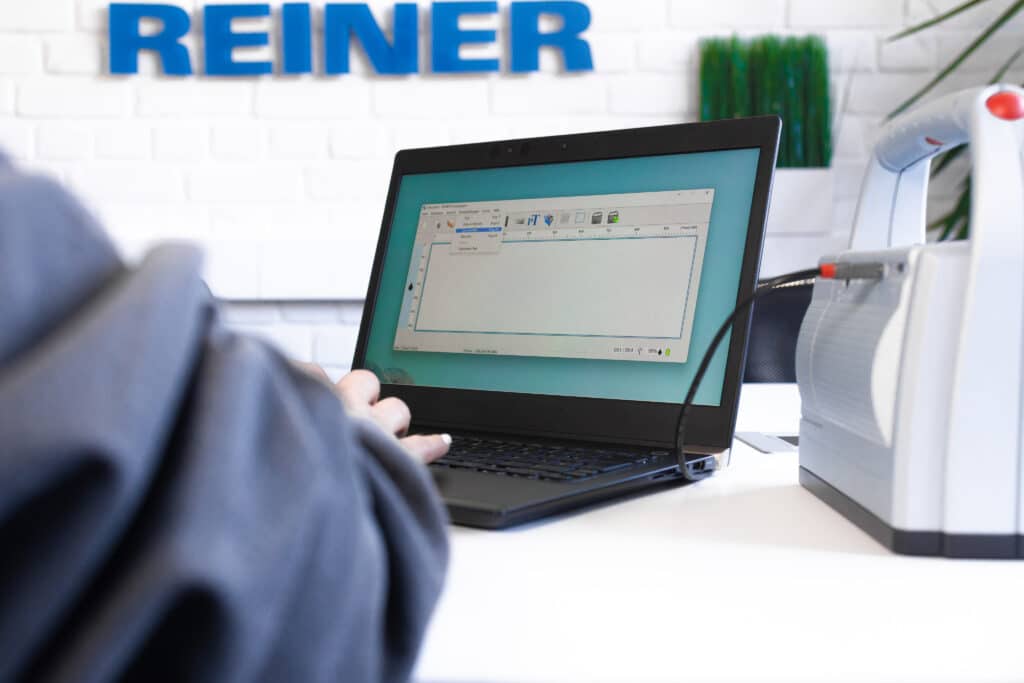
With our free software REINER PCset graphic and the mobile app MOBILEset graphic you can flexibly and easily create individual print images for your REINER marking devices.
In addition, our devices can be seamlessly integrated into existing systems via corresponding drivers - from Office applications to ERP systems. This allows you to efficiently integrate your labeling into your existing processes.
Create print layout
- on the PC (Windows) or mobile via app
Design texts, barcodes, graphics and variable data flexibly - free of charge and without additional licenses.
Two free solutions are available for creating your print images:
PC software for structured layouts and a mobile Android app for flexible on-site use.
Working on the PC - for structured layouts
Use the PC software to create professional print images and manage them centrally.
Functions:
-
Freely position texts, logos and graphics
-
Generate 1D and 2D barcodes
-
Integrate serial numbers, date, time and counter
-
Save and reuse layouts
-
Wireless or wired transmission to the device
Ideal for:
-
Office workstations
-
complex layouts
-
Recurring production processes
(Product name: REINER PCset graphic)
Mobile working - directly on site (Android)
With the mobile app, you can create or change print images directly on your Android smartphone or tablet - without a PC.
Advantages:
-
Fast layout customization on site
-
Mobile barcode and QR code creation
-
Wireless transmission to the device
-
Ideal for warehouse, incoming goods and production
Availability:
The MOBILEset graphic app is currently available for Android devices.
(Product name: MOBILEset graphic App)
How it works
-
Create layout on the PC or in the Android app
-
Arrange elements freely
-
Transfer layout to the device
-
Print directly
No license costs.
No additional infrastructure required.
Integration with Word & Excel
Print directly from Office - without an additional program
With the REINER printer driver, you can print content directly from Microsoft Word or Excel onto your products. The jetStamp device is integrated into the PC like a printer via the Windows printer driver. Only the page size is adjusted to the respective maximum print size of the jetStamp.
You remain completely in your familiar Office environment.
When is this solution ideal?
-
If serial numbers are to be printed from Excel
-
When simple texts or tables are used directly
-
If no separate layout program is to be used
-
When variable data comes from existing Office documents
How it works
-
Installing the REINER printer driver
-
Device is integrated into Windows like a normal printer
-
Print directly from Word or Excel
No file exports, no media discontinuity.
Typical applications
- Serial numbers from Excel spreadsheets
- QR codes from Word
- Product information or mandatory labeling
Integration into ERP systems
Labeling directly from your company systems
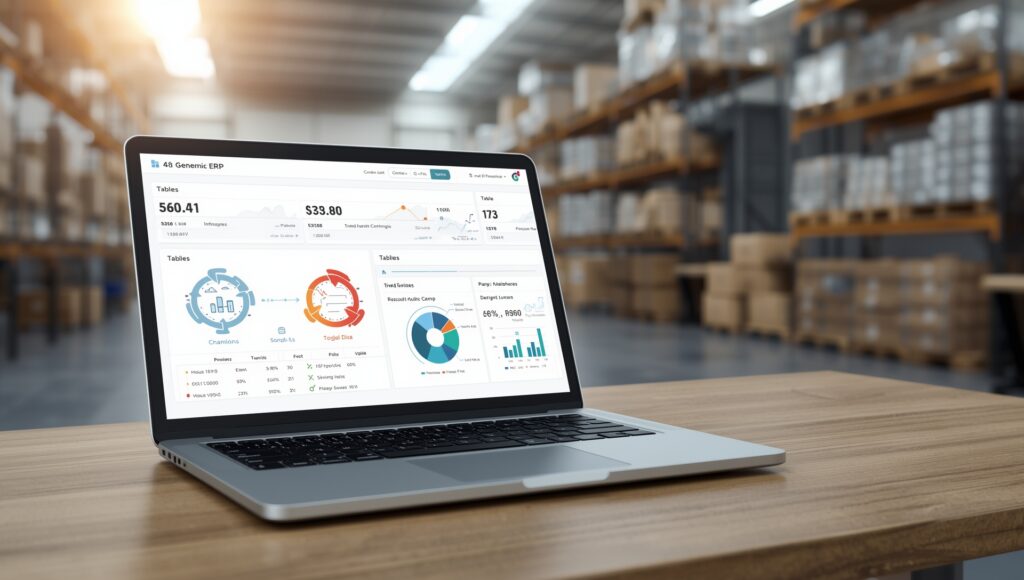
REINER marking devices can be integrated into existing ERP or merchandise management systems - e.g. SAP or comparable software solutions.
Print data is transferred automatically and processed without manual intervention. The jetStamp device is integrated into the PC like a printer via the Windows printer driver. Only the page size is adjusted to the respective maximum print size of the jetStamp.
When does ERP integration make sense?
-
If labeling is to be system-controlled
-
When production or shipping processes are automated
-
When serial numbers come directly from databases
-
If media discontinuities are to be avoided
How it works
-
Integration via drivers and interfaces
-
Transfer of print data directly from the ERP system
-
Process-controlled pressure release
Integration via USB, Bluetooth or WLAN - depending on your IT environment.
Typical applications
-
Article numbers from SAP on metal parts
-
BBD data from ERP on packaging
-
Print production orders directly
Compatible with label software
Use existing layouts - print directly onto the product
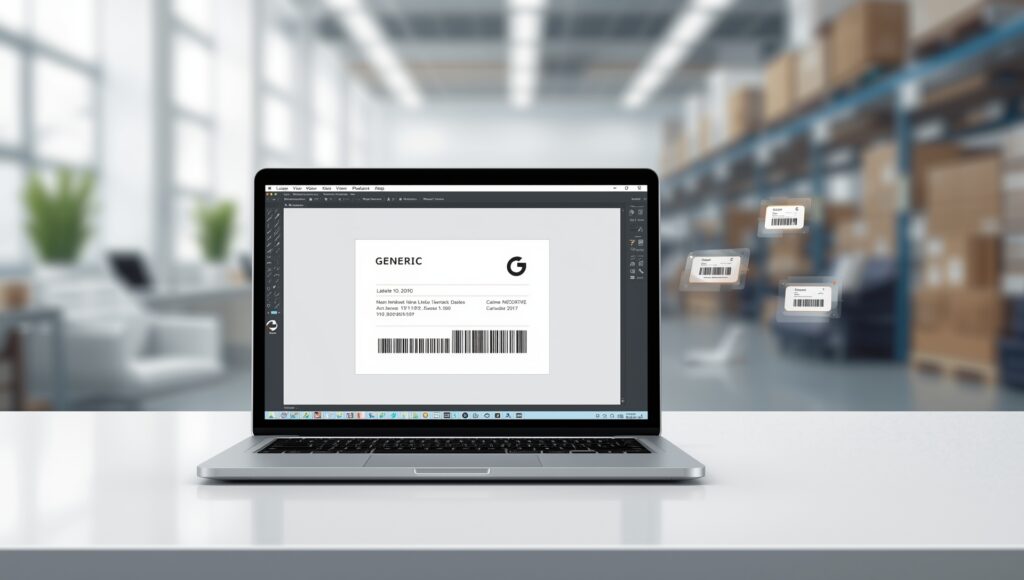
REINER devices can be integrated like a label printer via the printer driver. The jetStamp device is integrated like a printer via the Windows printer driver on the PC. Only the page size is adjusted to the respective maximum print size of the jetStamp.
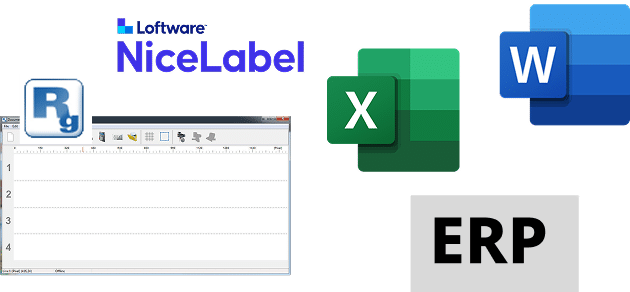
Layouts from software such as NiceLabel or BarTender are transferred directly - but printing takes place as direct printing on the product.
When is this solution ideal?
-
If labeling software is already in use
-
If existing layouts are to continue to be used
-
If label material is to be reduced or replaced
-
When sustainability and cost reduction play a role
How the connection works
-
Integration via REINER printer driver
-
Layout remains in the existing label software
-
Print job is sent directly to the device
-
Imprint without carrier material
Typical applications
- Replacement of classic label printers
- Barcodes directly on cartons
- Logos and product information on wood, metal or foil
 German
  English
  French
  Spanish