
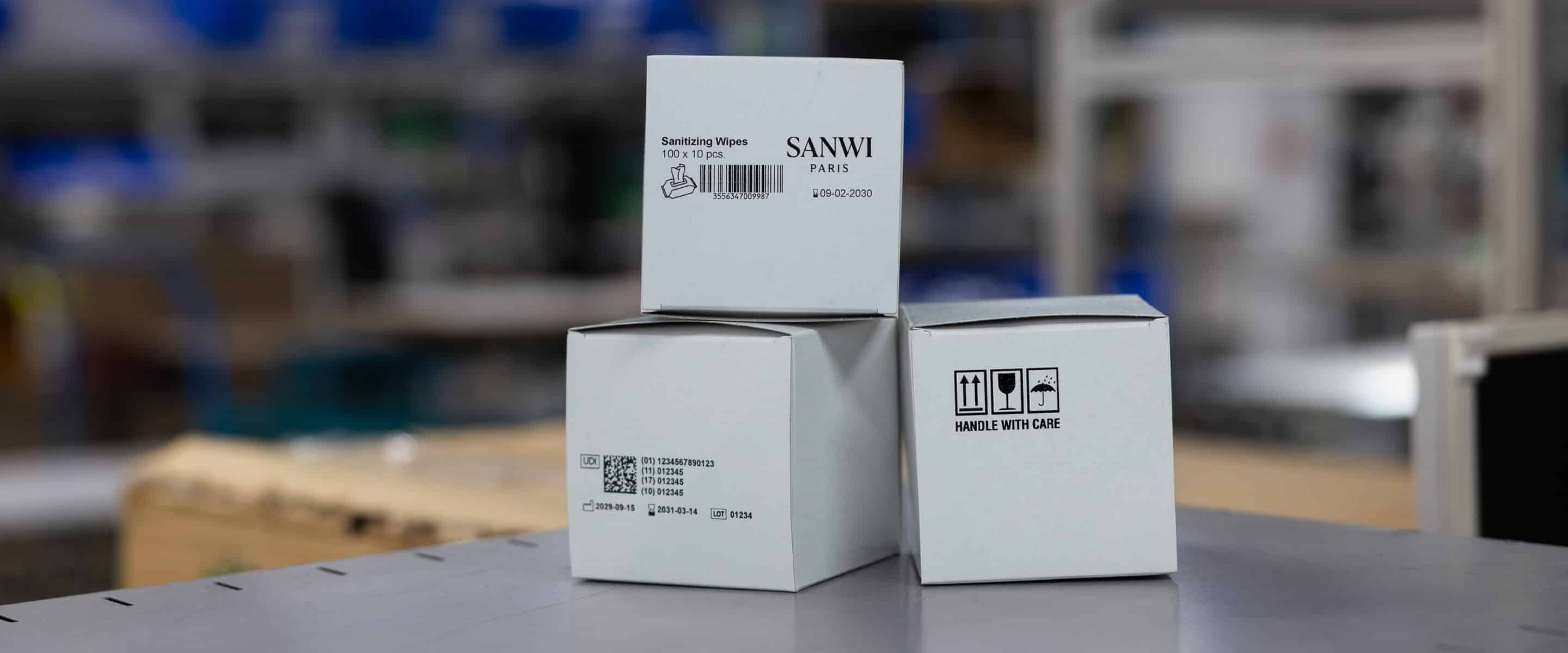
A print layout doesn't have to consist solely of a date or a single barcode. With our REINER marking devices, you can combine different types of information in a custom layout—from fixed text and automatic numbering to logos, QR codes, or variable data. This turns a simple print into a marking that’s perfectly tailored to the specific application.
Combining Fixed and Variable Content
A print layout can consist of elements that always remain the same and others that change with each job or even with each individual print. For example:
Item 4711
Lot: B2654
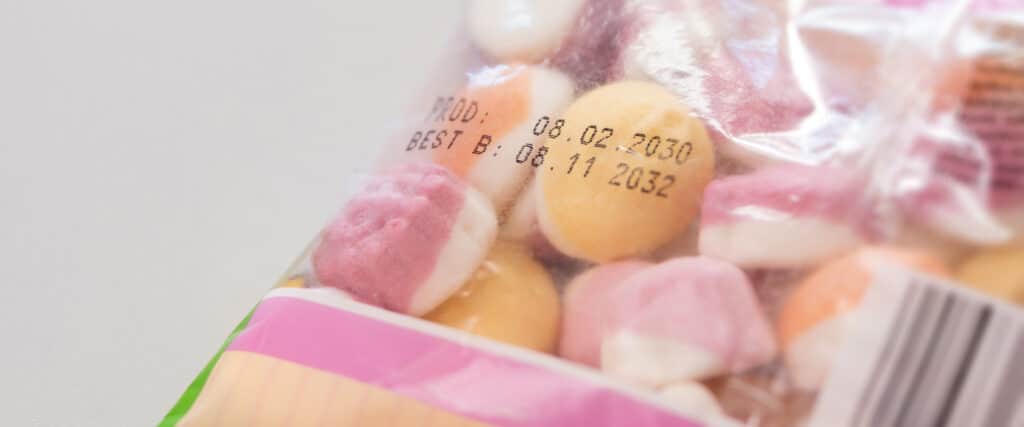
Produced: October 9, 2026
Serial Number: 005821
Data Matrix code
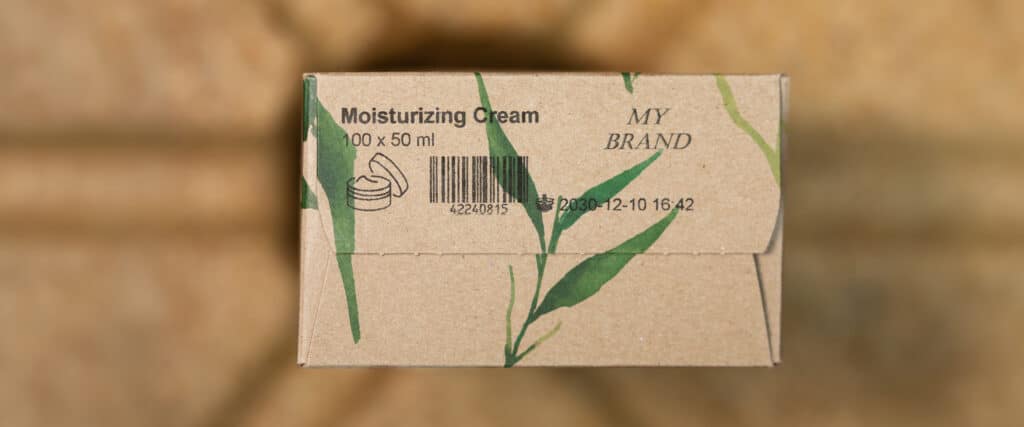
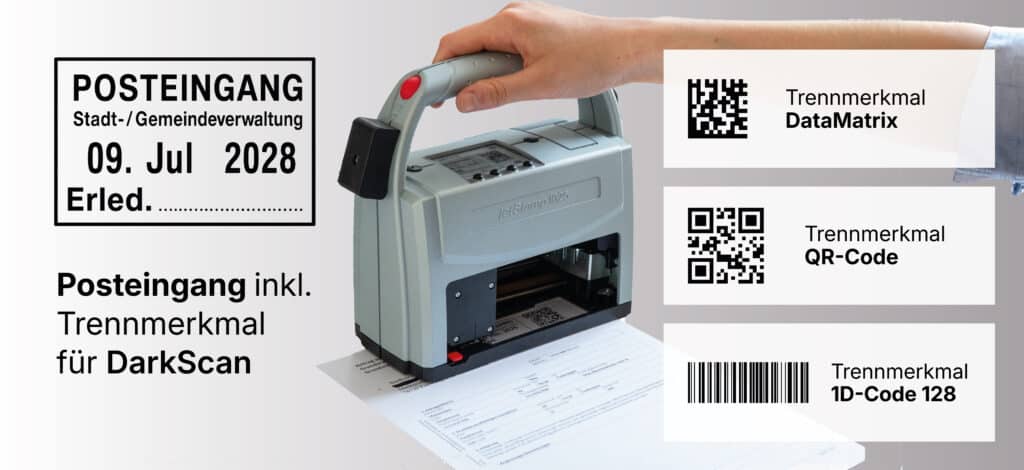
While the product name or logo are fixed, the date, batch number, or serial number can vary. With the jetStamp® 1025, you can combine text, numbers, dates, times, graphics, and 1D and 2D codes, among other elements.
Print Text and Instructions Directly
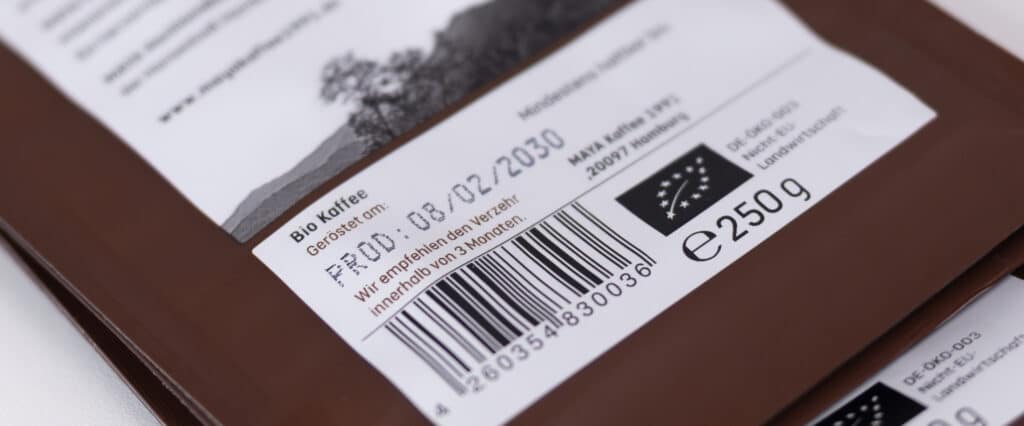
In addition to standard product data, custom text can also be included in the layout. This includes, for example, product names, production notes, internal markings, quality information, and storage or shipping instructions. This allows multiple pieces of information to be printed in a single printing operation.
Automatically Increment Serial Numbers
Sequential numbering can also be integrated directly into a layout. For example, SN 001254 automatically increments to SN 001255 with the next print. These sequential numbers can also be incorporated into barcodes or 2D codes. This is particularly useful for serial production, traceability, or unique product IDs.
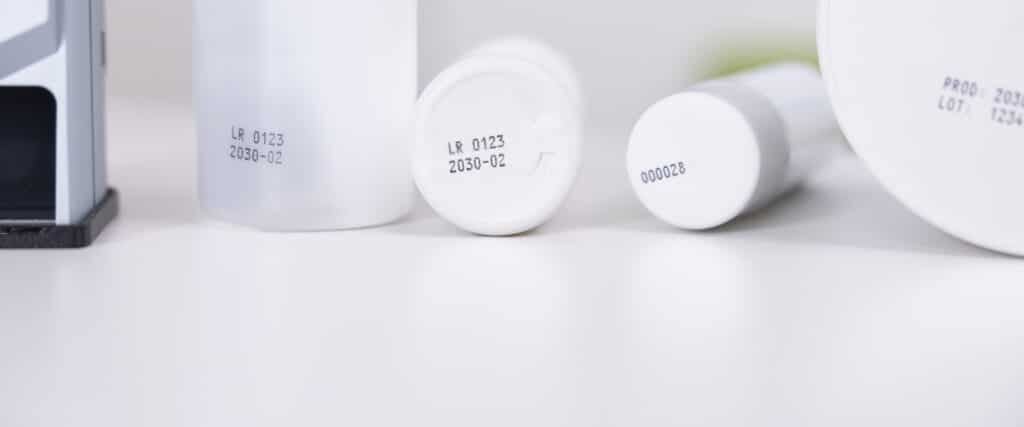
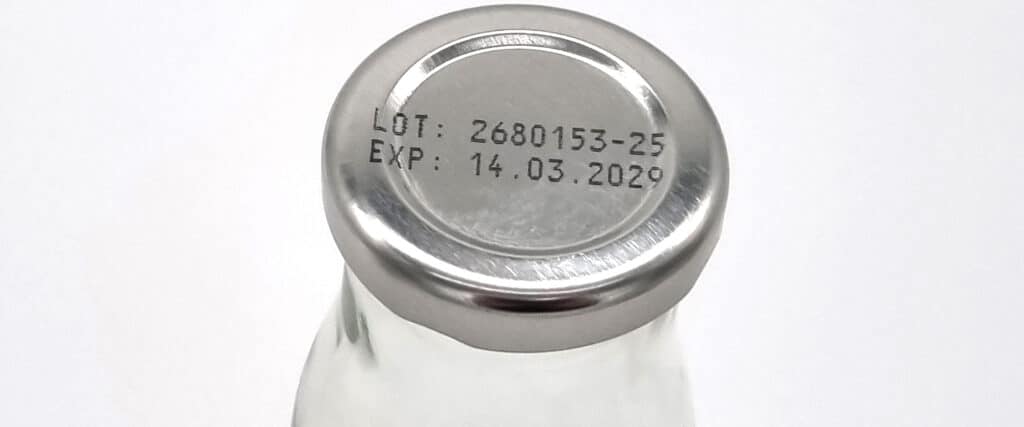
Automatically update the date and time
The production date, inspection date, or time do not need to be re-entered each time either. The date and time can be automatically updated in the print layout. This makes a layout prepared once suitable for recurring processes in which only the current time information changes.
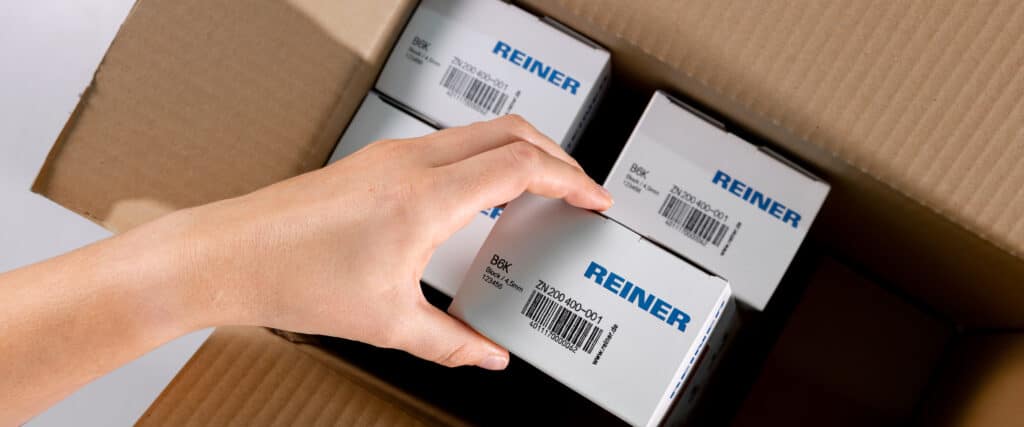
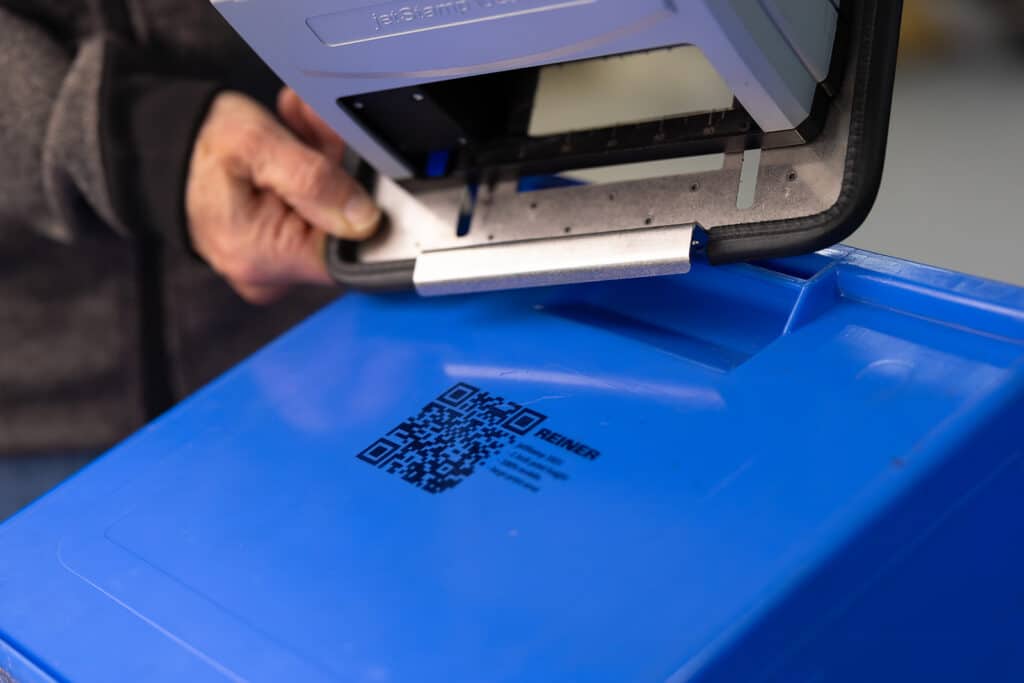
Integrate Barcodes and 2D Codes
Machine-readable information can also be an integral part of the layout. The jetStamp® 1025 supports, among other things:
- Code 39
- Code 128
- QR Code
- DataMatrix
- PDF417
- Aztec
Codes can be combined with text, serial numbers, dates, or other information. For example, a print image can contain both a human-readable serial number and the same value as a DataMatrix code.
Add logos, symbols, and graphics
Visual elements can also be integrated directly into the print layout. These might include, for example:
- Company Logos
- Test Symbols
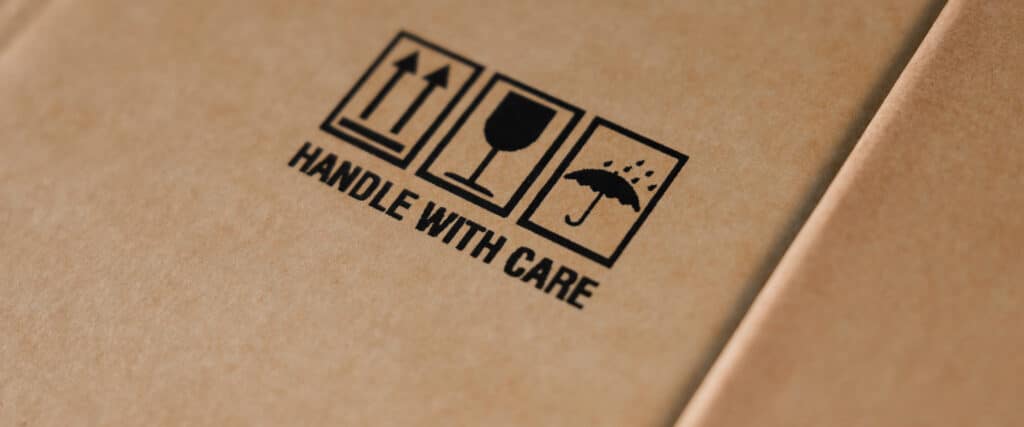
- Warnings
- simple graphics
- internal markings
New print layouts and logos can be created using our free PCset graphic software and then transferred to the device.
Import External Data Directly into the Print Layout
With the jetStamp® 1025 sense, information from external sources can even be incorporated into a print layout. For example, existing codes can be scanned using a barcode scanner. Measurement or test data can be imported from compatible devices via V24/RS232. The captured data can then be combined with other elements, for example:
Measured value + Date + Serial number + Logo
or
Scanned barcode + human-readable text + timestamp.
This results in a print image generated directly from the data of the respective process.
Up to 255 print layouts stored directly in the device
Not every product requires the same print image. That’s why the jetStamp® 1025 and jetStamp® 1025 sense allow you to save up to 255 different print layouts and select them directly on the device.
For example, a separate layout can be created for different products, customers, orders, production steps, or marking tasks.
What might a custom print layout look like?
For example, a print layout could be structured as follows:
REINER Sample Product
LOT: 20261009-05
SN: 004587
October 9, 2026 | 2:32 p.m.
[DataMatrix Code]
Or, to put it much more simply:
VERIFIED
09.10.2026
Inspector 03
The information that should be included depends entirely on the specific application.
Conclusion
A modern print layout can do much more than just display the date and a barcode. With PCset graphic, you can prepare layouts and then save them to the device. Variable content can be automatically updated or customized later. With the jetStamp® 1025 sense, external scan, measurement, or inspection data can also be incorporated directly into the print image.


 German
 English
 French
 Spanish