

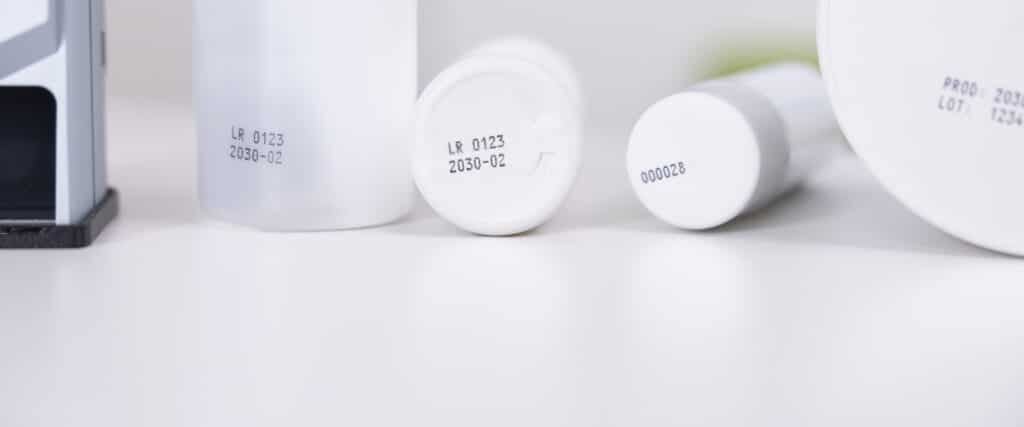
Not every label remains the same. While a logo or product name often stays the same, other information changes with every order, every product, or even with every single print.
Typical examples include:
- Serial numbers
- incrementing counters
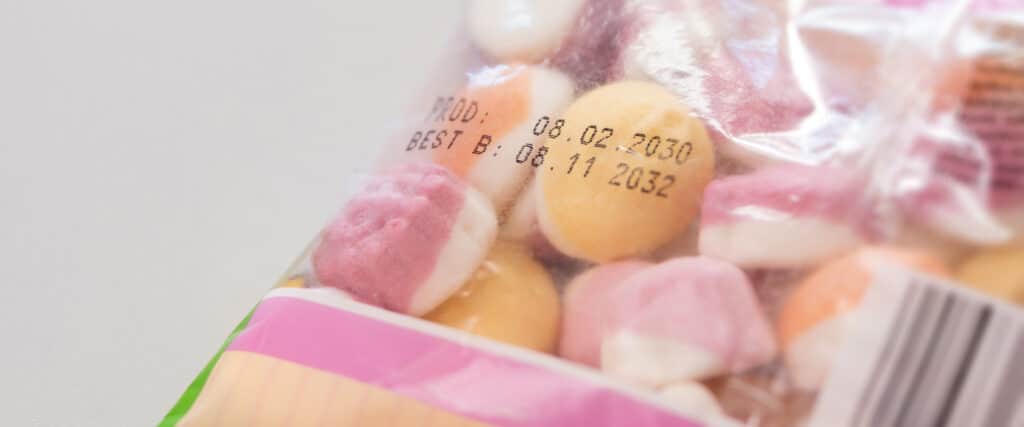
- Date and time
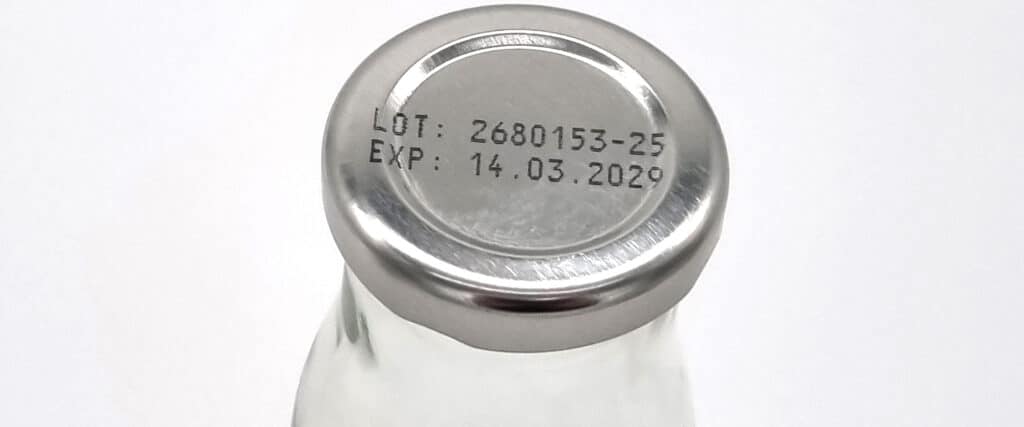
- Batch numbers
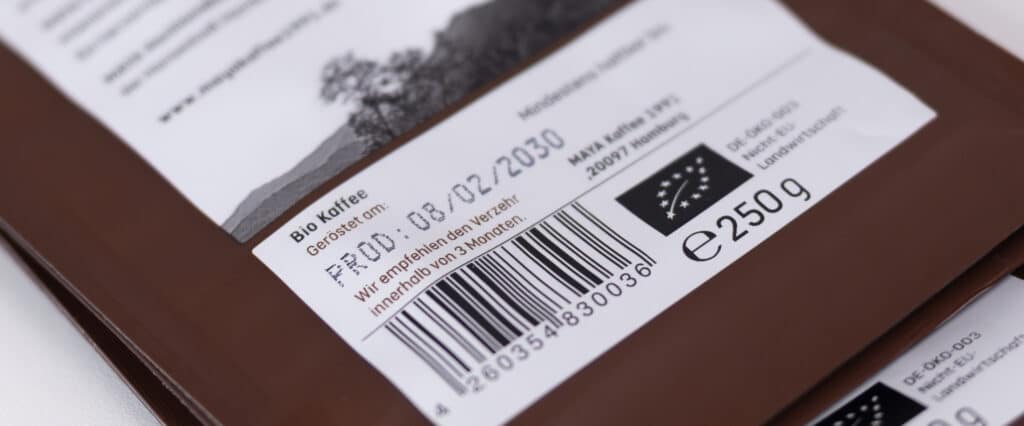
- Barcodes and 2D codes
- Custom text or order data
With REINER marking devices, such variable data can be integrated directly into the print image.
What is variable print data?
Variable print data refers to content that can change while the basic structure of the print layout remains the same. Here's a simple example:
SN 10001
SN 10002
SN 10003
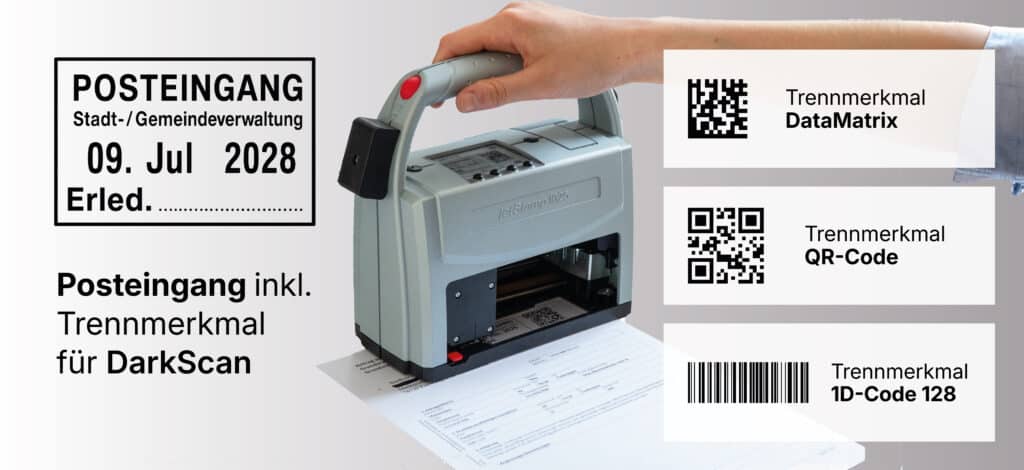
The layout does not change—only the serial number is automatically incremented. With the jetStamp® 1025 and jetStamp® 1025 sense, text, numbers, dates, times, and 1D and 2D codes, among other elements, can be integrated into the print images.
Automatically Increment Serial Numbers and Counters
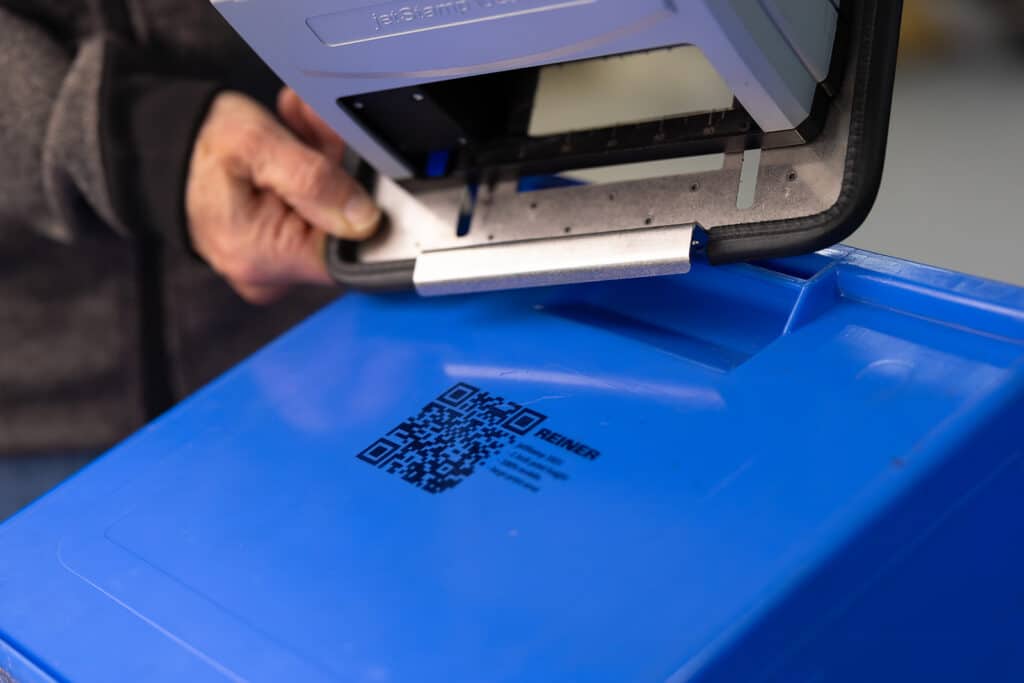
Sequential numbering is particularly useful when each product needs to be uniquely identified. In the free PCset graphic software, a numbering field can be created within the print layout for this purpose. The value is automatically incremented after each print job. Barcodes and 2D codes can also contain such sequential numbers. The jetStamp® 1025 supports, among others, Code 39, Code 128, QR Code, DataMatrix, PDF417, and Aztec. This allows, for example, the serial number to be converted into a machine-readable code at the same time.
Insert Date and Time Automatically
You also don't have to manually change the date and time for every job. They can be included in the print layout as variable fields and automatically generated from the time information stored in the device. Typical applications include production dates, goods receipt dates, inspection dates, batch identification, or time-related documentation. This way, the print layout remains the same while the current information is automatically updated.
Custom Information About Placeholders
In addition to automatically generated data, information that varies depending on the order or product can also be used. To do this, placeholders can be defined within a prepared print layout. The basic layout can consist, for example, of a logo, fixed text, and a barcode, while only a batch number or order number is changed. On the jetStamp® 1025, designated variable fields—such as numbering fields or placeholder text—can be adjusted directly on the device. New layouts or logos, on the other hand, are created in PCset graphic. This ensures that the structure of the print image remains intact and only the data that is actually needed is modified.
Variable data can also come from other systems
Print data does not necessarily have to be entered manually. The jetStamp® 1025 can import print data, for example, via PCset graphic, MOBILEset graphic, and from applications such as Word, Excel, label software, or ERP systems. Depending on the application, data can be transferred via USB, Bluetooth, or Wi-Fi. With the jetStamp® 1025 sense, data import goes one step further. Via the sensor interface, for example, barcodes can be scanned, measured values imported, and external data read in via V24/RS232—all of which can then be immediately integrated into a prepared print layout. A read-in value can, for example, be combined with the date, time, a sequential number, or additional text information.
Why is variable data so interesting?
The main advantage is that it is not necessary to create a completely new print layout for every change. Once a layout has been prepared, it can be used for many products or processes.
This is especially useful for:
- Mass Production
- Traceability
- changing batches
- Incoming Goods and Logistics
- Quality Control
- customer-specific orders
The employee selects the appropriate print layout—the variable information is generated automatically or entered manually.
Fixed layout, variable content
The principle can be summarized very simply:
Stay strong: Logo, text, layout, and overall structure.
Become flexible: Serial number, counter, date, time, batch, barcode, or custom data.
With the jetStamp® 1025 and jetStamp® 1025 sense, up to 255 pre-configured print images can be stored in the device and selected directly.
Conclusion
Variable data makes direct printing particularly flexible. Instead of having to create a new print image for every serial number, batch, or date, variable information is integrated directly into an existing layout. Depending on the application, this data can be generated automatically, adjusted manually, or imported from external systems or sensors. This allows a simple print template to be transformed into a dynamic labeling process—from sequential counters to individual product information.




 German
 English
 French
 Spanish